50+ Types of Popups: The Guide and Templates

Summarize
Website pop-ups are one of the most important aspects of today’s web design and marketing strategy. Popups help to capture users' attention and lower bounce rates. The trick is in selecting the best popup according to your specific marketing objective.
This guide covers 50+ types of popups, which we categorized by view, goal, and trigger.
What are popups?
Popups are website messages or forms that appear when you want visitors to take a special action , such as subscribing to a newsletter, claiming a discount , or downloading a resource. With no-code popup builders, marketers can build these campaigns themselves, change the design and copy, set display rules, and monitor results.
From a marketing perspective, popups support:
Lead generation and email and SMS list building,
Conversion rate optimization (CRO),
Targeted promotions and audience segmentation,
Campaign performance tracking.
A/B testing, personalization, and retargeting help marketers refine messaging to raise click-through rates (CTR) and reduce cost per acquisition.
Why does your website need a popup?
Popups consistently outperform static CTAs because the former demand attention. Claspo analyzed 779+ million popup impressions collected over three years to compare different types of popups: from standard windows to optimized gamified campaigns.
Industry baseline: Traditional email capture popups average a 3.67% CR.
Gamification: Interactive mechanics increase the average by 8.08% CR ( 2.2× higher than the baseline).
Top performing campaigns: The best 25% of widgets reach an average 26 .41% CR.
Top 1%: The best campaigns convert at 27–50%+ by combining the right offer, timing, and audience targeting.
The formula of a successful popup
Every high-performing popup type combines four essential elements:
Offer: Discounts are not the only reason people subscribe or click a popup overlay. A useful guide, a free sample, early access, a giveaway entry, or a well-matched product recommendation can be a better fit, depending on the campaign.
Copy: People shouldn’t have to read twice to understand the popup. Say what the offer is, what happens next, and why it is worth their attention.
Visuals: Good design makes the offer easier to notice and easier to understand . Keep the layout clean, use visuals that support the message, and add animation or other mechanics only when they make the experience better .
Display rules: Even a powerful popup can fail if it appears too early, too often, or to the wrong audience. Set rules based on timing, page context, behavior, traffic source, device, location, customer status, or cart data.
Quick navigation
We’ve organized 50+ different types of popups into three categories. Click-jump to the section that matches what you’re looking for:
By view | By goal | By trigger/targeting |
How the popup looks and where it appears on the screen. | What the popup achieves, such as collecting leads, distributing coupons, etc. | When and who sees it based on visitor behavior, timing, or other conditions. |
➔ Explore popup types by view | ➔ Explore popup types by goal | ➔ Explore popup types by trigger |
Popup types by view
How a popup appears on the screen affects how much attention it gets and how it feels. With the right format, you can balance visibility with UX and match the popup to the visitor’s browsing context.
1. Lightbox
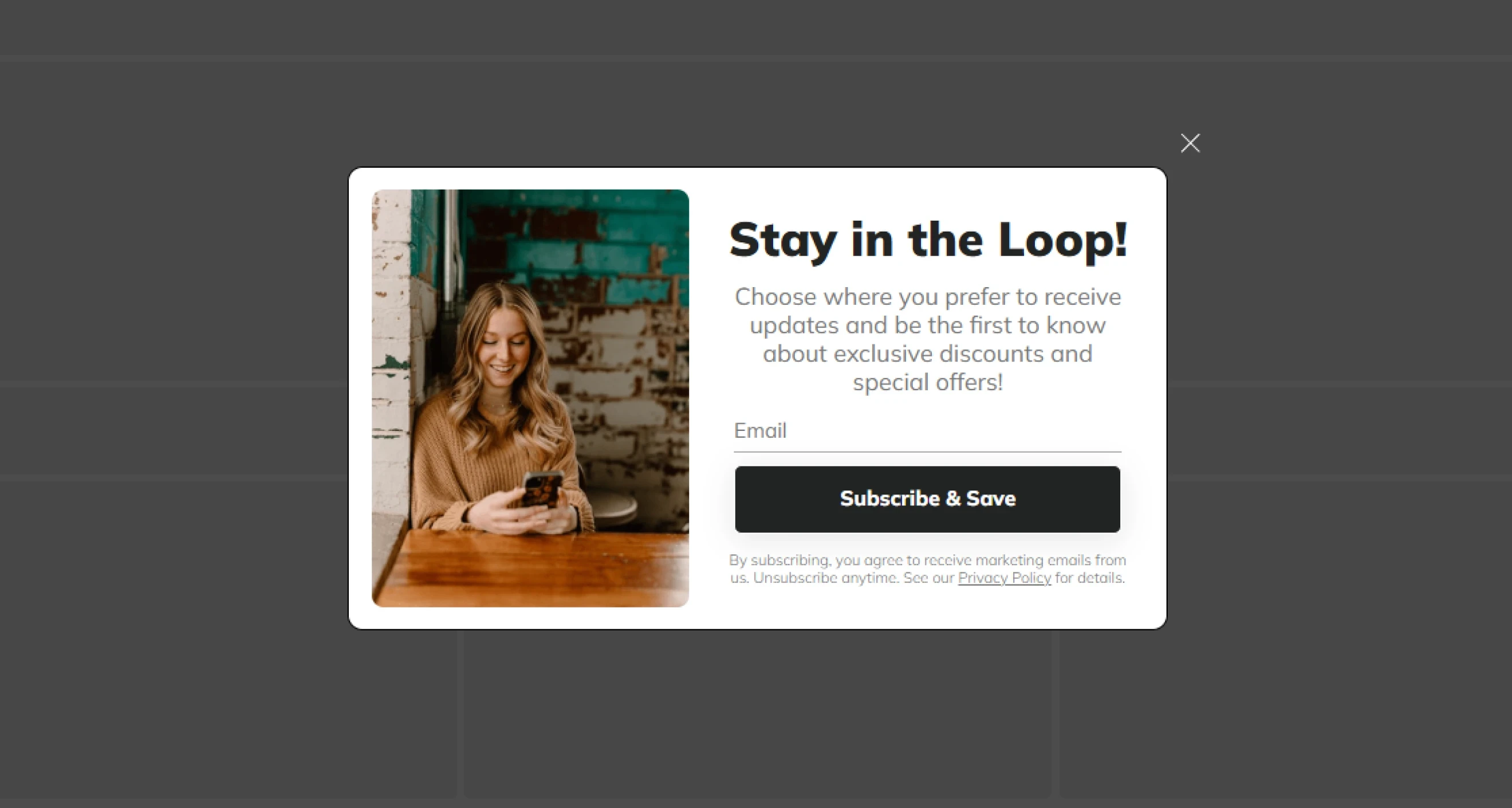
When you visit a webpage, a lightbox might pop up on the screen. This popup type covers the background and prevents you from clicking on anything else. These boxes typically include a message and buttons that prompt you to take an action, such as subscribing to the newsletter.
Benchmark insights: Adding a visible X button can increase your click-through rate by 14.34%.
Best for: Signing up for newsletters, lead generation templates, and critical, site-wide dynamic announcements.
2. Floating bar
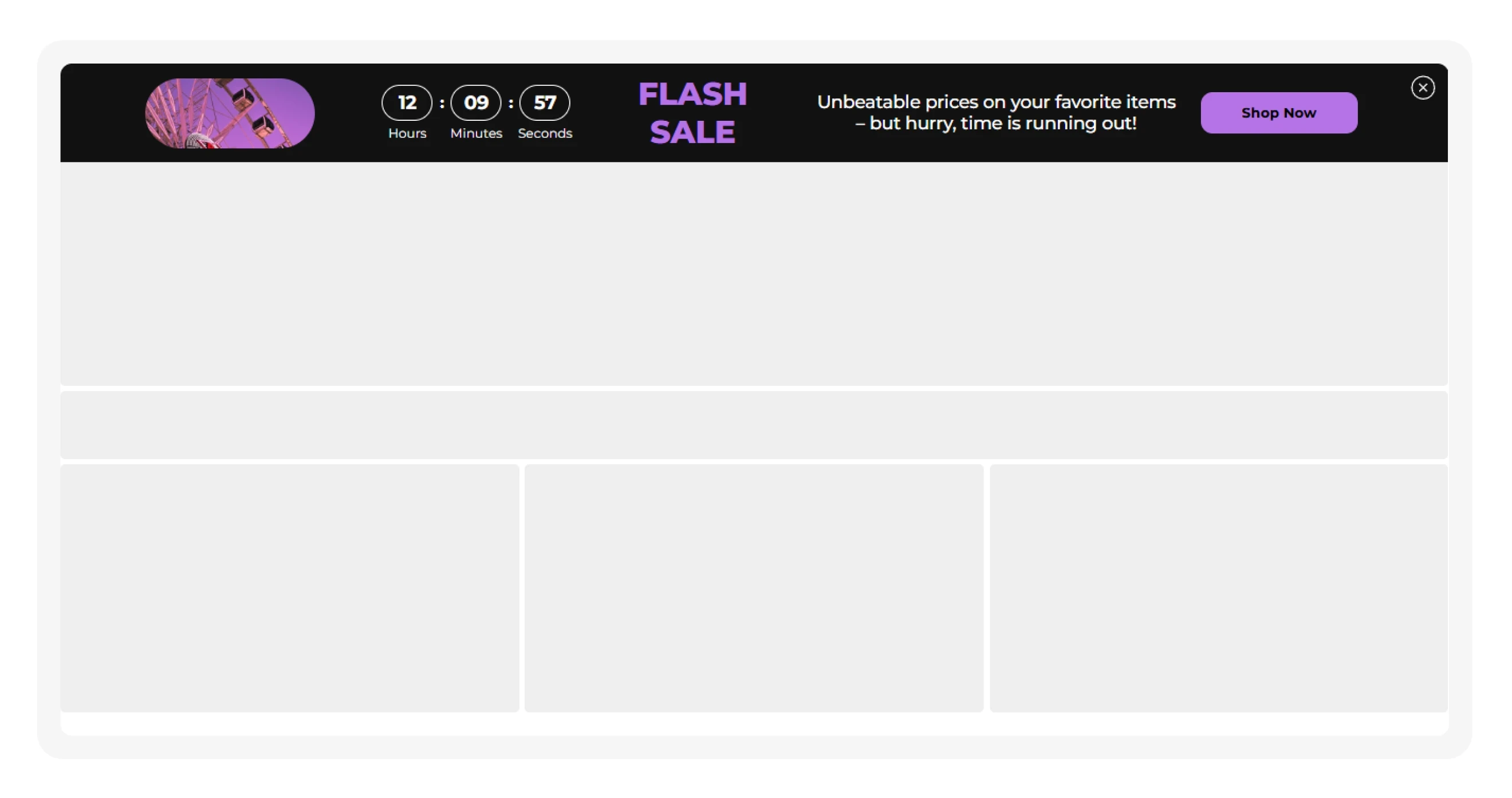
Floating bars (sticky bars or announcement bars) are horizontal banners placed at the top or bottom of a website. It can follow the scroll or hide, depending on your goals. To launch one faster, start with a ready-made announcement bar.
Benchmark insights: In e-commerce, floating bars achieve a 7.49% CTR but a lower 2.12% CR. This popup type is good for attracting attention and clicks. For collecting leads, check out the following types of popups.
Best for: Free shipping offers, limited-time promotions, countdown timers, announcements, email signup prompts, and cookie consent notices.
3. Fullscreen
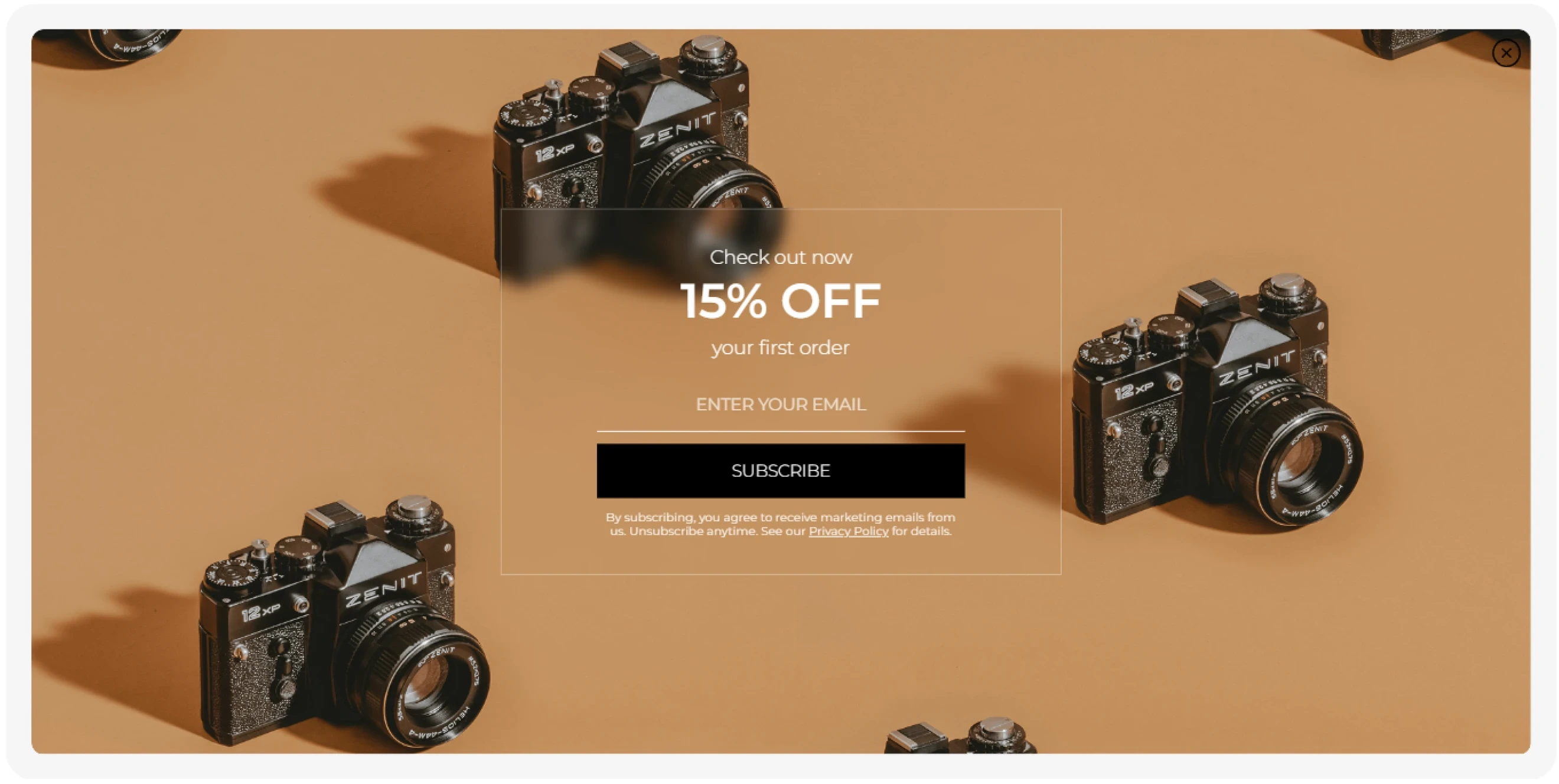
Fullscreen website popups (or welcome mats) cover the entire viewport and temporarily replace the page content with a focused message. They get maximum attention but also create friction, so you need an invaluable offer and ideal timing.
Pro tip: Don’t rush to show the fullscreen popup type to visitors who land from organic search. Google may treat intrusive interstitials that block access to the main content as a negative page experience signal.
Benchmark insight: Our data shows that fullscreen popups reach 7.17% avg CR.
Best for: Major sales and product drops, high-value lead magnets, gamified campaigns, guided product selection, and age or location verification.
4. Slide-in
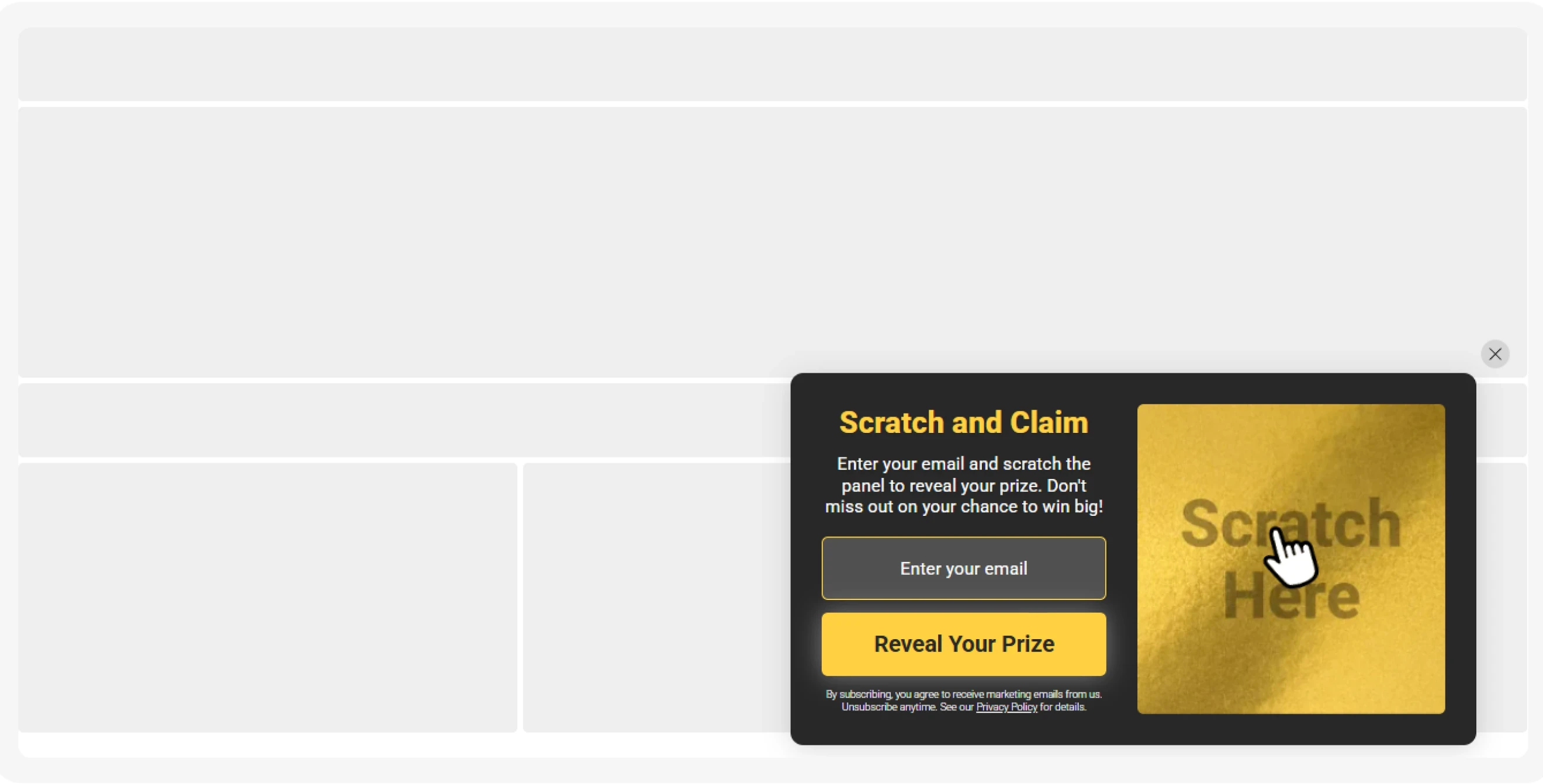
The slide-in popup (or floating box) is a type of popup that appears as a compact box from the side or bottom corner of the screen. It’s often triggered after a visitor reaches a specific browsing milestone. They attract attention without covering the main content. This is a good fit for blogs, content-heavy pages, and less disruptive promotions.
Benchmark insight: In e-commerce, floating boxes achieve 4.78% CR, similar to lightboxes, but get 40% fewer immediate closes.
Best for: Email signup forms, related content recommendations, discounts and promotions, feedback requests, and contextual offers.
5. Inline
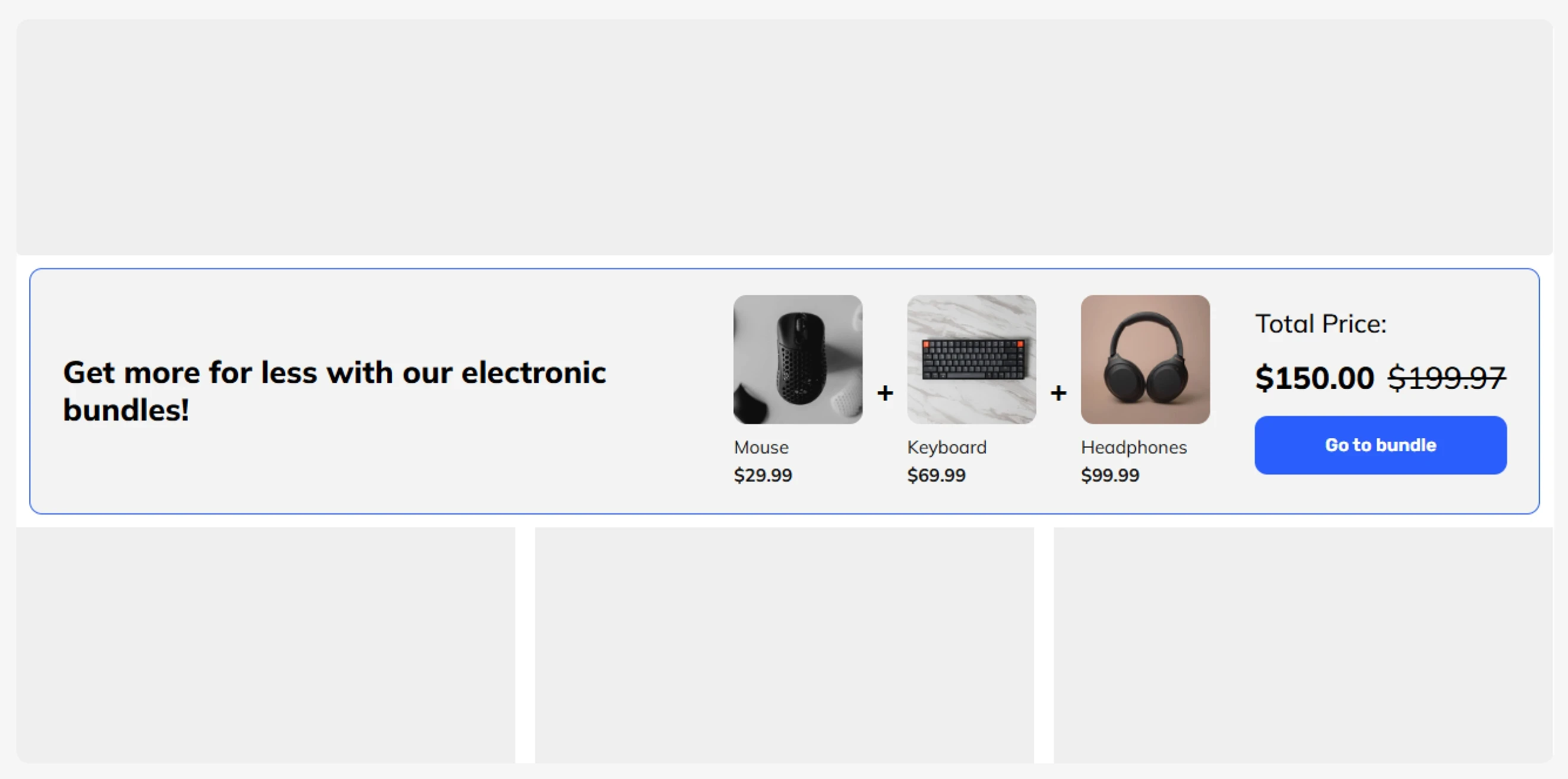
Inline widgets aren’t types of popups in the strict sense, but widgets embedded directly within page content, such as blog posts, product pages, or landing pages. They are part of the page and provide a natural, non-disruptive way to engage visitors who are already interacting with your content. We include them here because they serve many of the same goals as other types of popups: collecting leads, promoting offers, recommending products, etc.
Performance insight: Inline widgets may attract less attention than popup types, but they can reach visitors at relevant points in the customer journey.
Best for: Contextual blog signups, resource downloads, product recommendations, newsletter forms, and in-content offers.
6. Teaser
A teaser is a small widget at the edge of the screen that opens or reopens a larger popup when clicked. The best part is that it doesn’t interrupt browsing and keeps the offer accessible to your visitors in case they change their mind. In Claspo, every popup type (except for inline) comes with a predesigned teaser.
Benchmark insight: Popups paired with teasers average a 6.89% CR, while the top 10% of campaigns reach 30.86% CR.
Best for: Keeping discounts and coupon codes accessible, bringing visitors back to closed offers, and running persistent but non-intrusive promotions.
7. Yes/No
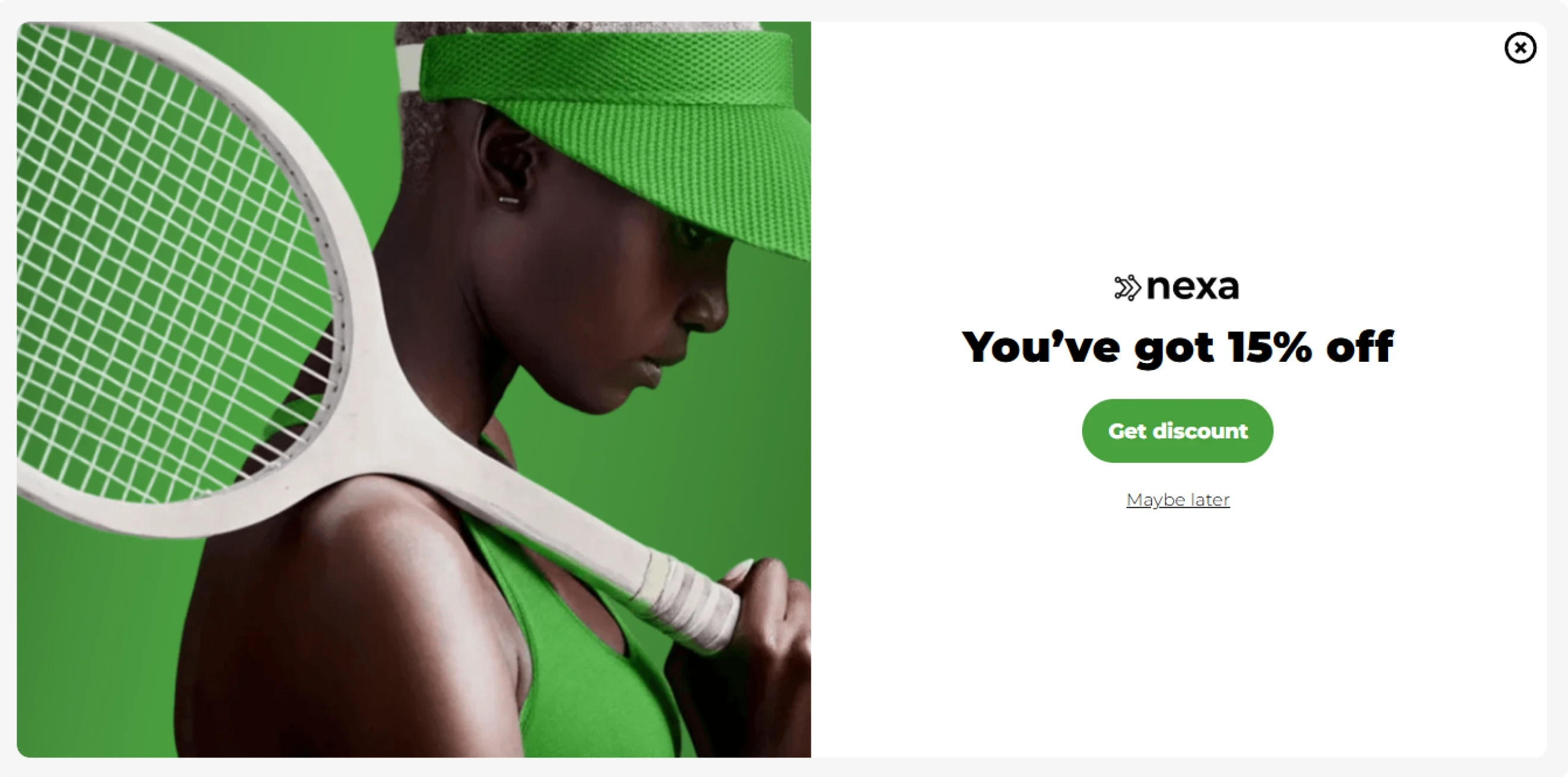
A Yes/No popup type starts with a simple choice before asking for contact information. This popup doesn’t immediately ask for an email or phone. Use it to ask a low-effort question first, for instance, “Do you want 15% off? → Yes/No.” This creates a micro-commitment and moves interested users to the next step.
Best for: Segmenting visitors by interest or preference, qualifying leads, and personalizing the next step.
8. Yes/Yes
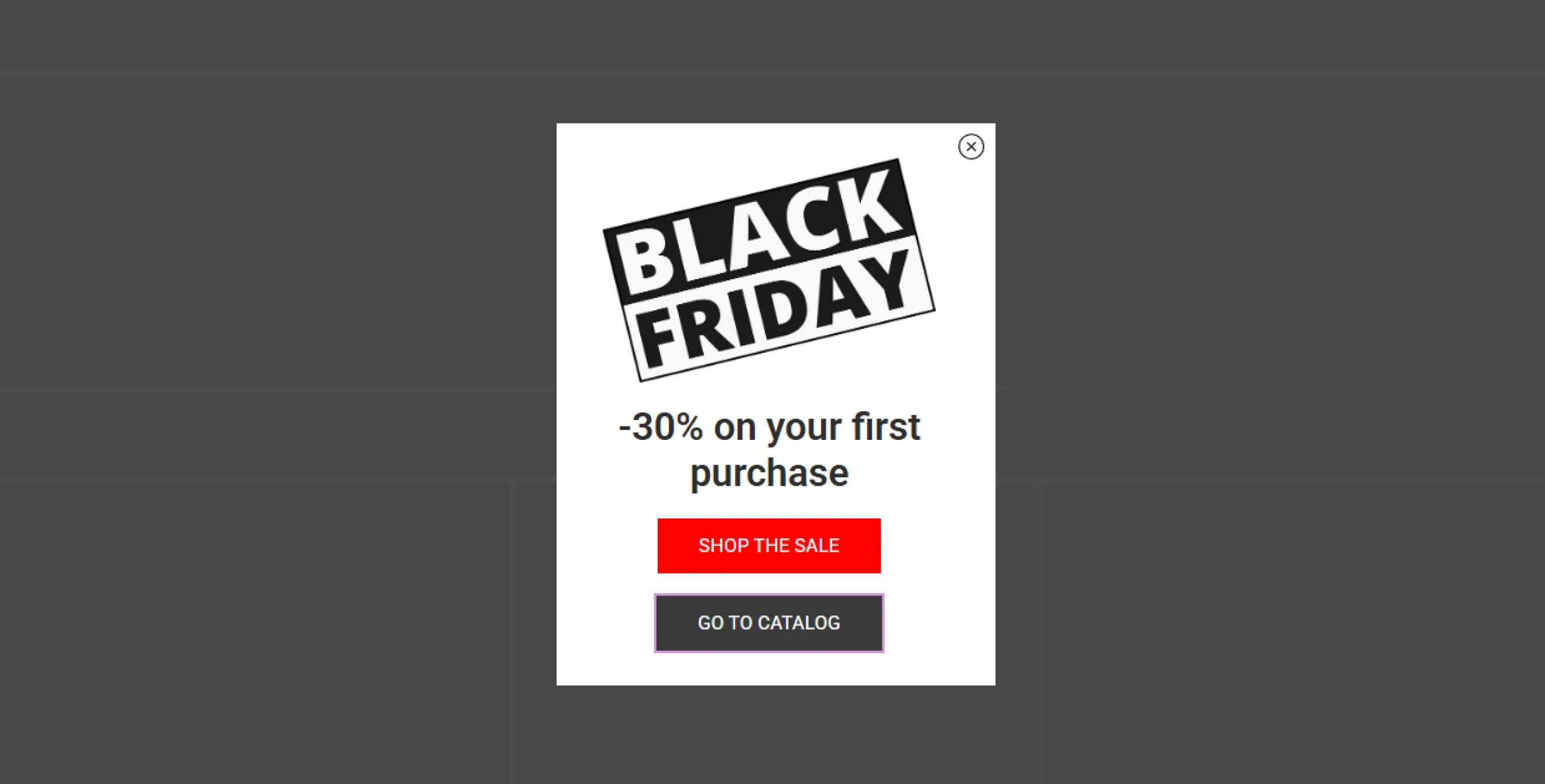
A Yes/Yes popup gives visitors two positive ways to continue, so you keep them engaged either way. Each button can lead to a different next step based on the visitor’s interest. For example, one option might offer a discount on sale items, while the other directs visitors to a new collection.
Best for: Product and collection discovery, audience segmentation, seasonal promotions, and routing visitors to different offers based on interest.
9. Gamified
Gamified popups turn the standard signup type of popup into interactive experiences with mechanics such as Spin the Wheel, Scratch Cards, Slot Machines, and Pick a Gift. Thus, you don’t simply ask visitors for contact information; you add play and a reward to the interaction.
Benchmark insight: Gamified popups average an 8.08% CR vs. 3.67% CR in standard email capture forms. Here is how individual mechanics perform:
Slot machine — 12.60% CR
Treasure hunt — 9.77% CR
Scratch card — 8.66% CR
Break the egg — 8.10% CR
Spin the wheel — 7.92% CR
Memory matching — 7.22% CR
Pick a gift — 7.02% CR
Best for: Email and SMS list growth, e-commerce promotions, seasonal campaigns, cart recovery, and converting cold traffic into leads.
10. Video
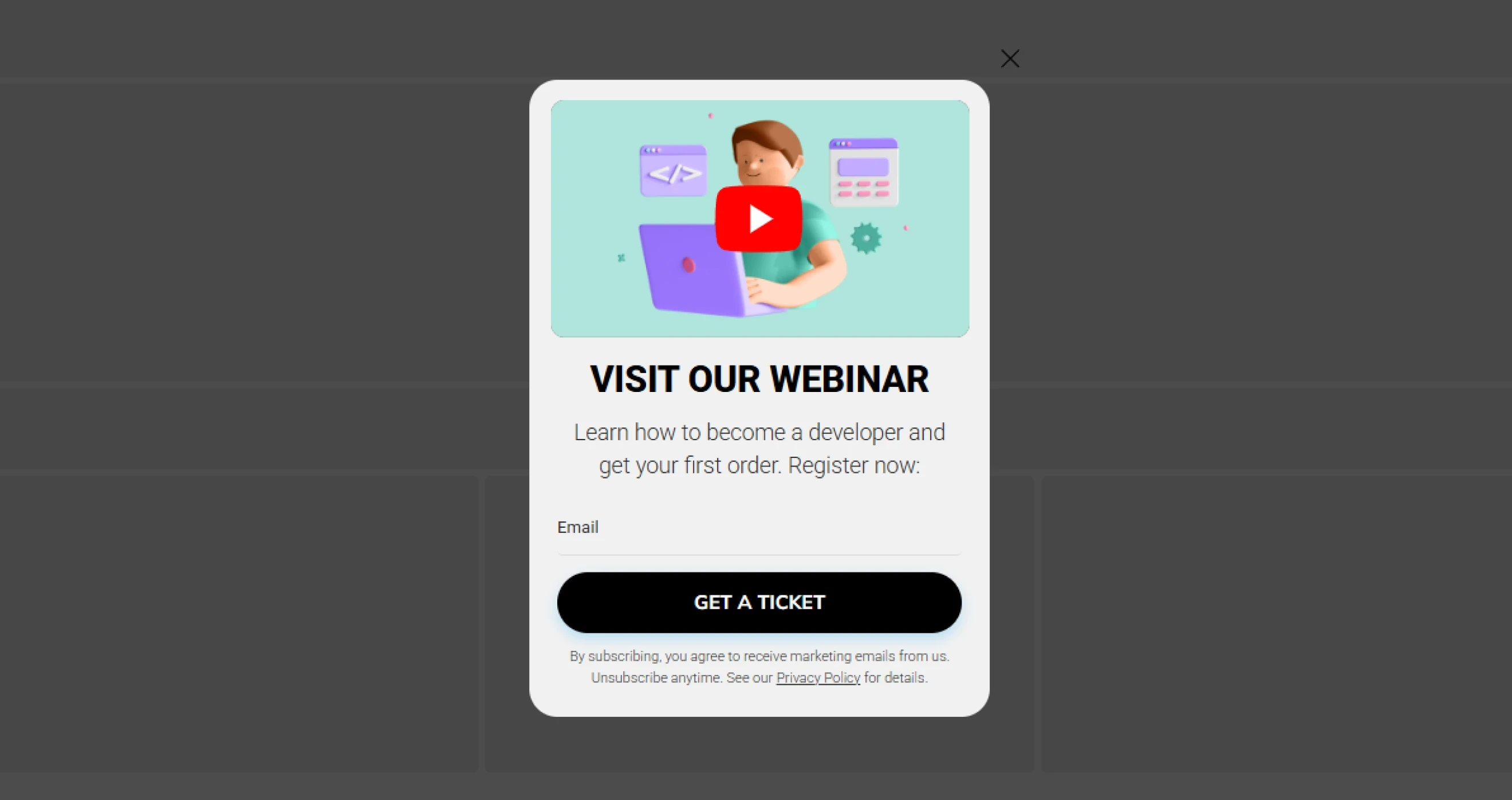
Video popups embed short videos directly into the form, so that visitors can see a product, feature, or message in action. Such popup type can tell more in less space than long blocks of copy.
Best for: Product demonstrations, SaaS tutorials, customer testimonials, service explanations, and founder or brand stories.
11. Multi-step
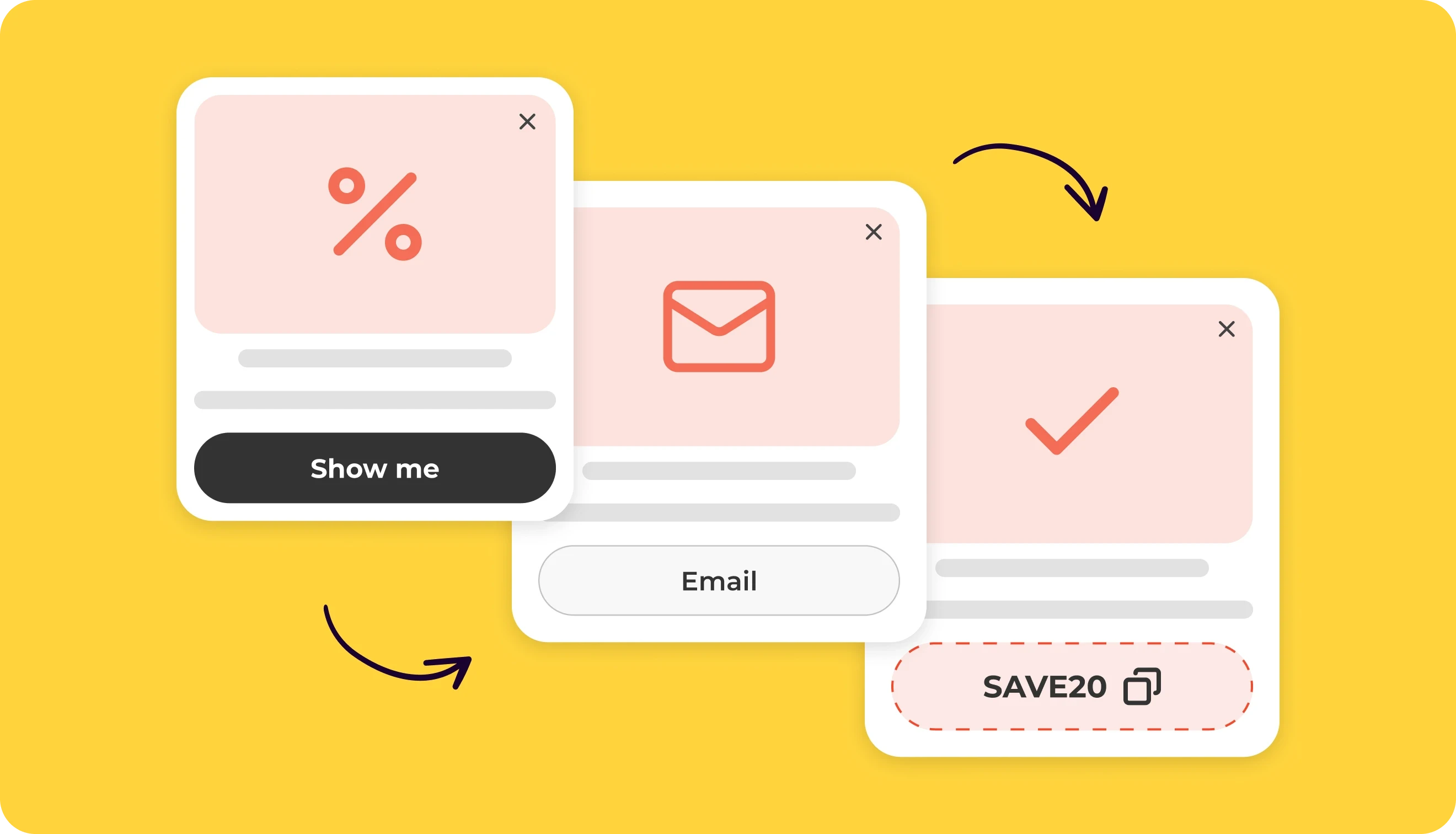
Multi-step popups break an interaction into a short sequence of steps. The first step can ask a simple question or present a choice, while later steps collect contact information and deliver the result or reward. It’s easier to initiate interaction with such types of popup ads.
Benchmark insight: Multi-step popup types perform 1.35× better than basic email collection forms with a 4.94% avg. CR. Performance varies widely, though: the top 10% reach 28.01% CR, while the top 1% reach 70.92% CR, suggesting that the offer, first interaction, and overall flow matter as much as the multi-step format itself.
Best for: Audience segmentation, product finder quizzes, personalized offers, detailed lead capture, and customer onboarding.
Popup types by goal
A popup goal defines what it is designed to achieve. In addition to collecting emails, popups can promote offers, recover abandoned carts, recommend products, collect feedback, drive registrations, and support compliance requirements.
Use the table below as a quick starting point. Some popup types can support several goals, so choose the one that matches your main campaign objective first.
Goal | Best popup types |
Grow email & SMS list | Email opt-in, phone opt-in, lead magnet, giveaway, gamified |
Increase sales | Coupon, countdown timer, free gift & BOGO, upsell, cross-sell |
Increase AOV | Upsell, cross-sell, free gift & BOGO, product recommendations |
Recover carts | Cart abandonment, coupon, countdown timer, downsell |
Personalize offers | Product recommendations, product finder quiz, profile enrichment |
Launch or validate products | Pre-order, countdown timer, giveaway, lead magnet |
Collect feedback | Survey & feedback, NPS/CSAT, post-purchase feedback |
Generate qualified leads | Lead magnet, webinar registration, booking/demo/callback request |
Build trust | Social proof & recent activity, informational alert, reviews-based messages |
Retain existing customers | Loyalty program sign-up, referral program, profile enrichment |
Promote other channels | App download, social media promotion |
Support compliance | Cookie consent, age verification |
Guide visitors to the next step | Page redirect, informational alert, booking/demo/callback request |
12. Email opt-in
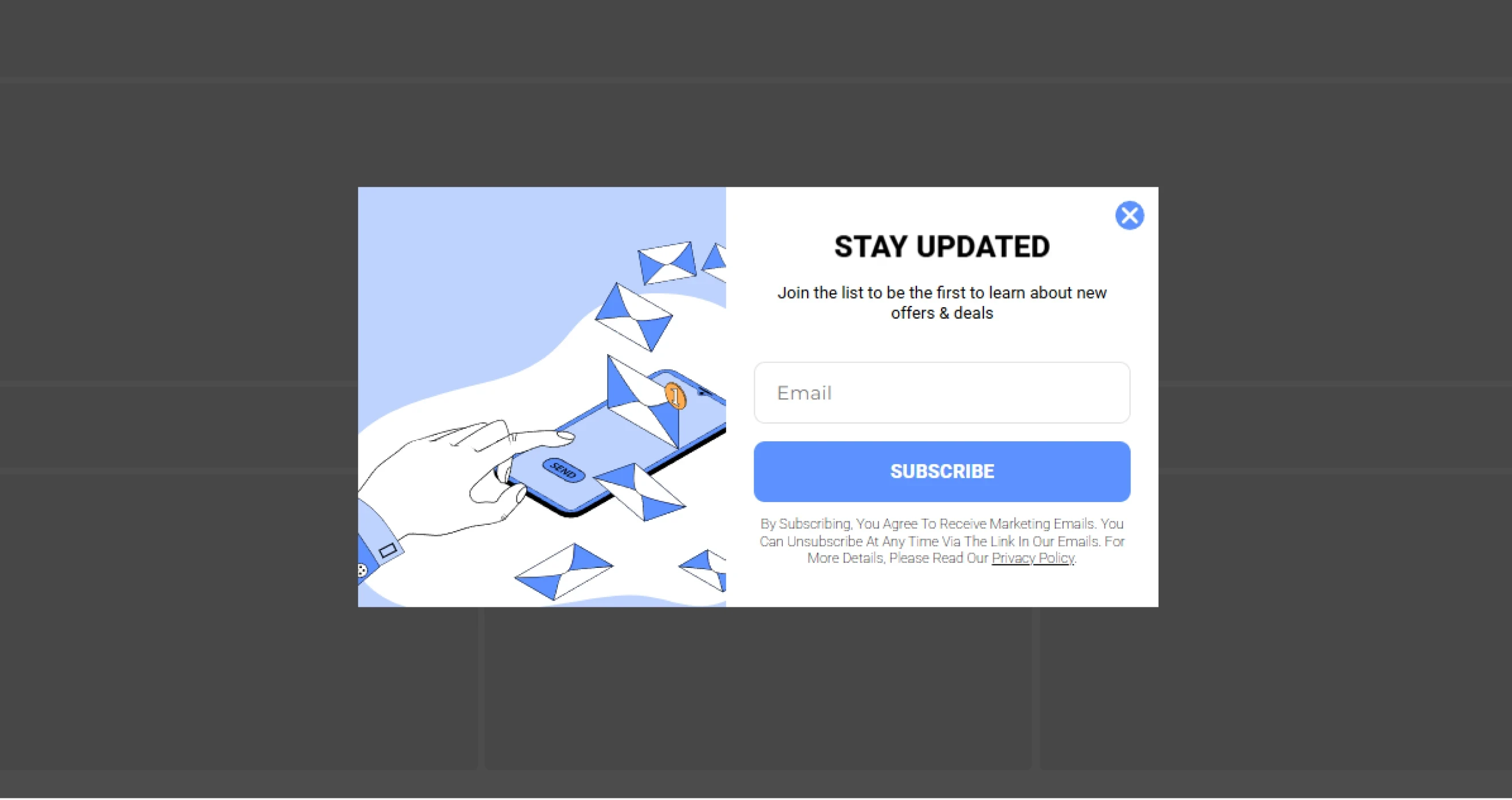
Email opt-in is the popup type that collects visitor email addresses for newsletters, promotions, and ongoing marketing campaigns. Instead of the generic “Subscribe”, the popup should clearly explain what visitors will receive in exchange for their email. Check out our email popup examples for inspiration.
Benchmark insight: Our data shows that exit-intent popups that collect email addresses in exchange for a promo code achieve a 5.76% avg CR.
Best for: Building newsletter lists, capturing top-of-funnel leads, distributing regular content updates, and growing an audience for long-term email nurturing.
13. Phone opt-in
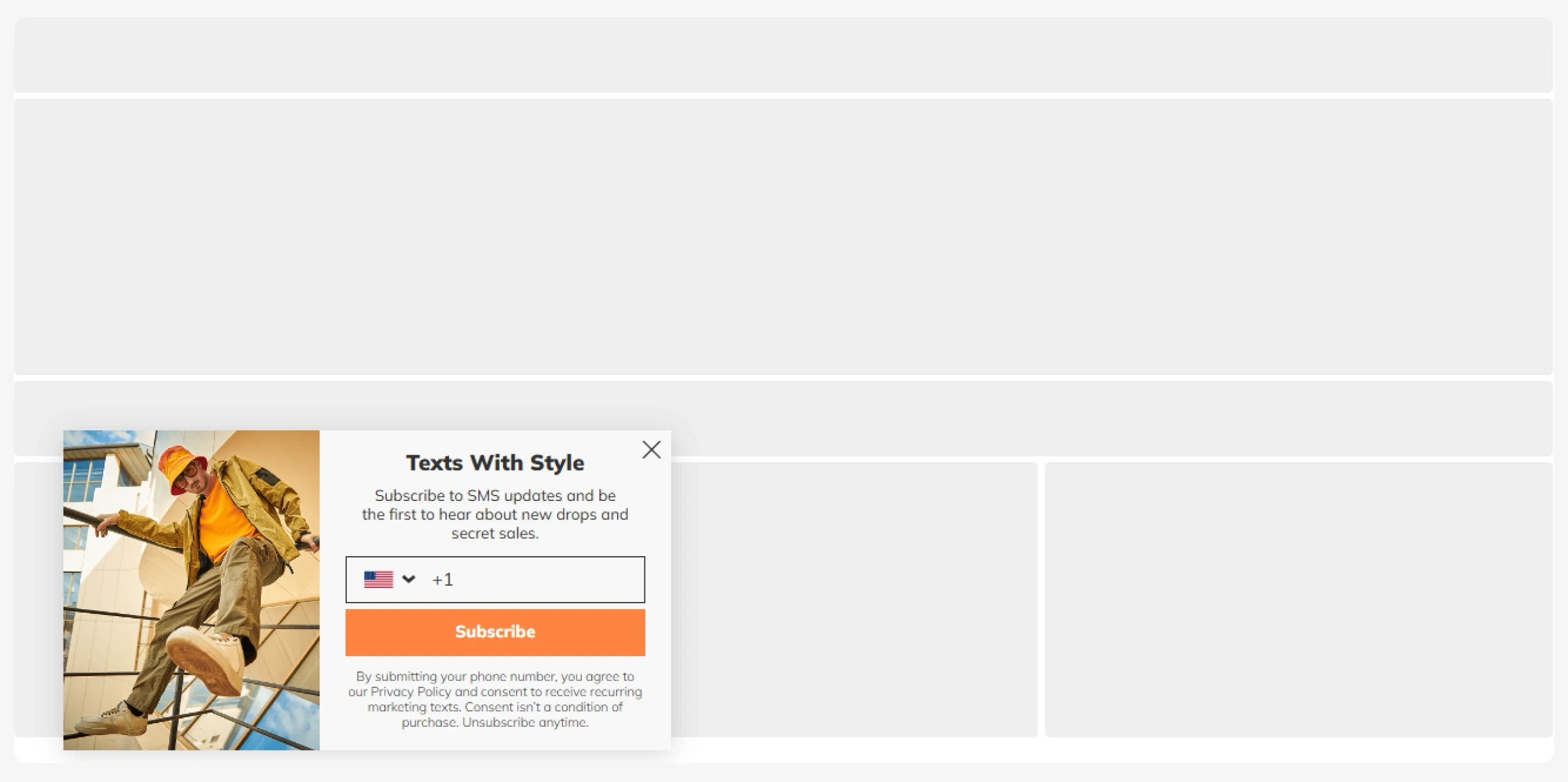
Phone number opt-in popups collect consent for SMS marketing, including flash-sale alerts, product drops, delivery updates, and loyalty campaigns. A phone number is more valuable than an email, so you need to explain what messages subscribers will receive and give them a strong reason to opt in.
Pro tip: Keep the initial popup light and collect the email first, then ask for a phone number in a later step or follow-up flow.
Best for: Time-sensitive sales and product drops, SMS-exclusive offers, delivery or availability alerts, and loyalty or VIP programs.
14. Product finder & Quiz
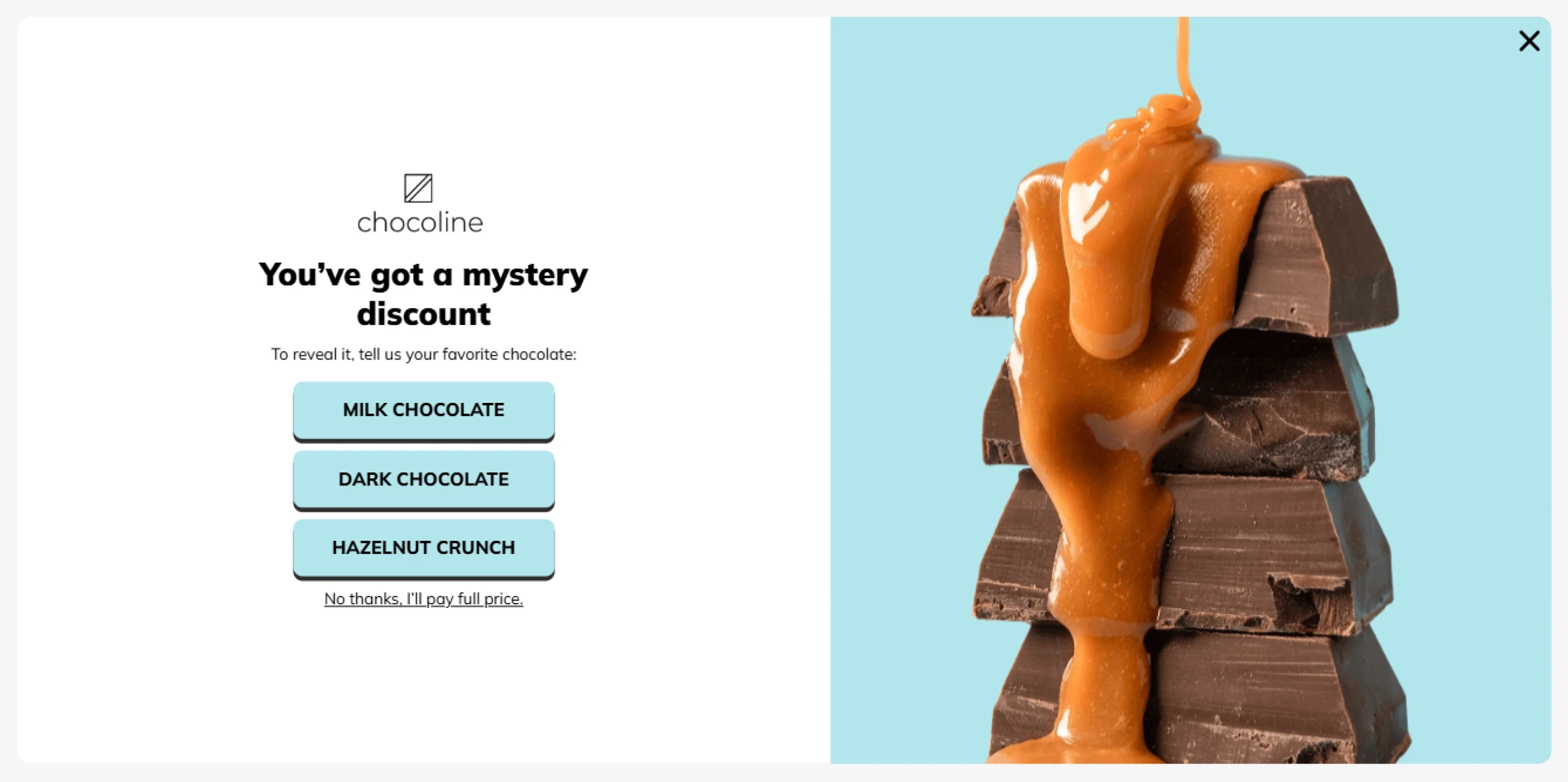
Product finders and quizzes are those types of popups that guide visitors to relevant products by asking about their needs, preferences, or shopping goals. These popup types are especially useful for large catalogs or products that require some consideration. The answers also serve as zero-party data that helps segment contacts for more relevant recommendations and follow-up campaigns.
Pro tip: Use the first question to separate shopper needs — for example, skincare vs. haircare or shopping for yourself vs. a gift.
Best for: Large product catalogs, personalized product recommendations, gift finders, routine builders, preference-based segmentation, and guided product discovery.
15. Product recommendations
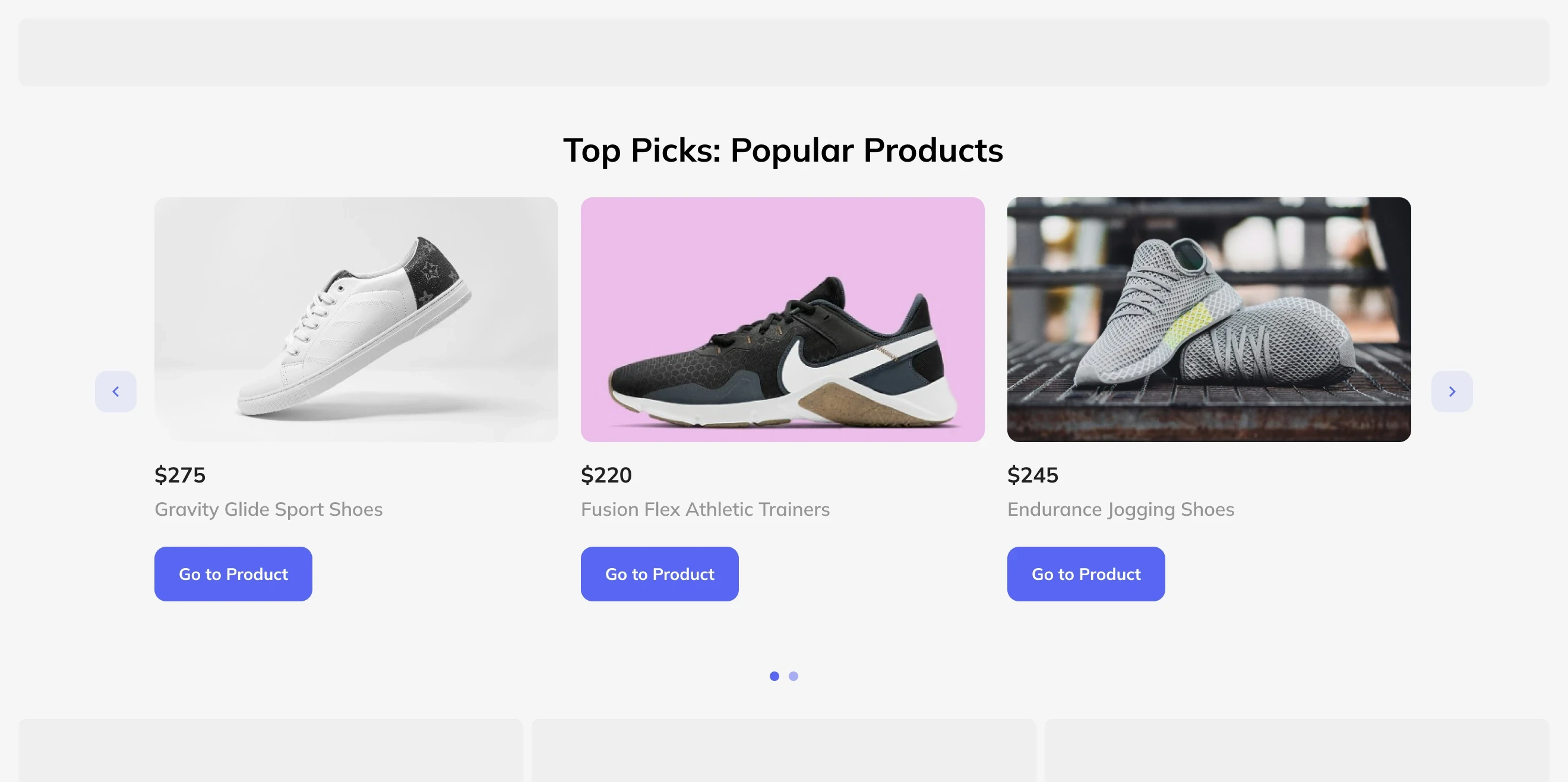
Product recommendation popups help shoppers discover relevant products based on what they are currently viewing, browsing, or looking for. With Claspo, you can tailor recommendations using signals such as the current product or collection, cart contents or value, customer status, and other store data.
Benchmark insight: In e-commerce, popup types with interactive sliders that display product recommendations achieve a 9.53% CTR.
Best for: Helping shoppers discover related products, promoting relevant alternatives, guiding visitors through large catalogs.
16. Upsell
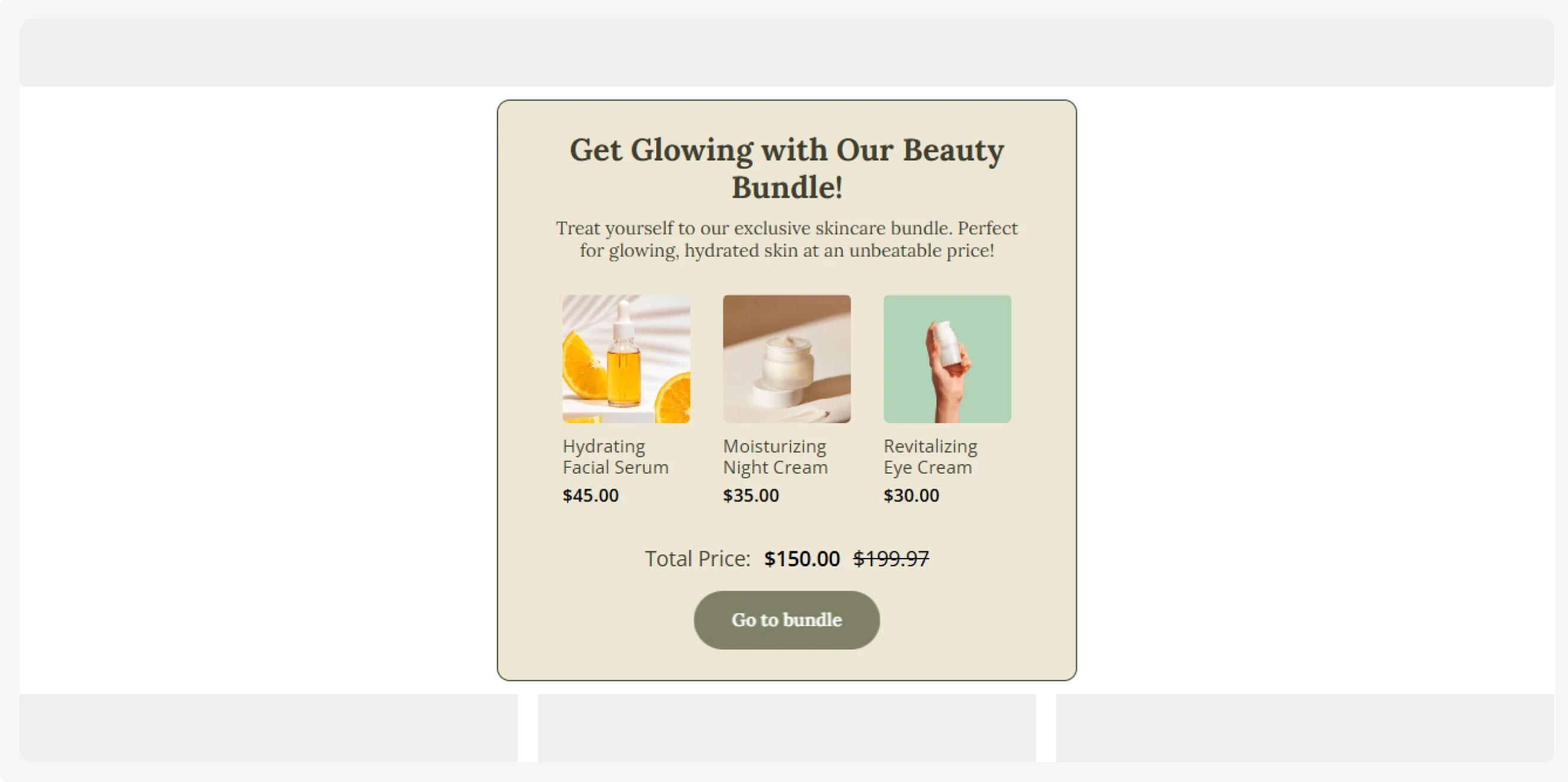
Product upsell popup encourages shoppers to choose a higher-value version of the product they are interested in, such as a premium model, a larger size, an upgraded plan, or a higher-tier bundle. This popup type works best after a visitor adds a product to their cart or before checkout.
Benchmark insight: In e-commerce, the types of popups aimed to increase AOV get a 5.41% avg CTR.
Best for: Premium upgrades, product bundles, relevant add-ons, free-shipping thresholds, and gift-with-purchase offers.
17. Cross-sell
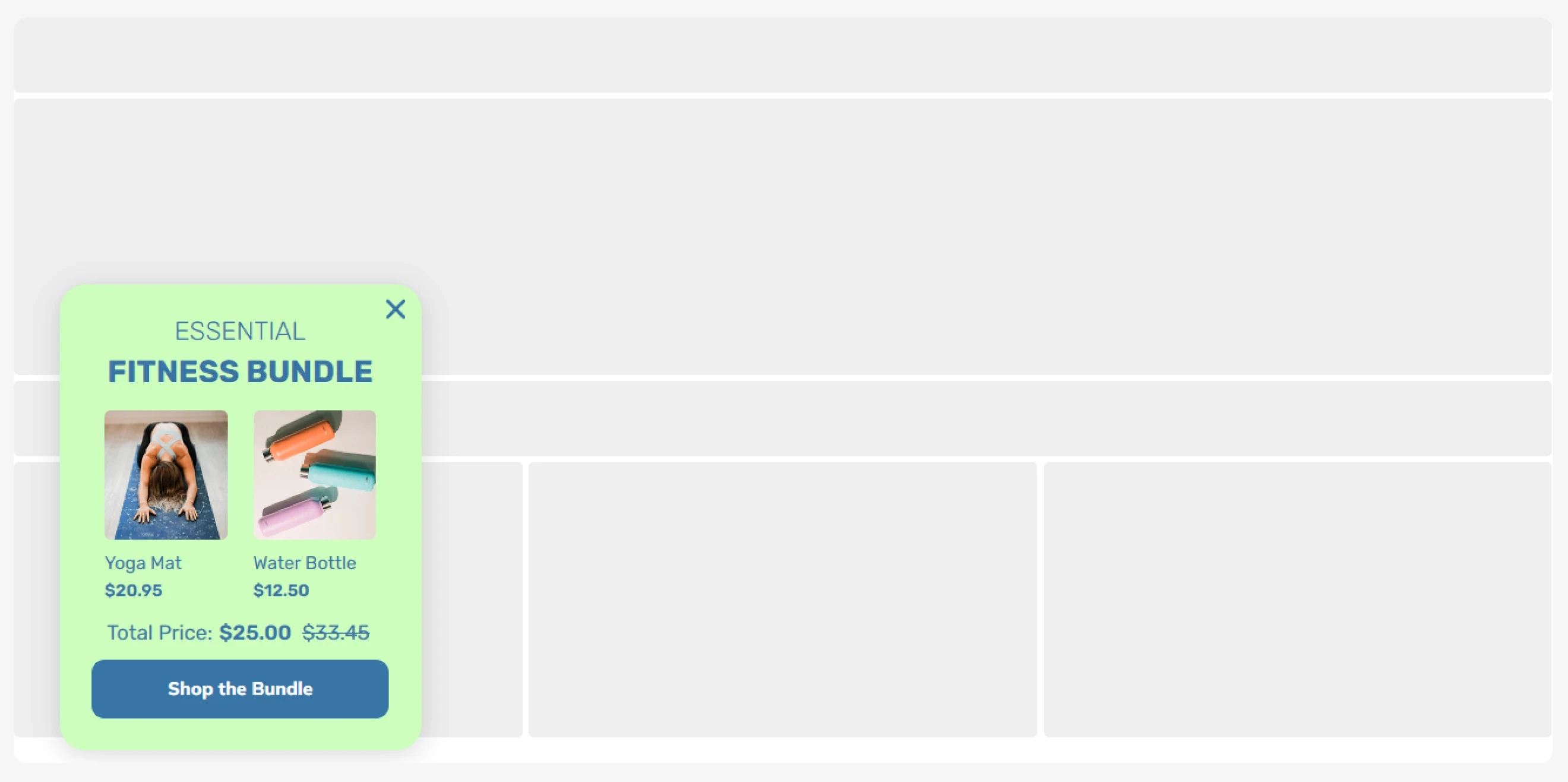
Cross-sell popups suggest complementary products that complete the shopper’s current choice. Common examples for this popup type include a case for a phone, socks for a pair of shoes, or refills for a skincare product.
Pro tip: Use the shopper’s current product, cart contents, or collection context to suggest items that naturally belong together.
Best for: Product accessories, frequently paired items, routine or set completion, refills and consumables, and complementary add-ons.
18. Downsell
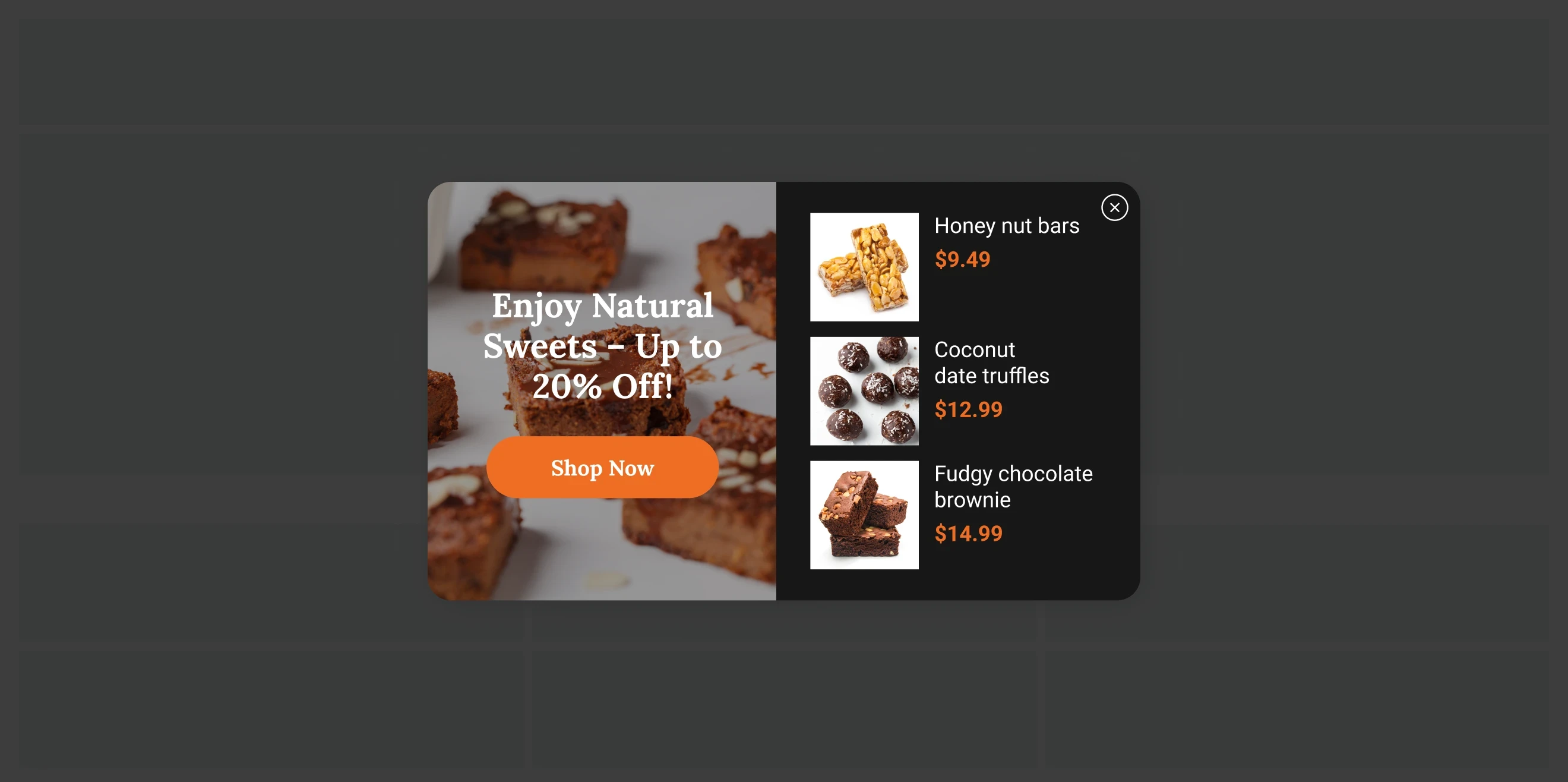
Product downsell popups offer a more affordable alternative when a shopper hesitates to buy or wants to leave.
Pro tip: In such cases, you don’t necessarily need to offer a discount on the original product. Try suggesting a lower-priced product, a smaller package, or an entry-level plan that still meets the visitor’s needs.
Best for: Lower-priced product alternatives, smaller bundles or package sizes, entry-level subscription plans, and retaining price-sensitive shoppers before they leave.
19. Customer profile enrichment
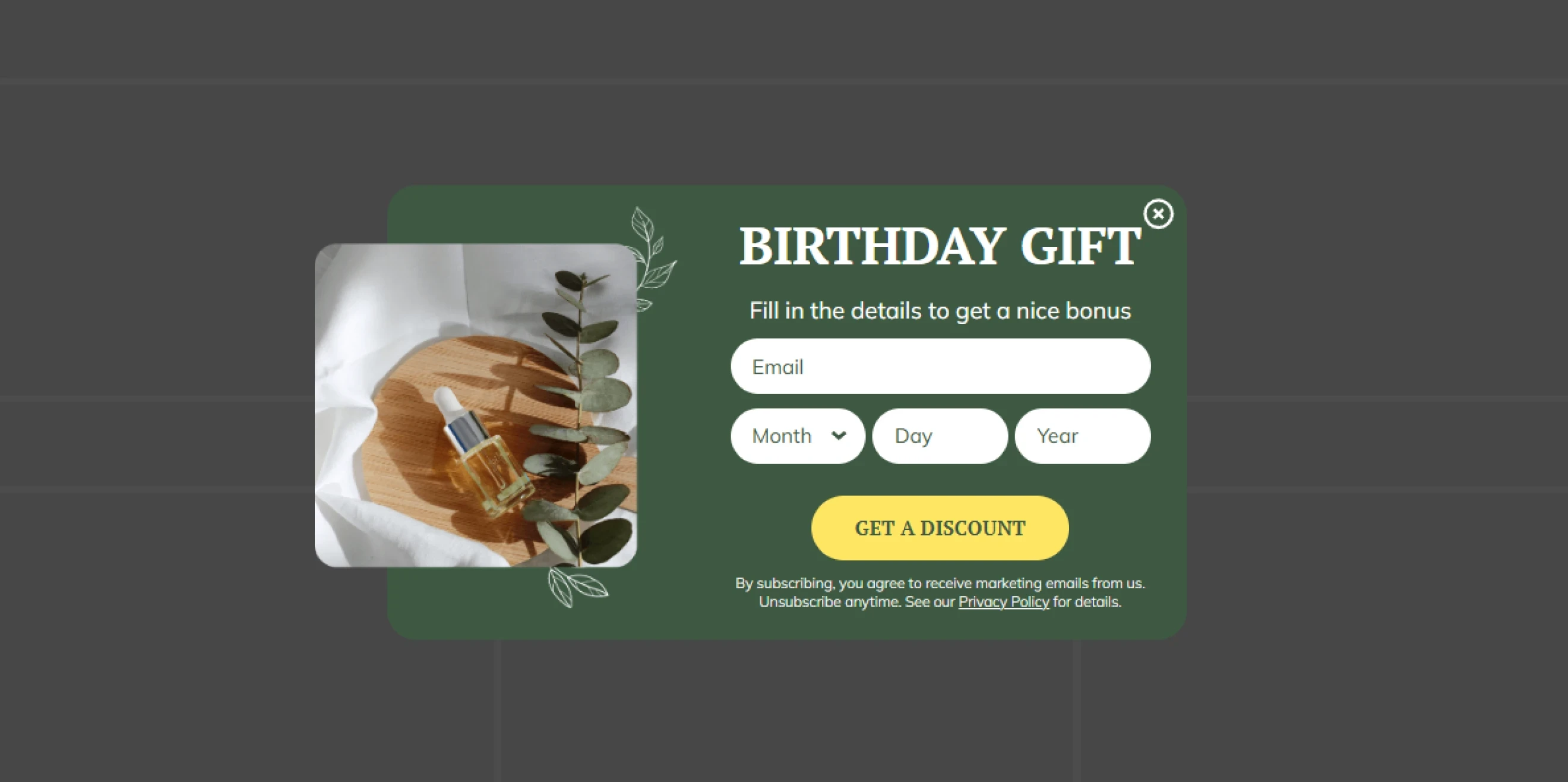
Profile enrichment popups collect additional information from existing subscribers or customers, such as product interests, preferences, sizes, shopping goals, or birthdays. This way, you don’t overwhelm visitors with too many questions on their first visit.
Pro tip: Use that data for better segmentation, product recommendations, and follow-up campaigns.
Best for: Collecting product preferences, sizes, interests, birthdays, shopping goals, and other data for segmentation and personalization.
20. Prevent cart abandonment
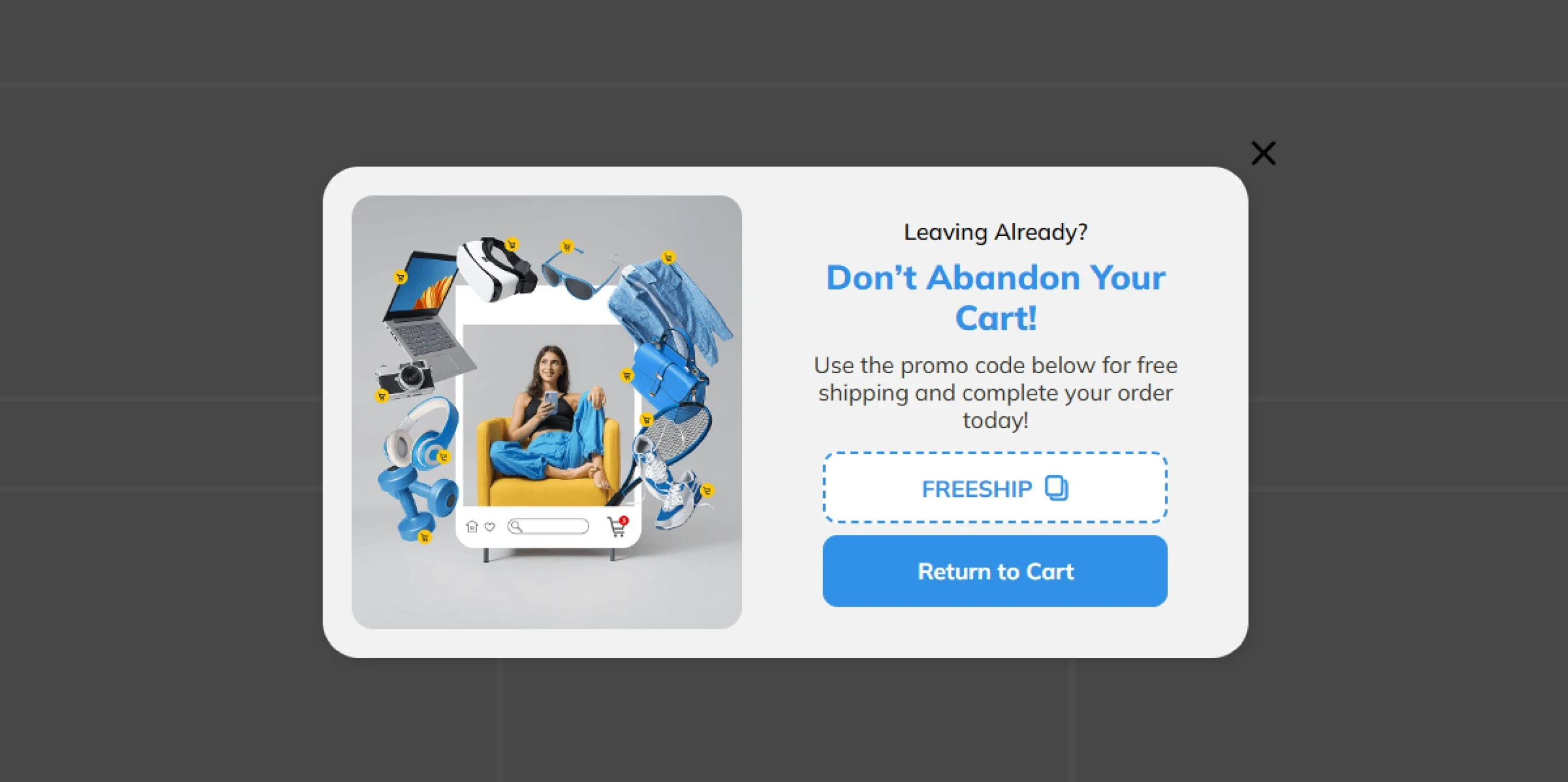
Cart abandonment popups re-engage shoppers who have added products to their cart but are about to leave without completing the purchase. Type of popups like this can remind visitors what is waiting in their cart, address common hesitation points, or provide a final reason to complete checkout.
Pro tip: Not every recovery campaign needs a discount. Depending on the purchase blocker, the popup can highlight free shipping, secure checkout, easy returns, or a time-sensitive incentive.
Benchmark insight: In e-commerce, widgets designed to prevent cart abandonment average a 4.43% CTR.
Best for: Recovering carts at exit intent, re-engaging inactive shoppers, addressing last-minute purchase concerns, and promoting free-shipping thresholds.
21. Pre-order
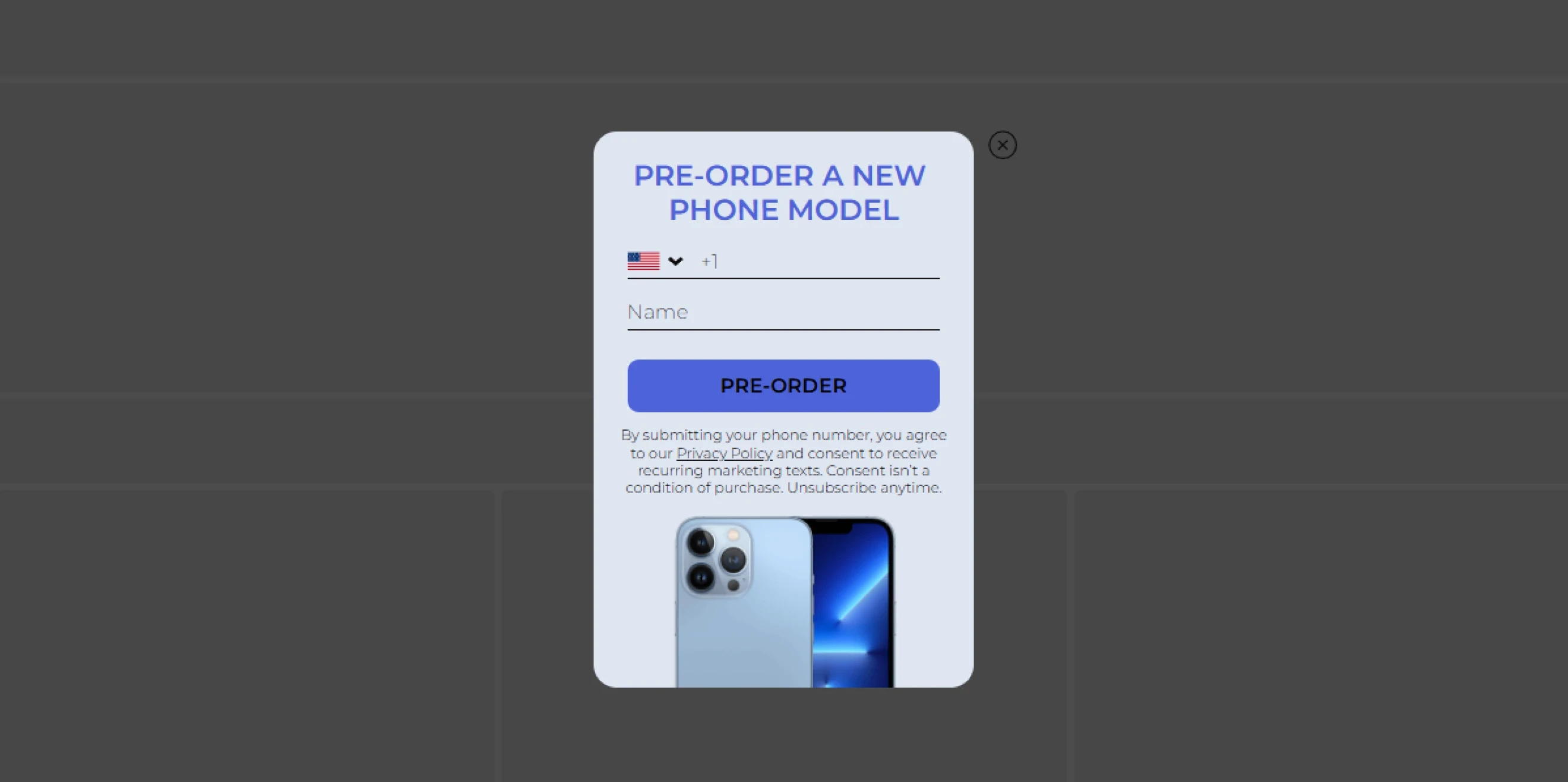
Pre-order popups help brands generate sales and measure real demand before a product is available. They can collect contact information from interested shoppers, direct visitors to a pre-order page, or let customers reserve the product immediately.
Case study: How the Spin-the-Wheel popup validated the market
Man’s Set used a gamified pre-order popup to test demand for a new collection before production. Within two weeks, the brand sold 50% of the collection on pre-order before stock was available.
Best for: New collections, limited product drops, product launches, and demand validation before production.
22. Coupon & Sales promotion
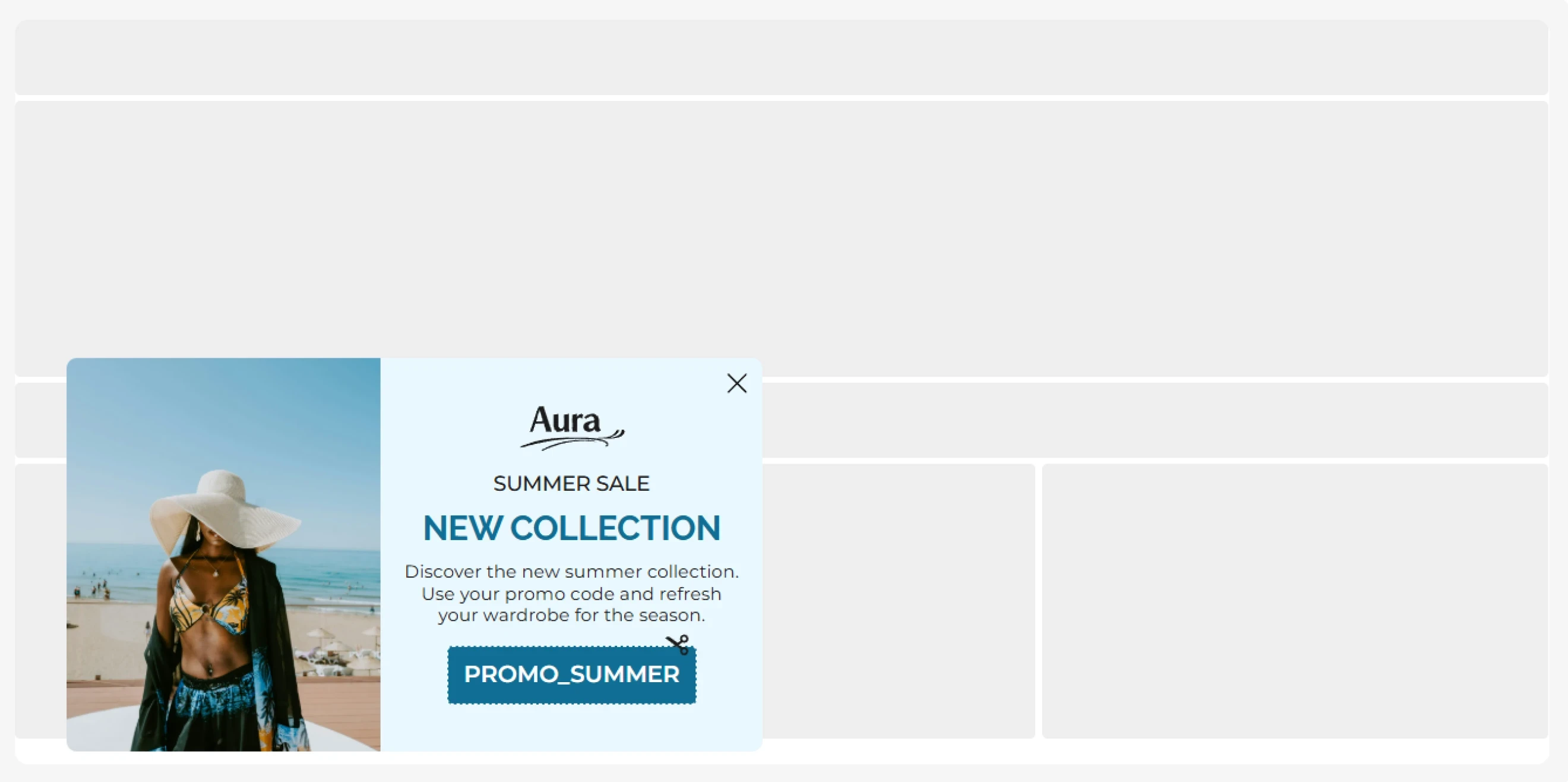
Coupon (promo code) and sales promotion types of popups give visitors an immediate incentive to act, such as a percentage discount, fixed-value coupon, or free shipping. They can exchange the offer for an email to support both list growth and sales, or reveal the promotion without a contact field.
Pro tip: Keep the offer terms clear and make sure codes, deadlines, and eligibility conditions are accurate. If you use urgency, tie it to a genuine deadline.
Benchmark insight: Email forms with promo codes average 3.85% CR; click-focused promo-code campaigns reach 6.18% CTR.
Best for: First-order offers, seasonal sales, flash promotions, free-shipping campaigns, and converting visitors while growing the email list.
23. Giveaway
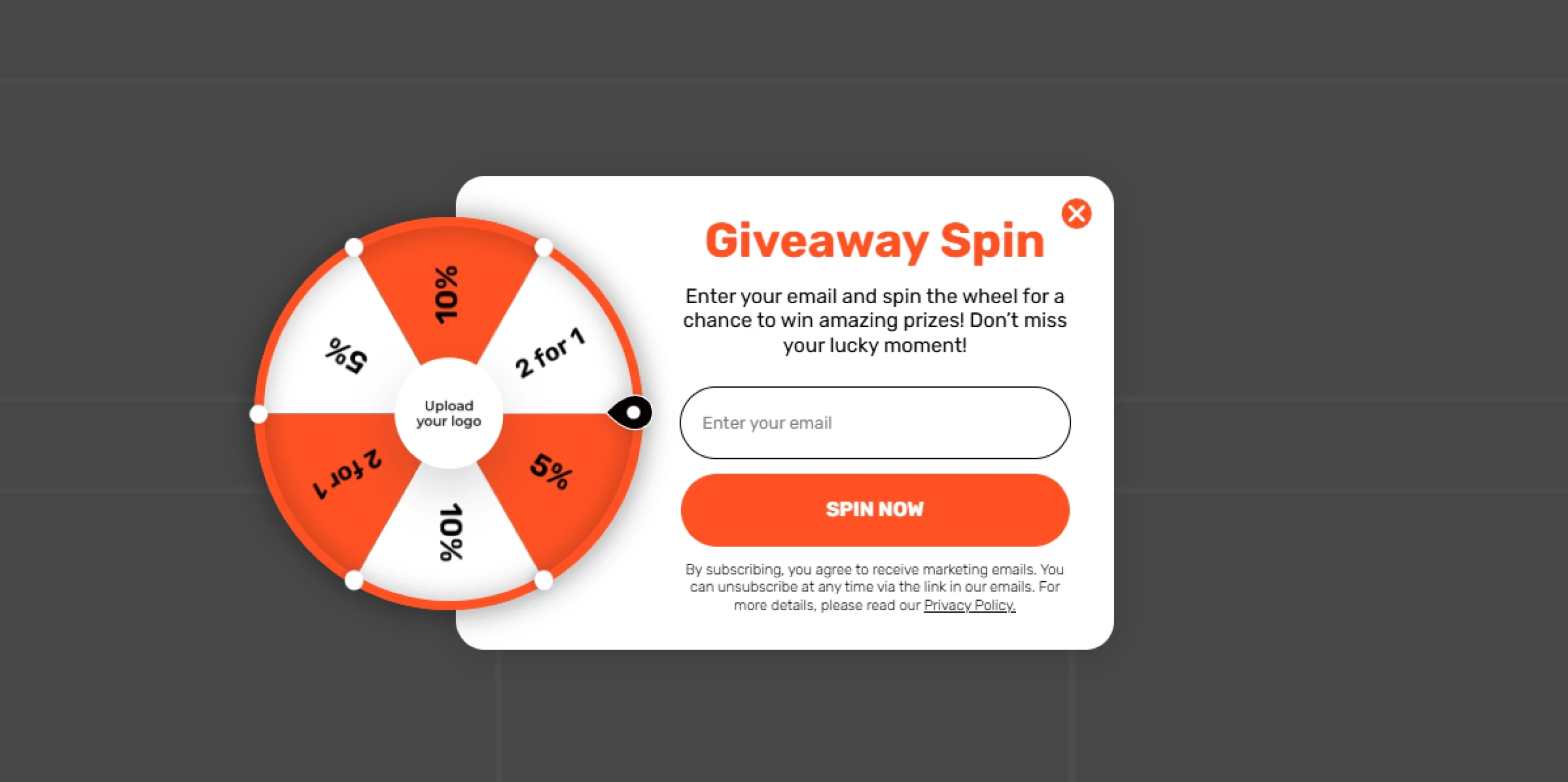
Giveaway popups invite visitors to enter a prize draw in exchange for their contact information. Giveaways can be useful for growing the list without discounting every purchase.
Pro tip: You can also use the entry flow to collect a small amount of preference data, but keep the requirements proportional to the value of the prize.
Benchmark insight: Gamified campaigns average an 8.08% CR. A giveaway does not have to be gamified, but with an interactive mechanic, the entry experience is more engaging than a standard form.
Best for: List growth, product launches, seasonal campaigns, brand partnerships, and campaigns built around a high-value prize.
24. Free gift & BOGO
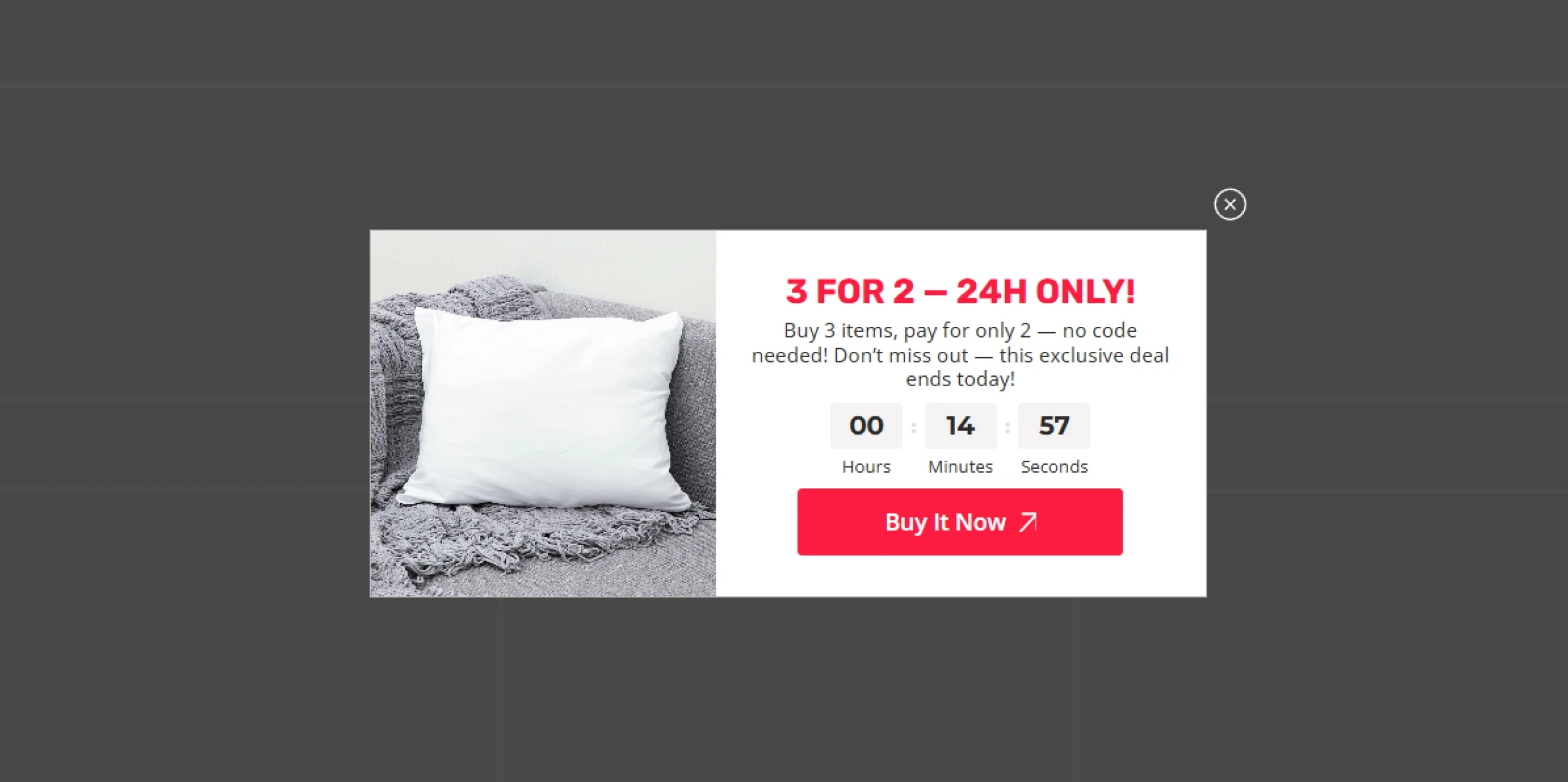
Free gift and BOGO types of popups give shoppers extra value through a free product, bonus item, or second product at a discount. These offers can encourage purchases and preserve the original product price.
Pro tip: These campaigns can also help increase AOV by showing shoppers how close they are to unlocking the gift.
Best for: Gift-with-purchase campaigns, free samples, cart-value rewards, BOGO promotions, product launches, and seasonal offers.
25. Create a sense of urgency
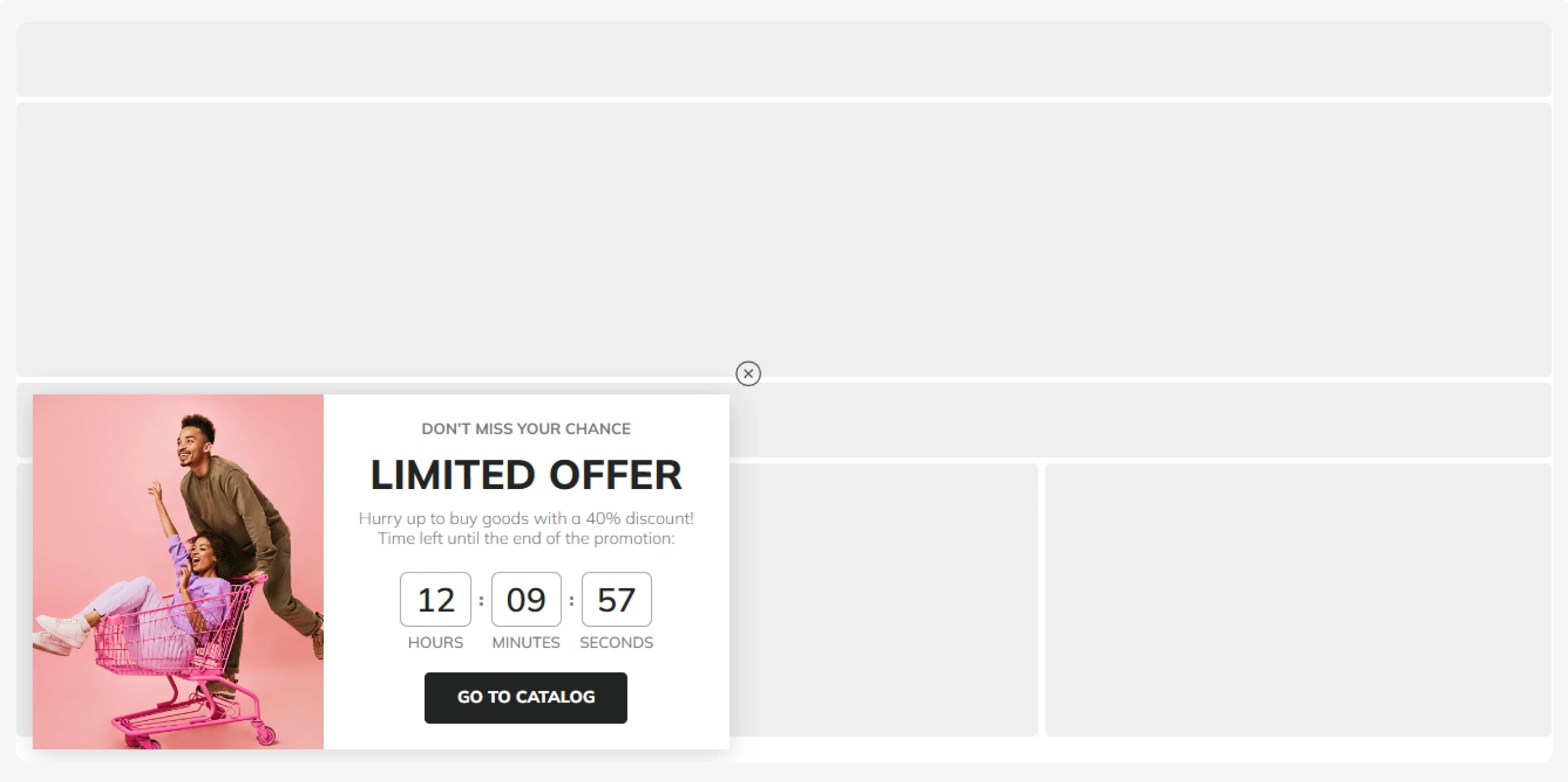
Countdown timer popups show how much time remains before an offer, sale, or event ends.
Pro tip: Use countdowns only for real deadlines, such as the end of a flash sale, an early-bird registration period, or a limited-time promotion. False or constantly resetting timers can undermine trust.
Benchmark insight: Our benchmarks show that standalone countdown timer popup types average a 5.72% CTR. The best combination is a gamified popup with a countdown timer, which gets a 16.13% CR.
Best for: Flash sales, seasonal promotions, early-bird registration, limited-time offers, and product launches or drops with a fixed start or end date.
26. Social proof & Recent activity
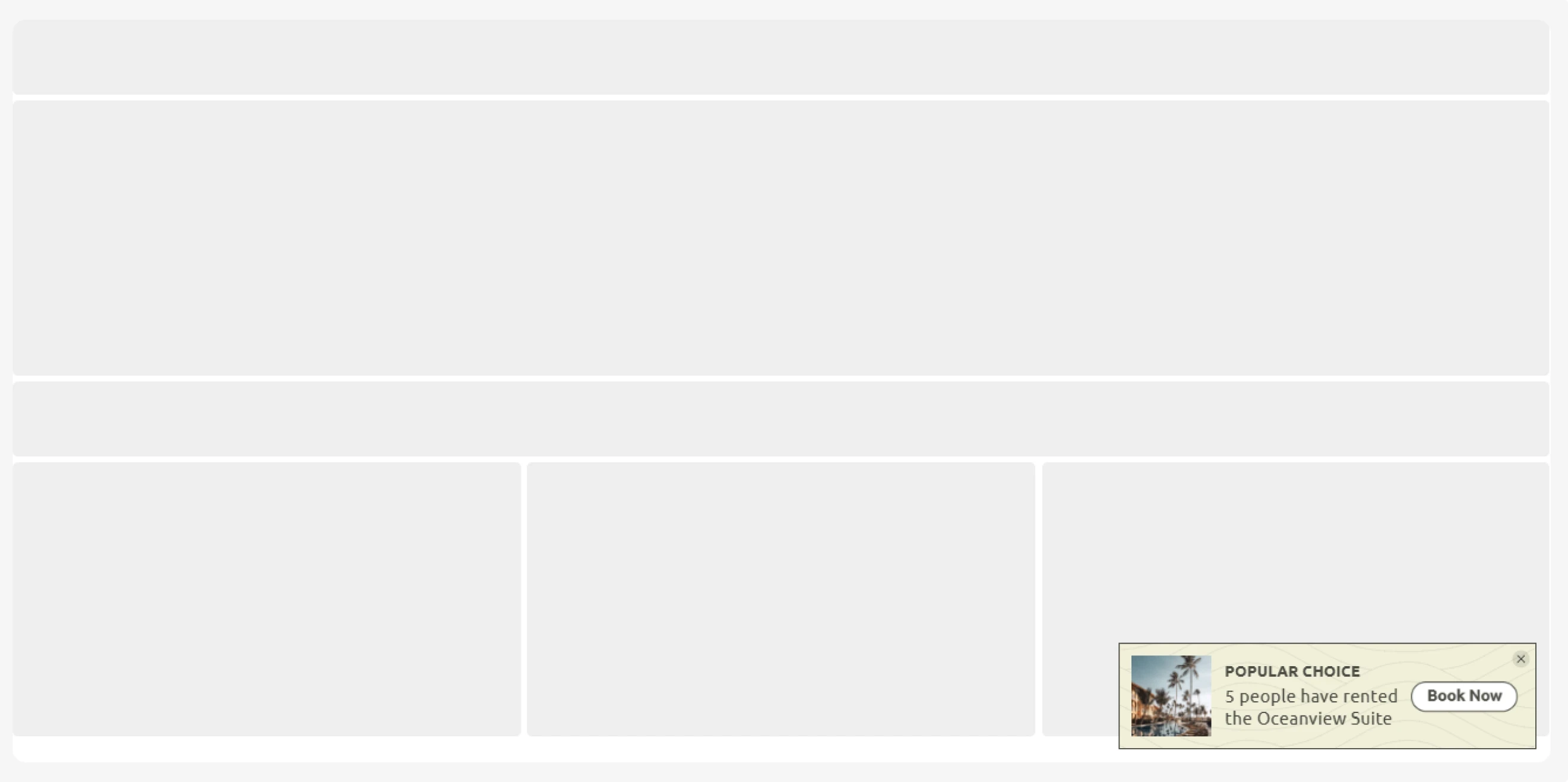
Social proof popups show visitors that other people are actively buying, reviewing products, or taking other actions on your site. They can feature a recent purchase, a new signup, a customer review, or another relevant activity.
Pro tip: These small notifications can reduce uncertainty and draw attention to products or actions that other customers have already chosen. Match the activity to the campaign goal:
Best for: Recent purchase notifications, customer reviews, new subscriber activity, popular product discovery, event registrations.
27. Referral program
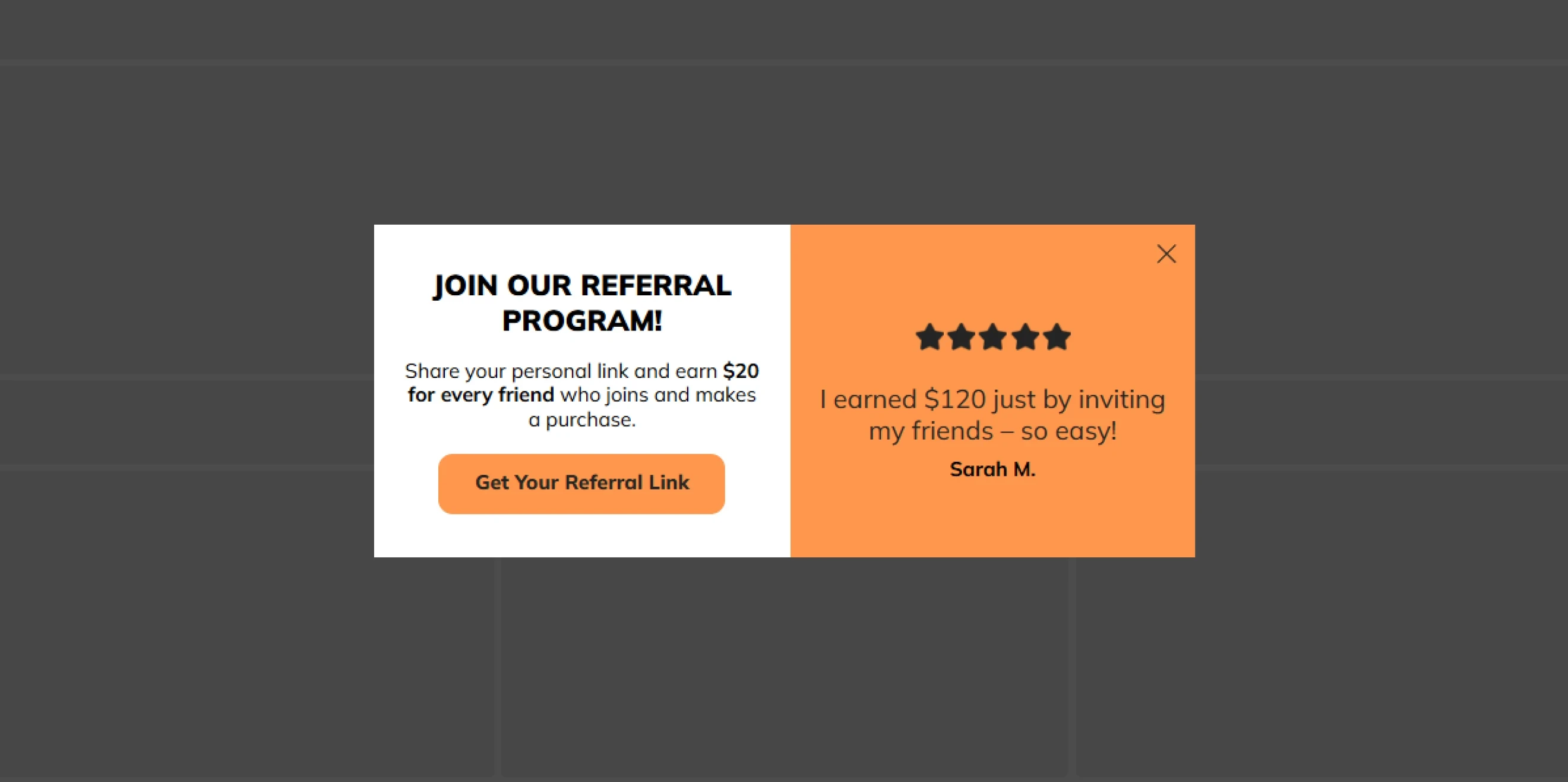
Encourage existing customers to recommend your brand to friends or family in exchange for a reward with a referral program popup type. The offer can benefit the referrer, the new customer, or both — for example, “Give $10, get $10.”
Pro tip: Target these campaigns at customers who already know the brand and have had a positive experience. Show the popup after a purchase, repeat visit, positive review, or another meaningful interaction, and make the referral process easy to understand.
Best for: Refer-a-friend programs, give-and-get offers, referral credits, ambassador programs, and customer acquisition campaigns.
28. Loyalty program sign-up
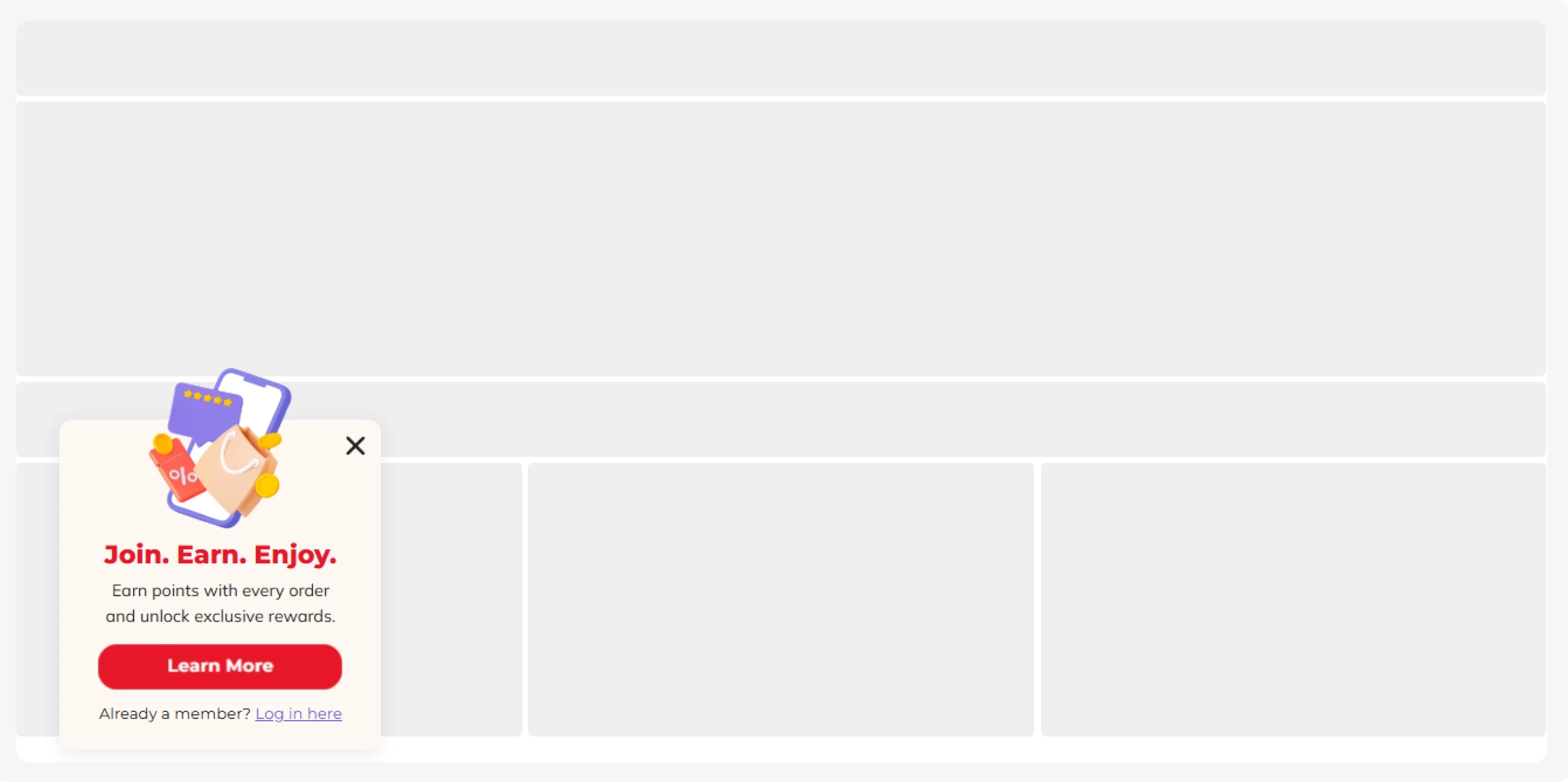
Loyalty program popups invite customers to join a rewards program and earn benefits from future purchases or interactions with the brand. These benefits can include points, member-only prices, birthday rewards, early access to new products, or exclusive offers.
Pro tip: Target customers who have already shown interest in the brand, such as first-time buyers, repeat visitors, or logged-in customers who have not yet joined the program.
Best for: Points-based rewards programs, VIP clubs, membership programs, birthday rewards, and exclusive member offers.
29. App download
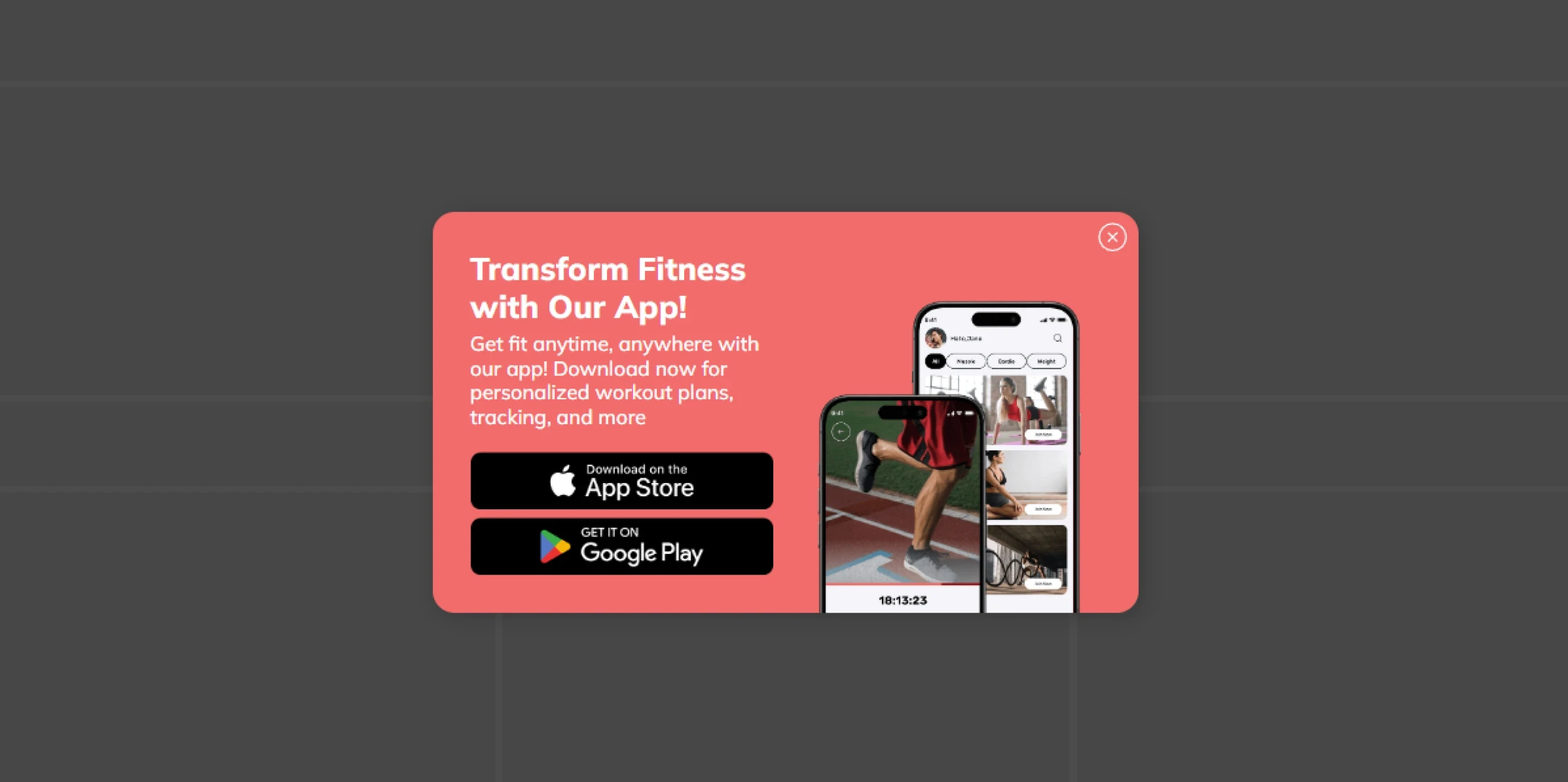
App download popups encourage website visitors to install your mobile app. They usually show the relevant app store buttons or direct visitors to the correct store for their device.
Pro tip: The popup should explain why the app is worth installing, not just announce that it exists.
Best for: Mobile apps, e-commerce apps, fitness and wellness platforms, loyalty apps, subscription services, and products with app-exclusive features or offers.
30. Informational alert
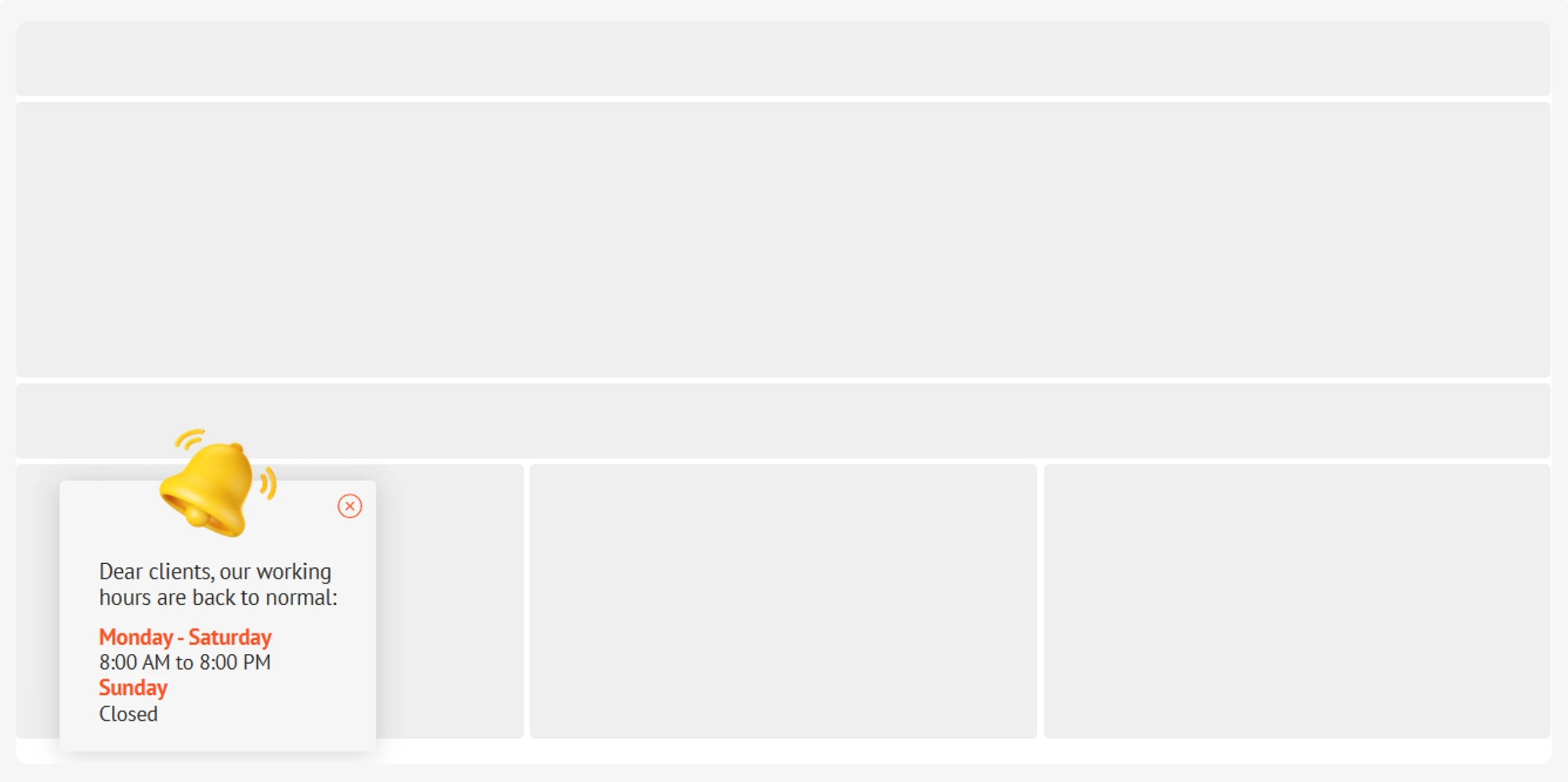
Informational alerts notify users. Their main goal is to inform visitors about critical business changes and reduce confusion that can lead to unnecessary support requests.
Benchmark insight: 70% of top-performing informer popups include a visible close button, reinforcing a low-pressure, transparent experience.
Best for: Shipping and delivery updates, changes in opening hours or locations, service disruptions, policy updates, and other time-sensitive announcements.
31. Page redirect
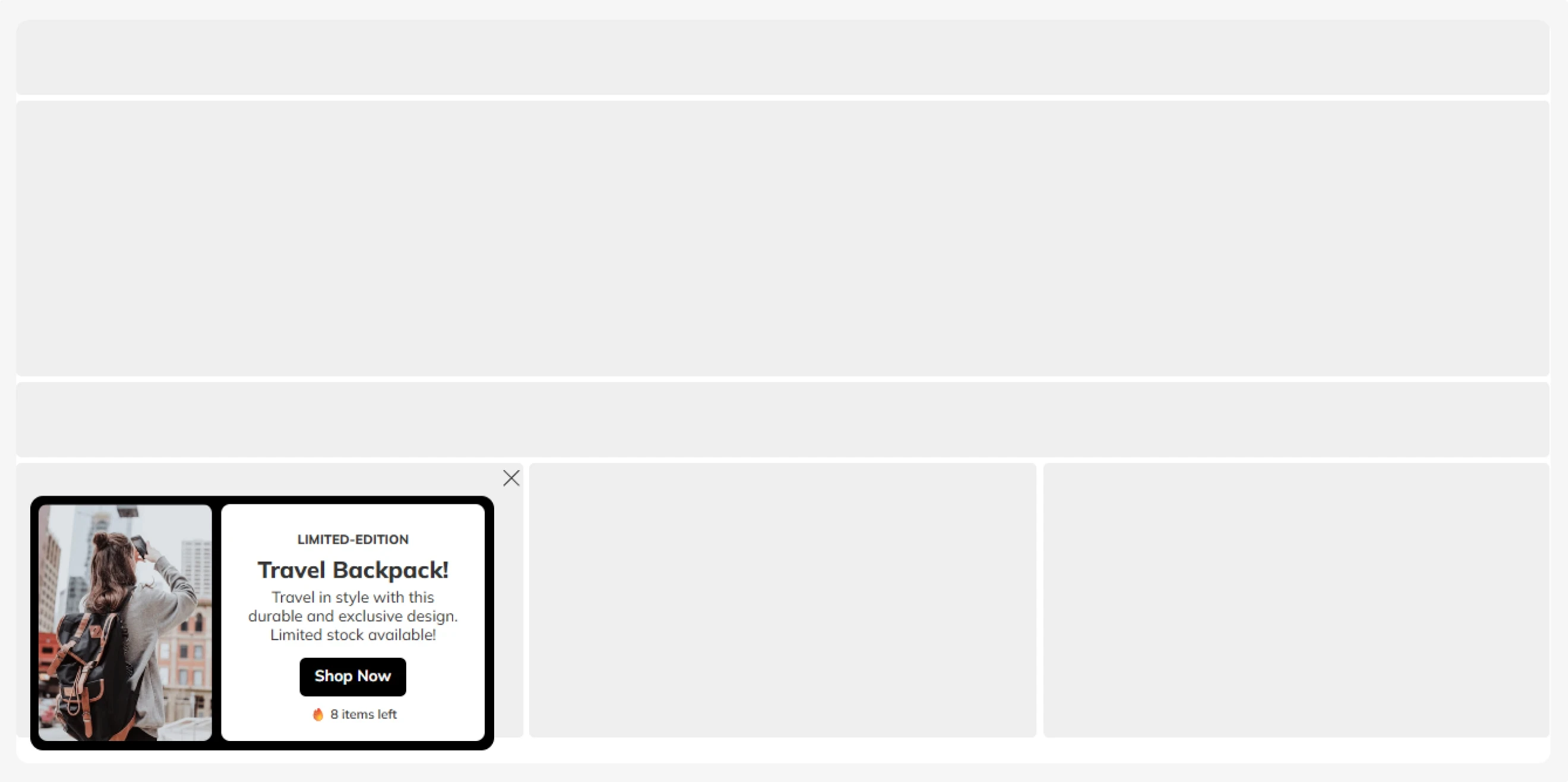
Page redirect popups encourage visitors to explore another page, such as a product collection, related article, special offer, or service page. Their goal is to guide traffic toward relevant content or the next step in the customer journey.
Best for: Promoting product collections, driving traffic to sales pages, recommending related content, and directing visitors to relevant products or services.
32. Run survey & Collect feedback
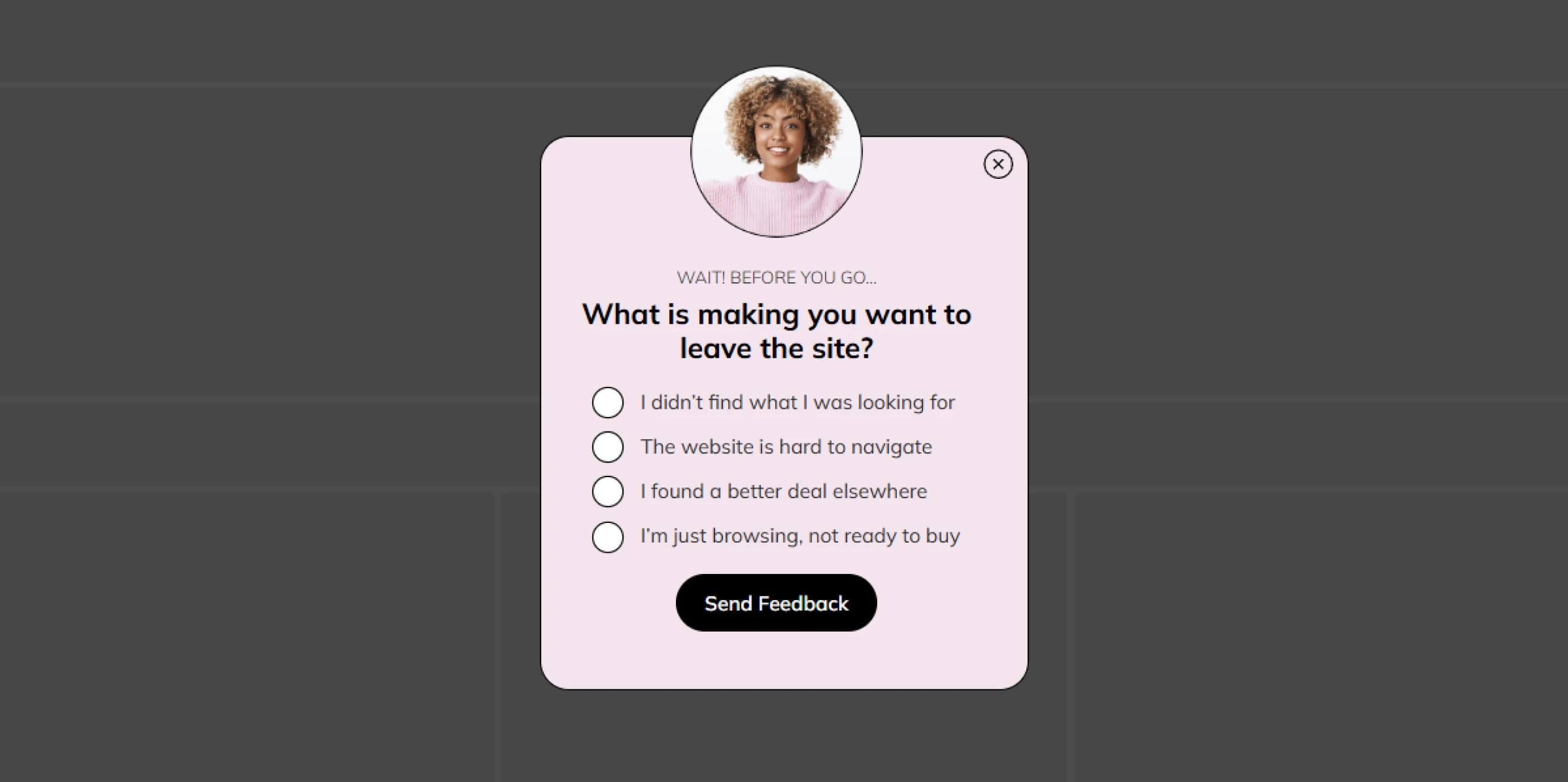
Survey and feedback popups collect customer opinions directly on your website. They can ask visitors why they chose a product, what stopped them from purchasing, how satisfied they are with their experience, or what they would like to see improved.
Pro tip: If you need more detailed feedback and the survey requires more effort, consider offering a small incentive or thank-you reward.
Best for: NPS and CSAT surveys, post-purchase feedback, exit surveys, product research, website experience feedback, and understanding purchase barriers.
33. Lead magnet download
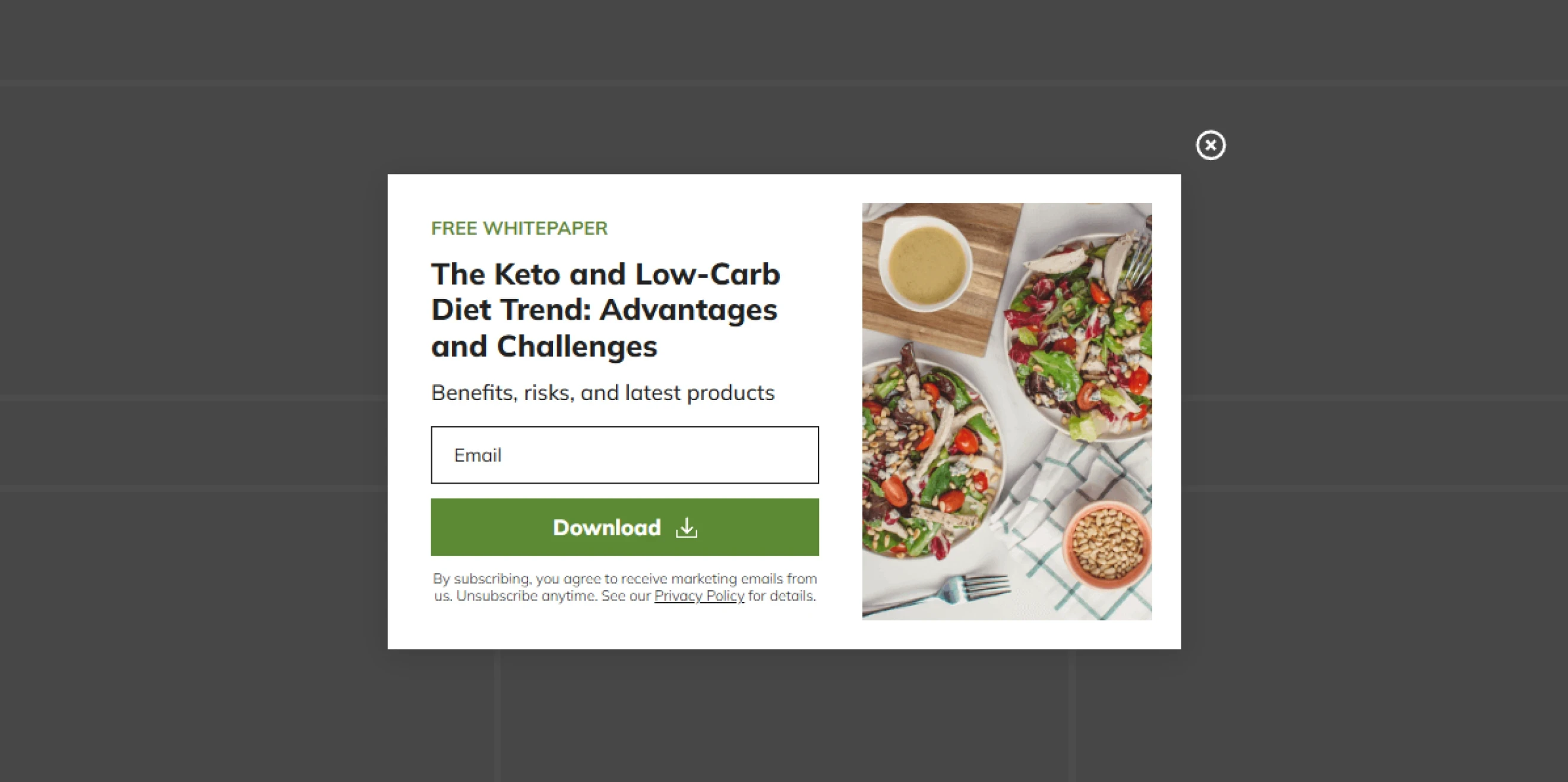
Lead magnet popups offer useful content in exchange for contact information. The stronger the connection between the resource and the page content, the more relevant the offer feels.
Pro tip: Lead magnets are another way to grow your lists when discounts don't fit your business model.
Best for: eBooks, checklists, templates, reports, guides, research downloads, and other gated resources.
34. Webinar & Event registration
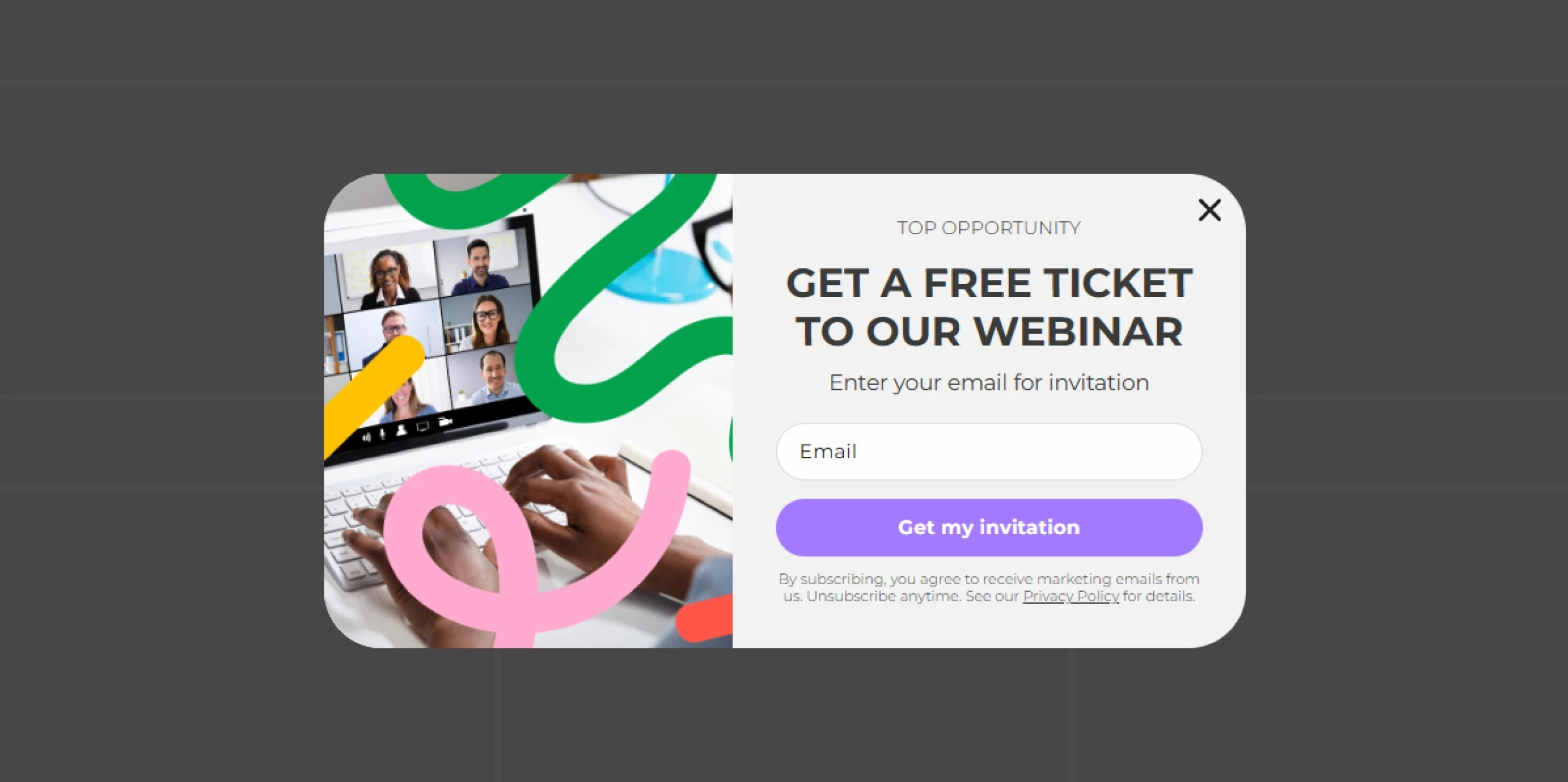
Webinar and event registration popups turn website visitors into attendees.
Pro tip: Keep the form short and focus the message on what attendees will learn, see, or gain from the event. Include the essential details—topic, date, and time—and use targeting to show the invitation to visitors whose interests match the event.
Benchmark insight: Popups with one input field average a 2.48% CR vs. 0.81% for forms with five fields. For webinar and event registration, ask only for the information you actually need.
Best for: Webinars, workshops, conferences, product demos, live streams, masterclasses, and other online or offline events.
35. Nonprofit & Donation
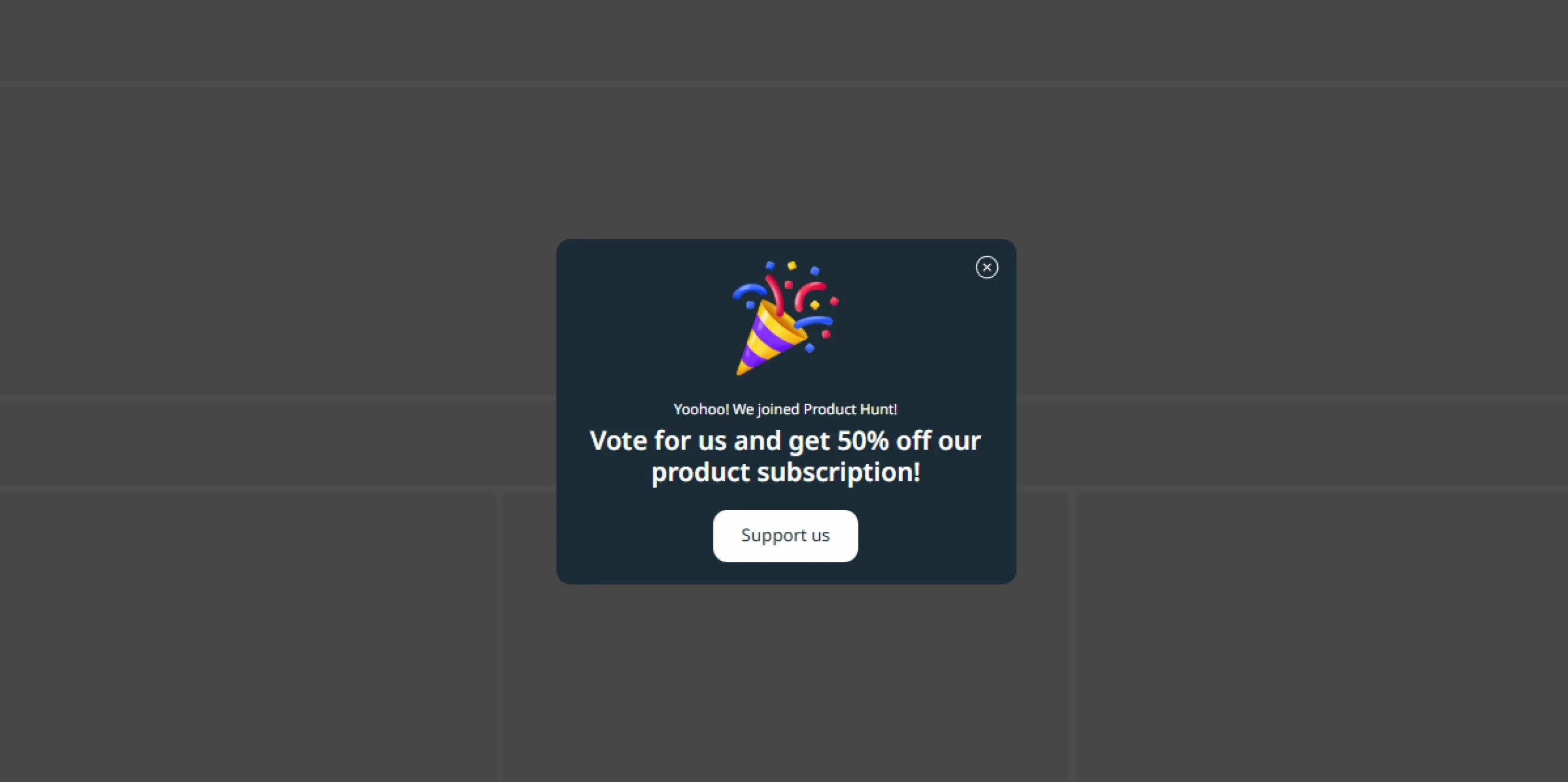
Nonprofit and donation popups encourage visitors to support a cause through donations, fundraising campaigns, volunteering, or other forms of participation.
Pro tip: Use authentic visuals that connect directly to the cause and keep the CTA specific, such as “Donate now,” “Support the campaign,” or “Become a volunteer.”
Best for: Donation campaigns, emergency fundraisers, recurring giving programs, volunteer recruitment, petition campaigns, and awareness initiatives.
36. Cookie consent
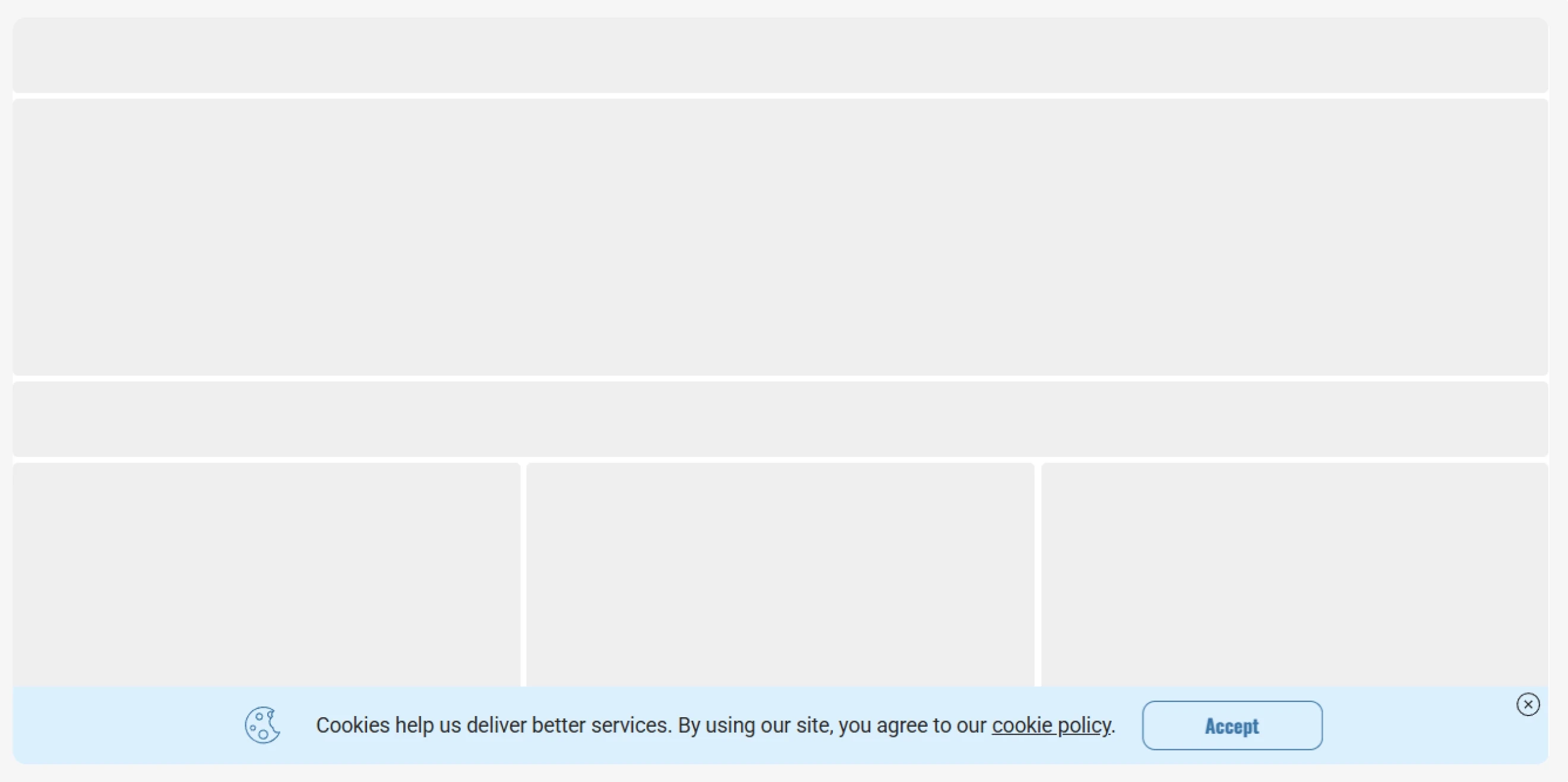
Cookie consent popups inform visitors about the use of cookies and give them control over their preferences. Depending on the applicable privacy laws and the types of cookies a website uses, visitors may need the option to accept, reject, or manage non-essential cookies.
Best for: Cookie consent collection, privacy preference management, and websites subject to GDPR, ePrivacy, or other applicable privacy requirements.
37. Age verification
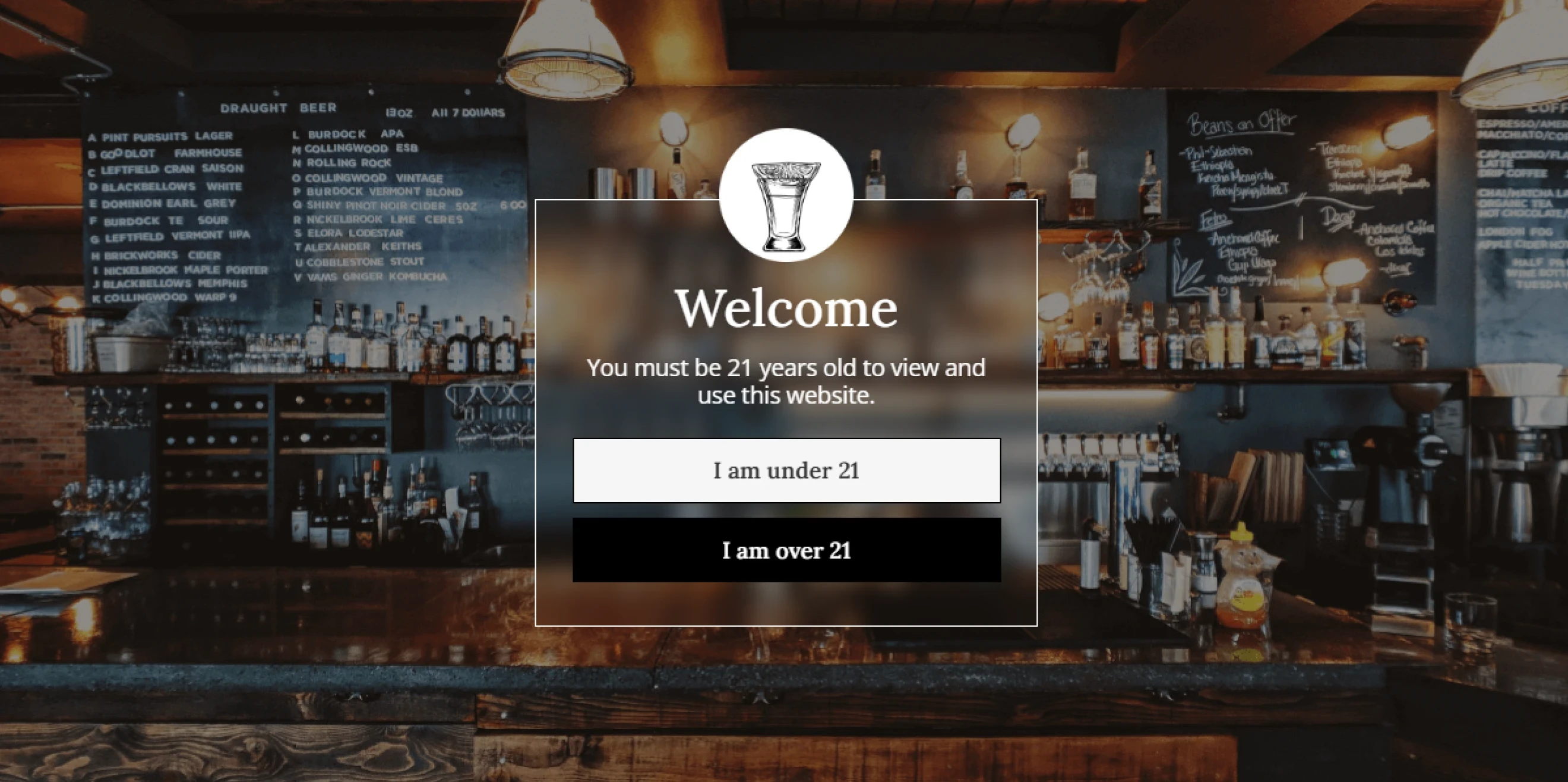
Age verification popups restrict access to age-regulated products, services, or content until visitors confirm that they meet the required minimum age. The popup may ask users to confirm their age, enter a birth date, or complete another verification step.
Best for: Age-restricted products and services, regulated content, and websites that need an age confirmation step before visitors enter or access specific pages.
38. Booking, Demo & Callback request
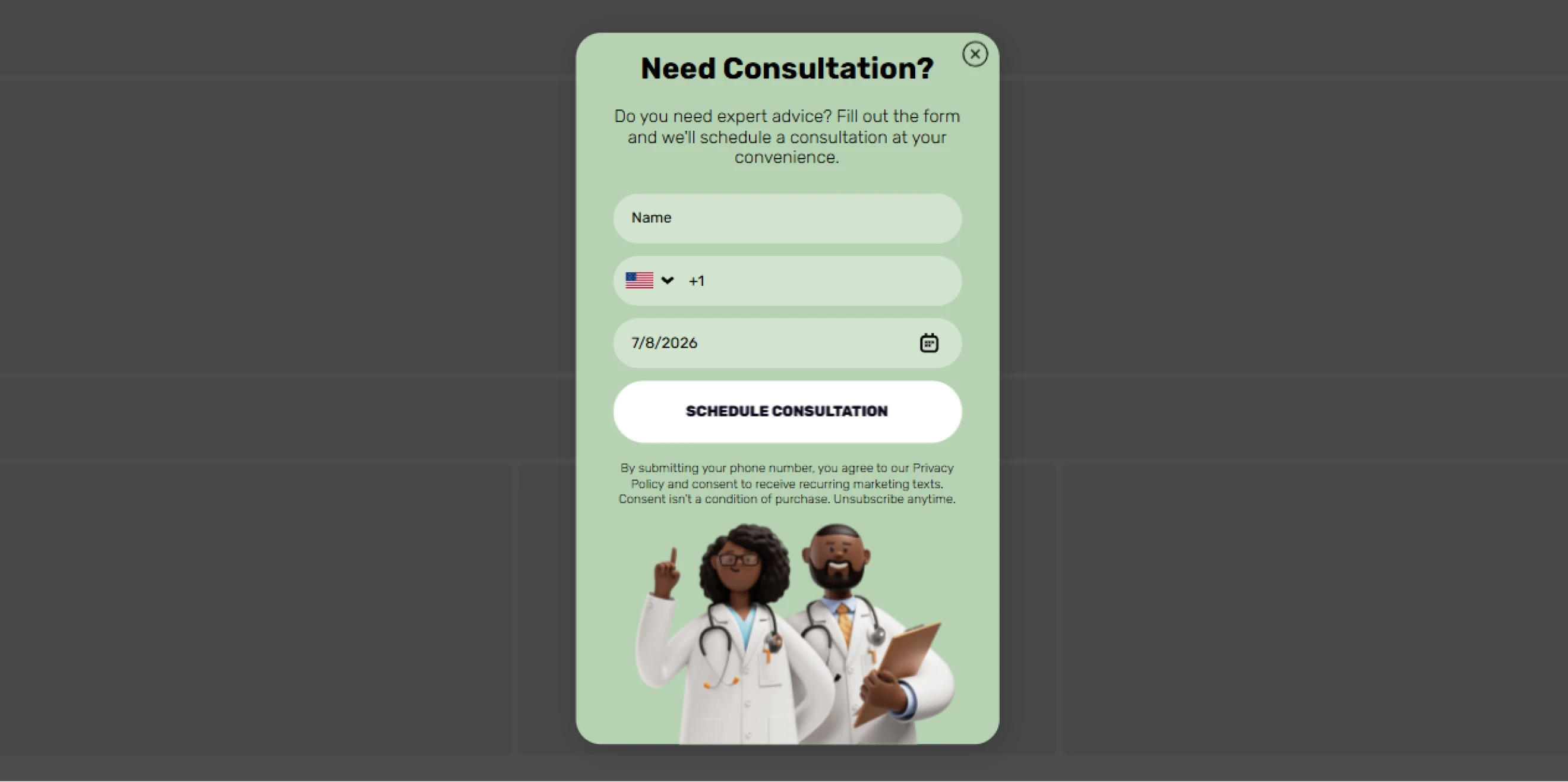
Booking, demo, and callback popups give high-intent visitors a direct way to contact your team. Typically, visitors leave their phone number for a callback.
Benchmark insight: In SaaS, service request campaigns average a 5.16% CTR, and request forms reach a 3.81% CR.
Best for: Product demos, sales consultations, appointment booking, quote requests, callback requests, and other high-intent service inquiries.
39. Promote social media
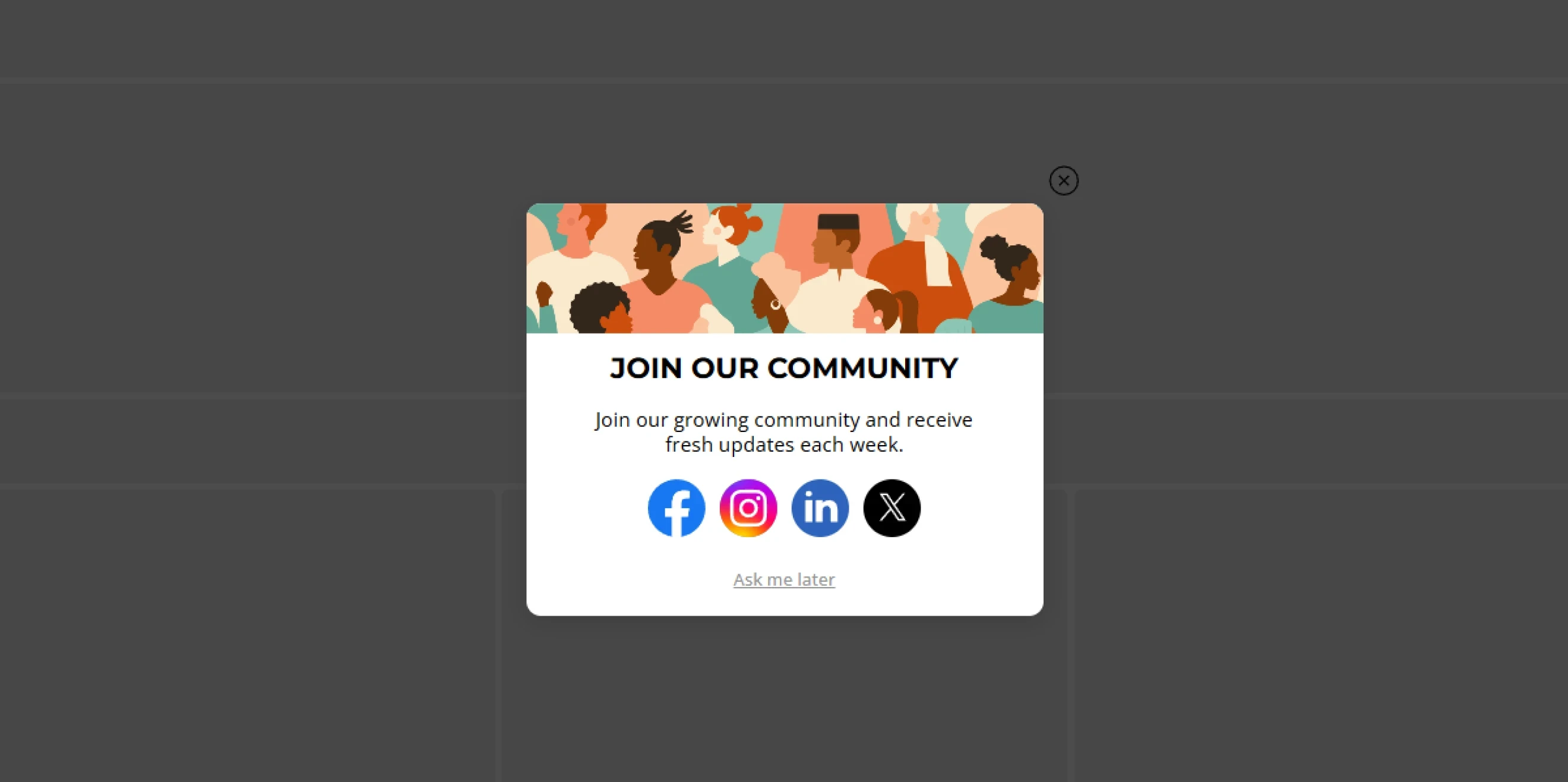
Social media promotion popups invite website visitors to follow or connect with your brand on other channels. They can highlight one priority platform or give visitors a choice of several social networks.
Pro tip: If several platforms serve different purposes, briefly clarify what visitors will find on each one.
Benchmark insight: In media and publishing, campaigns that promote social channels average a 2.48% CTR.
Best for: Growing social audiences, building brand communities, promoting creator channels, extending content distribution, and connecting website visitors with active social platforms.
Types of popup by trigger or targeting
Triggers control when a popup appears based on real-time visitor behavior, while targeting rules decide who sees it. This ensures your message appears at just the right moment for the right visitors.
40. Exit-intent
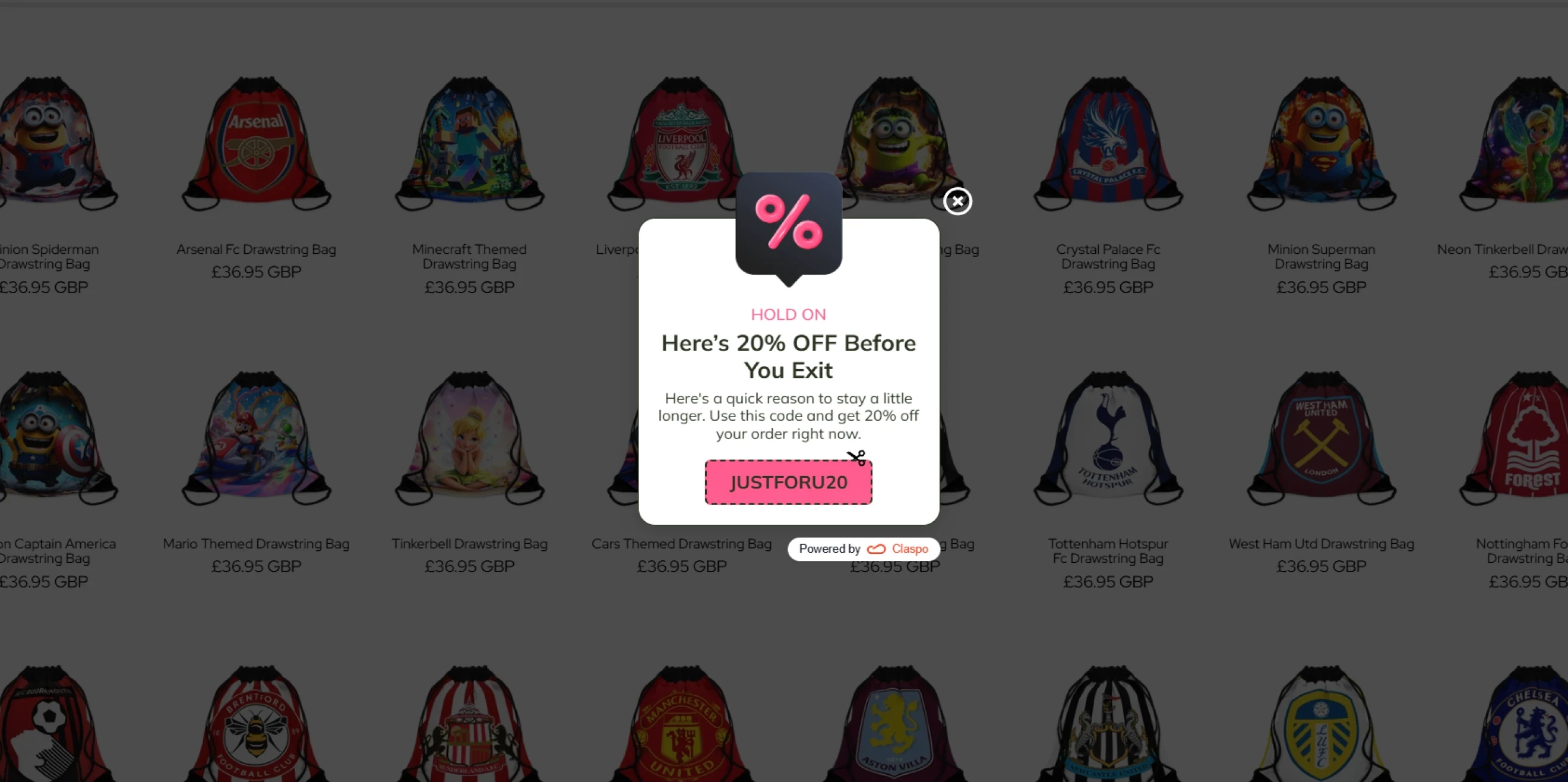
Website exit intent pop-ups appear when a visitor shows signs that they are about to leave the website. On desktop, this usually means moving the cursor toward the top of the browser window. Exit intent popup on mobile can use signals such as rapid upward scrolling or the back button, depending on the technology used.
Benchmark insight: Promo-code campaigns triggered on exit intent average a 5.76% CR.
Best for: Preventing cart abandonment, last-minute offers, alternative product recommendations, lead capture, and support or callback offers.
41. Scroll-depth
Scroll-depth triggers show a popup after a visitor reaches a specific point on the page, such as 25%, 50%, or 75%. This way, visitors have time to engage with the content before they see your offer or CTA.
Pro tip: Match the trigger point to the page and campaign goal. A newsletter signup can appear after a visitor has read half the article, and a product-page offer can appear after a visitor has explored key details, reviews, or specifications.
Best for: Newsletter signups on long-form content, lead magnets related to the page topic, product-page offers, content recommendations, and CTAs aimed at engaged visitors.
42. Time-delay
Time-delay triggers show a popup after a visitor has spent a set amount of time on a page or across the website. The delay gives visitors a chance to explore the content before an offer or message appears.
Pro tip: A short delay may suit a product page where decisions happen quickly, while an article that takes several minutes to read requires a longer delay.
Best for: Newsletter signups, lead magnets, promotional offers, content recommendations, and other campaigns that should appear after visitors have had time to explore the page.
43. Inactivity trigger
Inactivity triggers show a popup after a visitor stops interacting with the page for a set period. The trigger can respond to signals such as no mouse movement, scrolling, clicks, or taps.
Pro tip: Use this trigger to suggest a useful next step to idle visitors: offer help, remind them about items in their cart, suggest relevant products, etc.
Best for: Cart and checkout reminders, product recommendations, support offers, unfinished forms, and re-engagement campaigns for idle visitors.
44. Click trigger
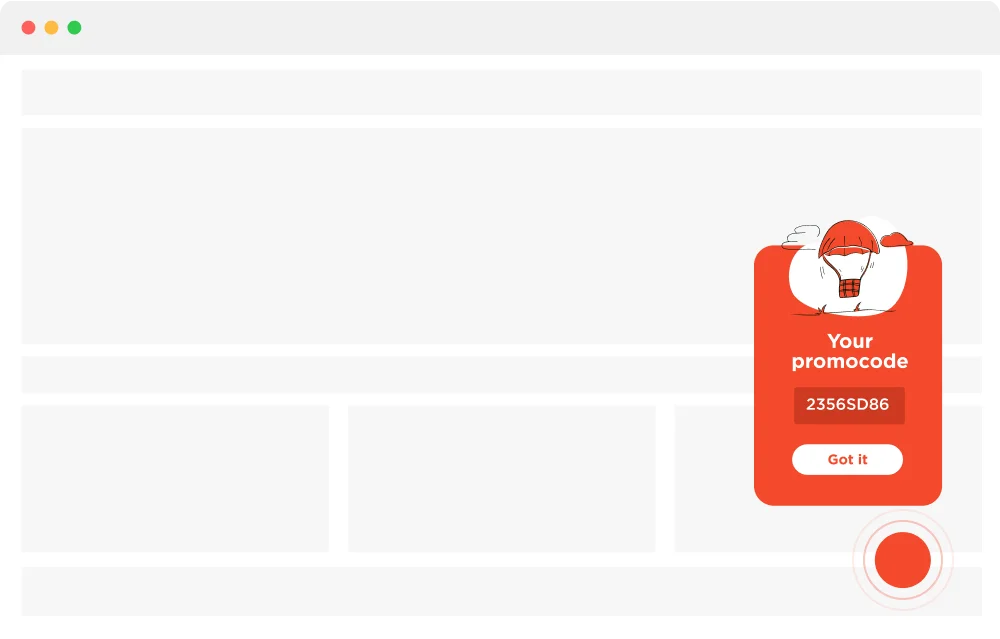
Click-activated popups appear after a visitor clicks a specific page element, such as a button, link, image, or banner.
Pro tip: Use them to provide additional information or open the next step on the current page.
Best for: Lead capture forms, demo and callback requests, size guides, product details, gated content, terms and policies, and promotional offers connected to a specific CTA.
45. Page or URL
You can show campaigns on specific pages or groups of URLs, such as product categories, blog sections, pricing pages, or checkout pages.
Pro tip: Match the campaign to the content and intent of the page. Promote a category-specific discount on collection pages, or show a demo request on the pricing page.
Best for: Contextual lead magnets, category-specific promotions, pricing-page CTAs, product-specific offers, and checkout messages
46. Geolocation
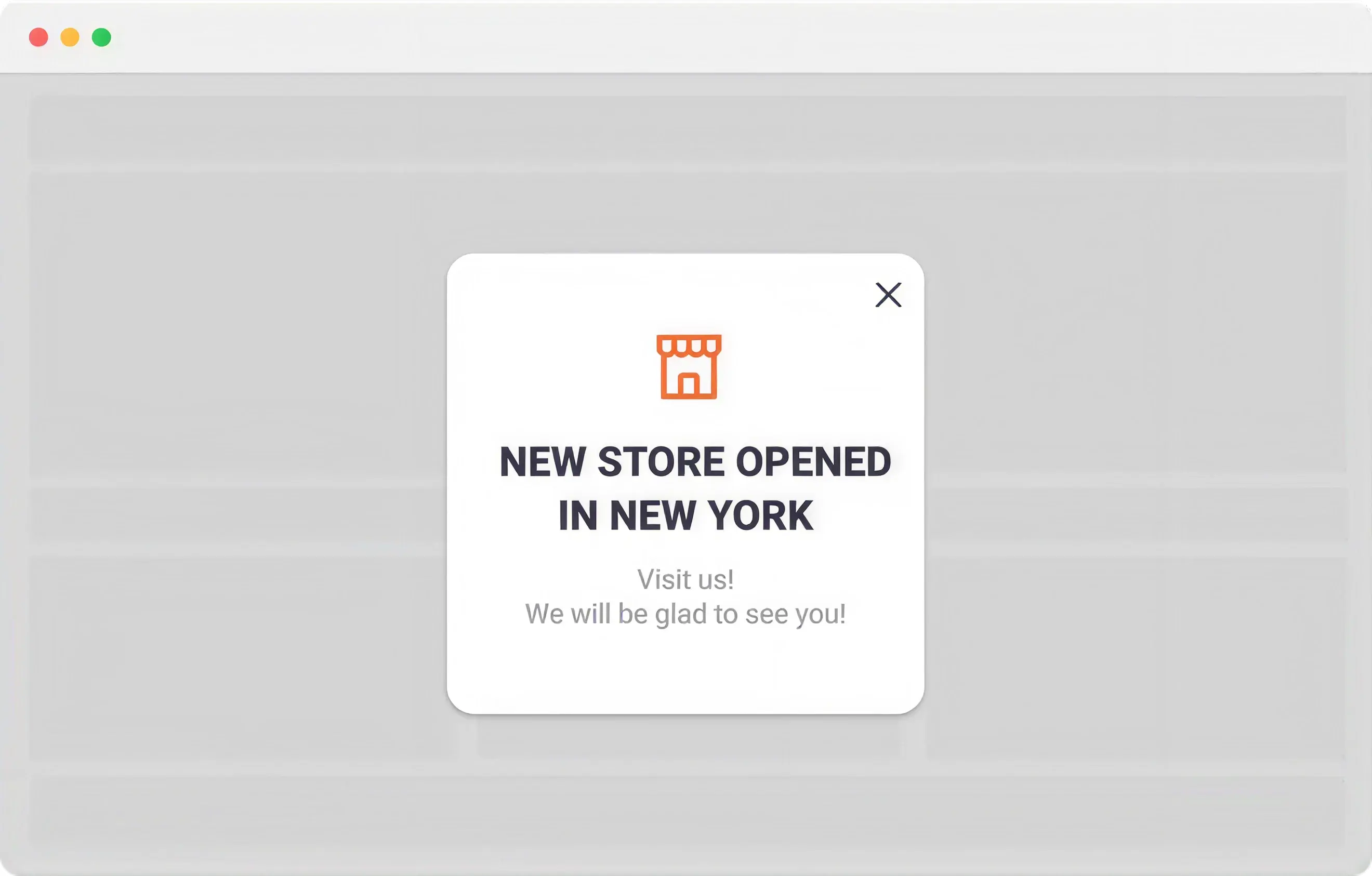
Location-based targeting shows or hides popups based on a visitor’s geographic location. It helps businesses adapt campaigns to regional differences in availability, delivery options, store locations, events, or promotions.
Best for: Regional promotions, local store offers, location-specific events, shipping updates, market-specific campaigns, and offers available only in selected regions.
47. Device
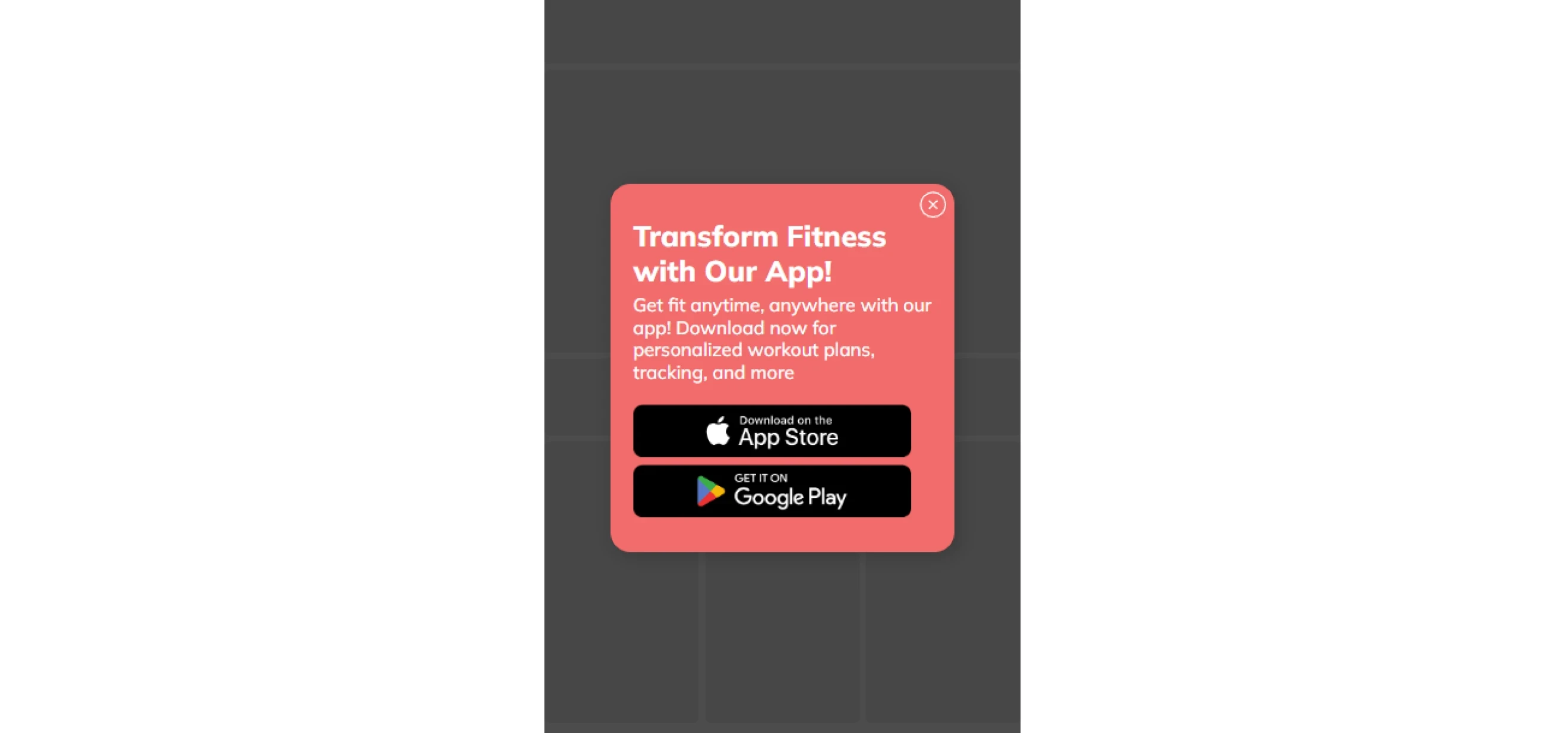
Device targeting shows different popups to visitors based on the device they use, such as desktop, tablet, or mobile. This lets you adapt more than the layout: the offer, message, and CTA can also match the device context.
For example, you can promote an app download to mobile visitors, show a QR code to desktop users, or simplify a form for smaller screens.
Best for: App download campaigns, device-specific offers, mobile-friendly lead capture, QR code campaigns, and campaigns with different desktop and mobile user journeys.
48. Traffic source & UTM
Traffic source and UTM targeting show popups based on where visitors came from, such as an email campaign, paid ad, social media post, etc. This helps keep the on-site message consistent with the campaign that brought the visitor there.
Case study: How to heat up cold traffic
Man’s Set showed a popup with the Memory card game only to visitors from TikTok. The popup appeared after they added a product to the cart. It helped improve checkout completion for TikTok traffic, with no increase in ad spend. The brand’s broader strategy also led to 10% sales growth, 10% growth in email revenue, and a 10% reduction in CAC.
Best for: Paid ad campaigns, email traffic, influencer and affiliate campaigns, social media traffic, partner referrals, and channel-specific conversion campaigns.
49. New vs. Returning visitor
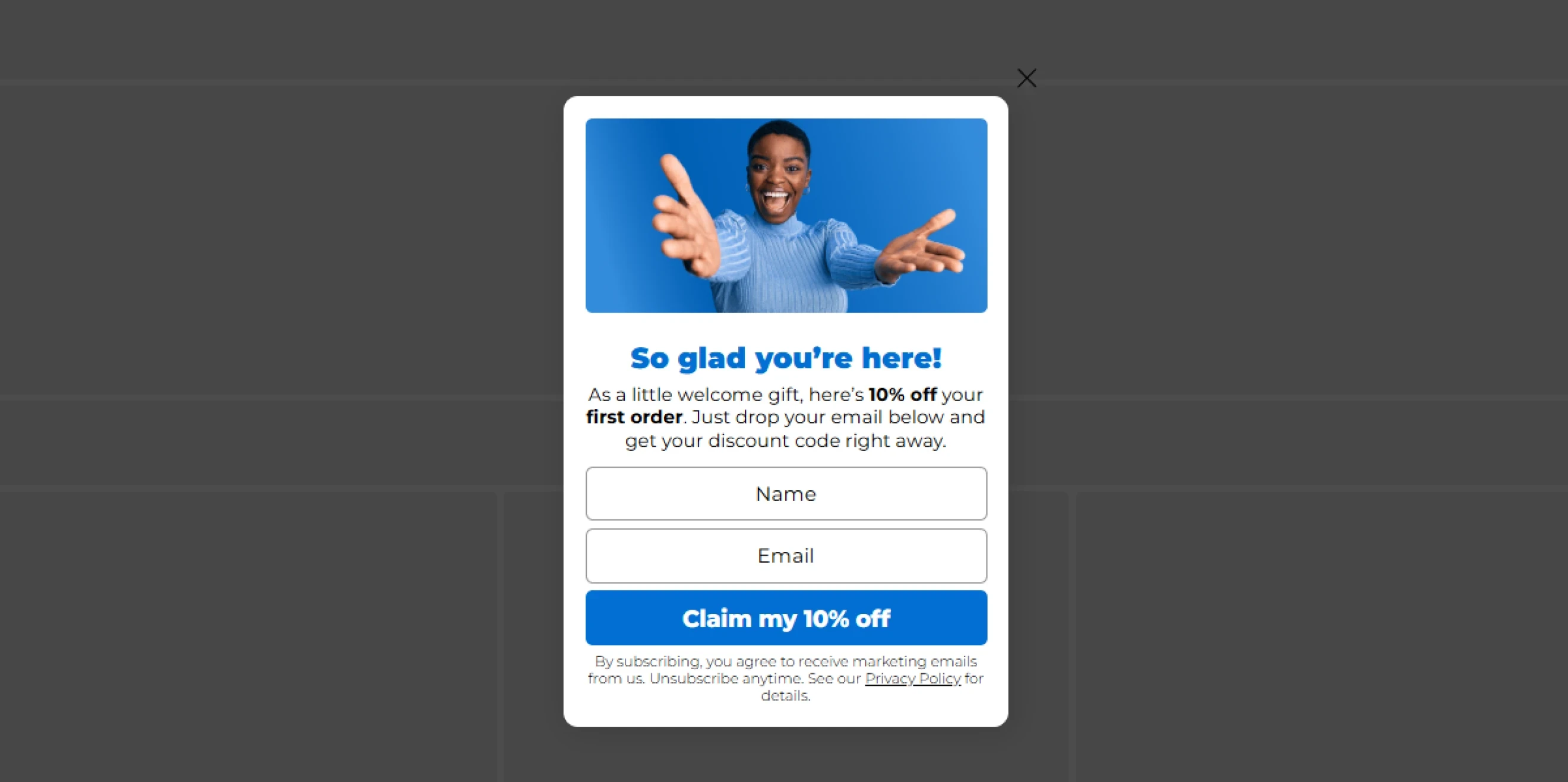
Show different campaigns based on whether someone has visited your website before. A first-time visitor may need an introduction to the brand or a welcome offer, whereas a returning visitor may respond better to a reminder, a product recommendation, or an offer tied to their previous interests.
Best for: Welcome popup, first-visit campaigns, returning visitor promotions, product reminders, and other messages for new and repeat website visitors.
50. Subscriber & Customer status
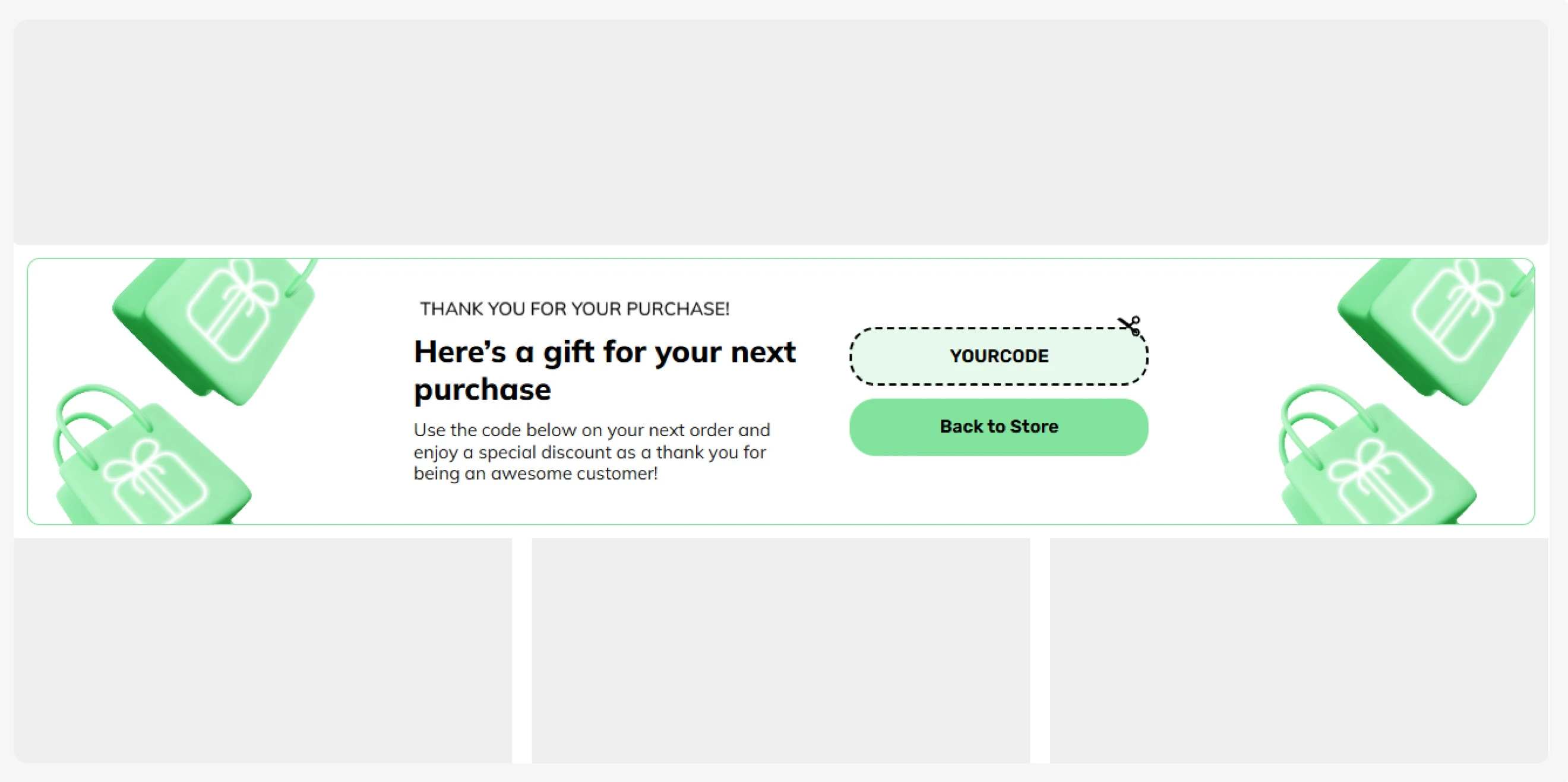
Subscriber and customer status targeting shows or hides campaigns based on a visitor’s existing relationship with the brand. It helps keep campaigns for new leads hidden from existing subscribers and customers.
For example, you can exclude customers from first-order discounts or show a loyalty offer to known customers.
Best for: Welcome discount exclusions, subscriber suppression, customer-only offers, loyalty campaigns, and other campaigns for prospects, subscribers, and customers.
51. Behavior-based
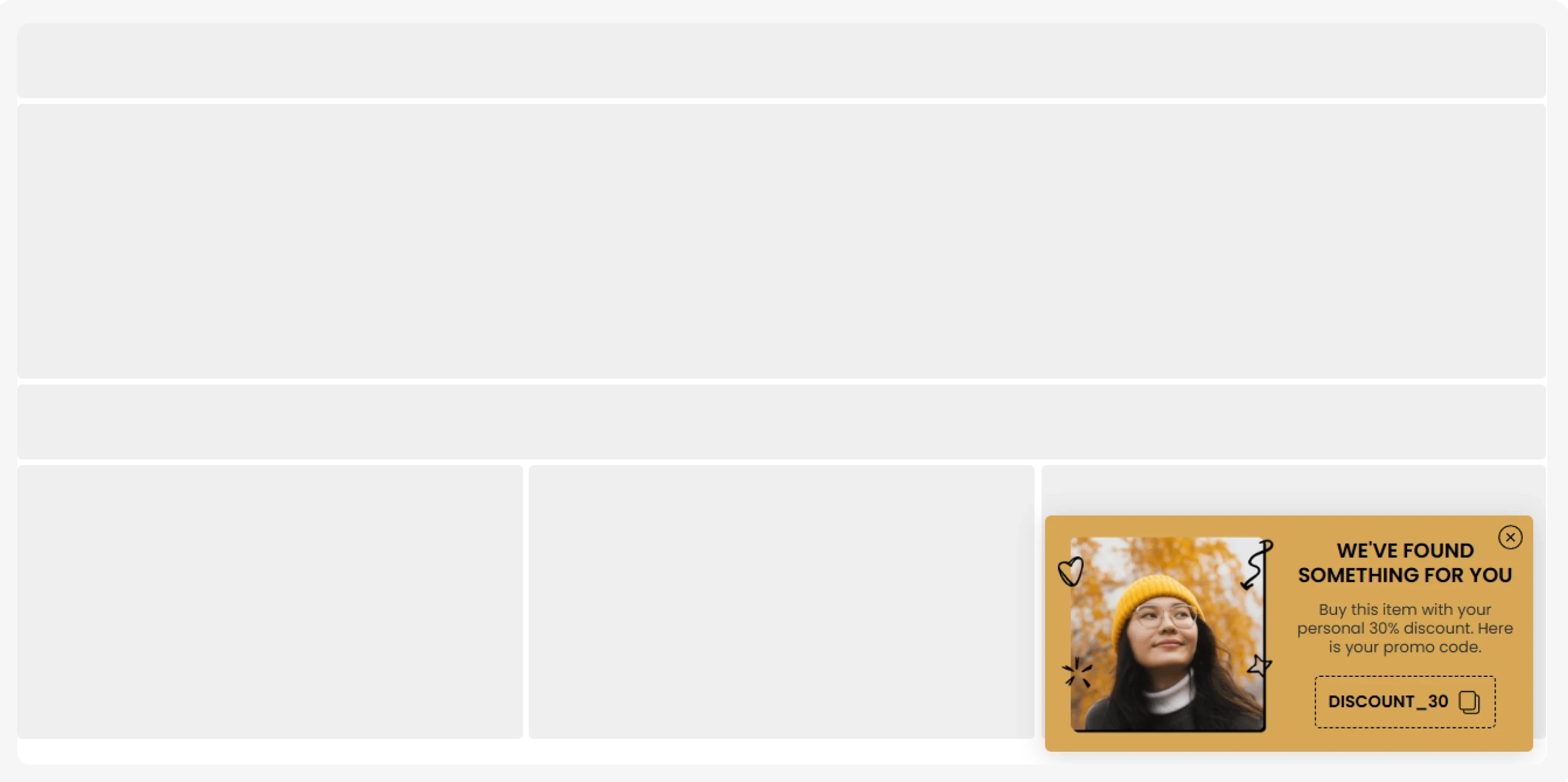
Behavior-based targeting shows different campaigns based on what visitors do on your website. It can use signals such as products or categories viewed, pages visited, or other browsing actions that indicate interest. For example, a visitor who explores several products from the same category can see a related offer or product recommendation.
Best for: Product recommendations, category-specific offers, browse abandonment campaigns, personalized content, and campaigns based on visitor interests.
52. Cart-based
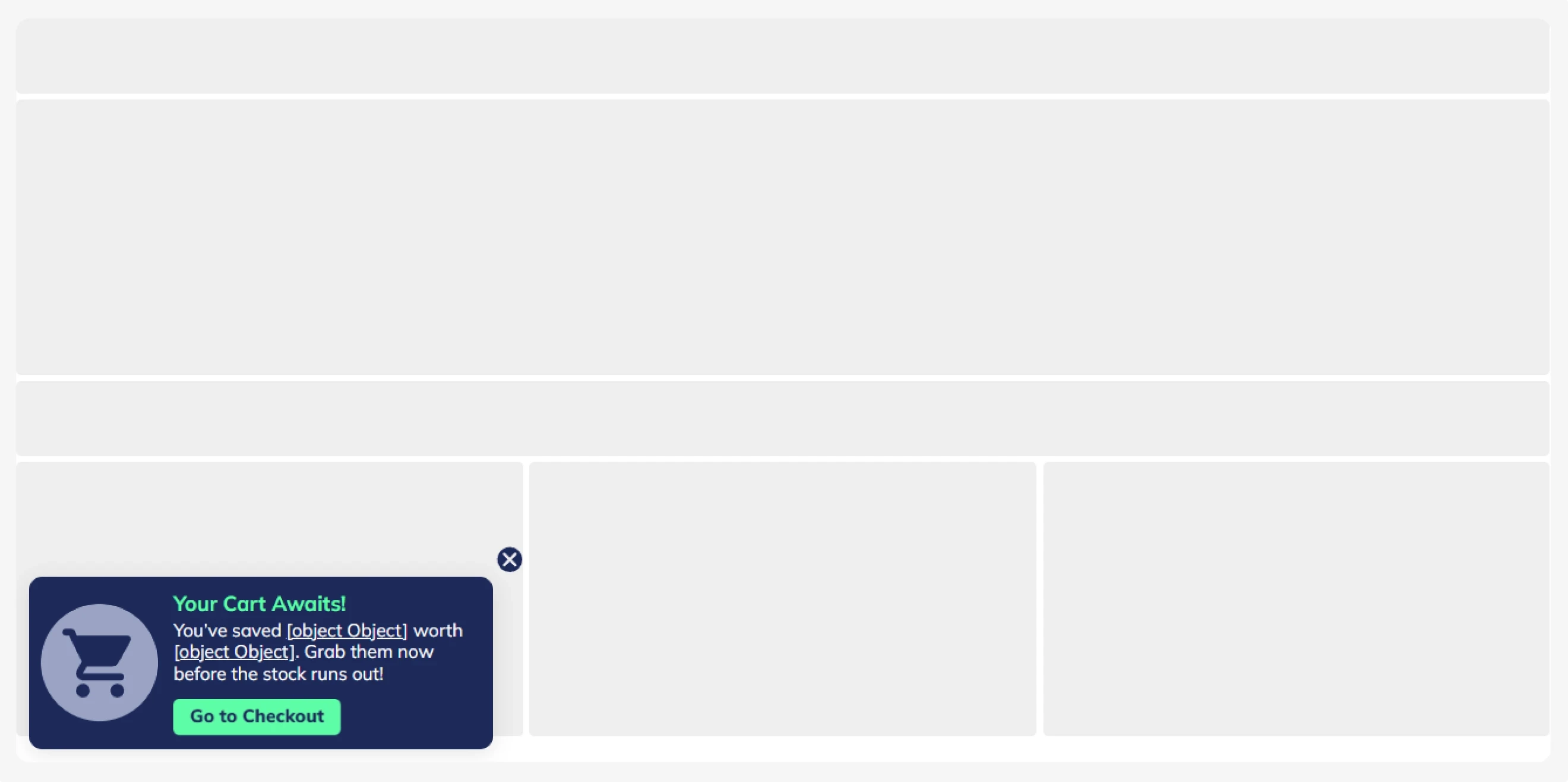
Cart-based targeting shows campaigns based on what a shopper currently has in their cart. Rules can use signals such as cart value, number of items, specific products, product types, tags, SKUs, vendors, or applied discount codes.
Best for: Free-shipping thresholds, cart-value rewards, upsells and cross-sells, product-specific offers, gift-with-purchase campaigns, and cart recovery.
53. Date & Time
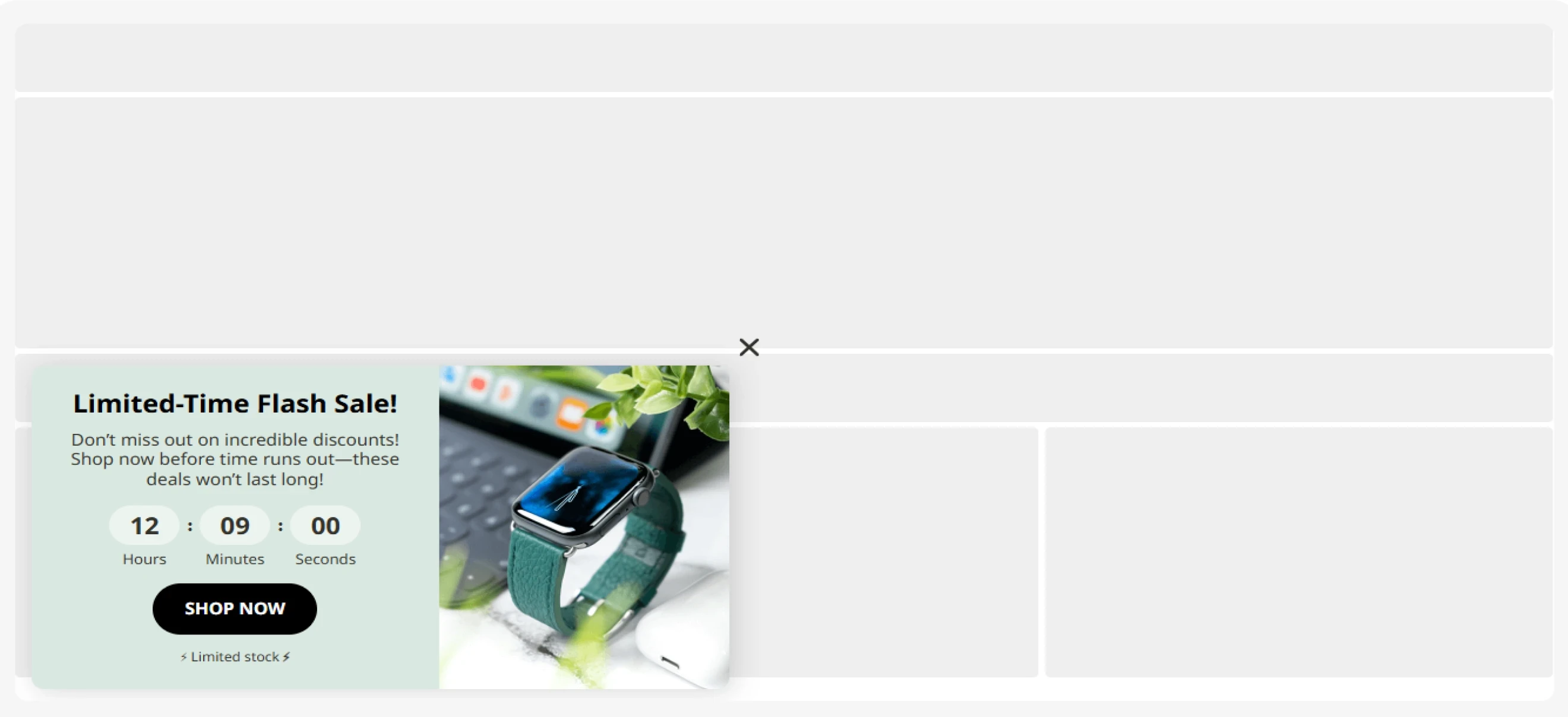
Date and time scheduling controls when a popup campaign starts and stops. You can set campaigns to run during specific date ranges, on selected days of the week, or at certain times of day.
Best for: Holiday campaigns, flash sales, weekend promotions, product launches, event registration periods, and other time-sensitive offers.
54. On-site follow-up
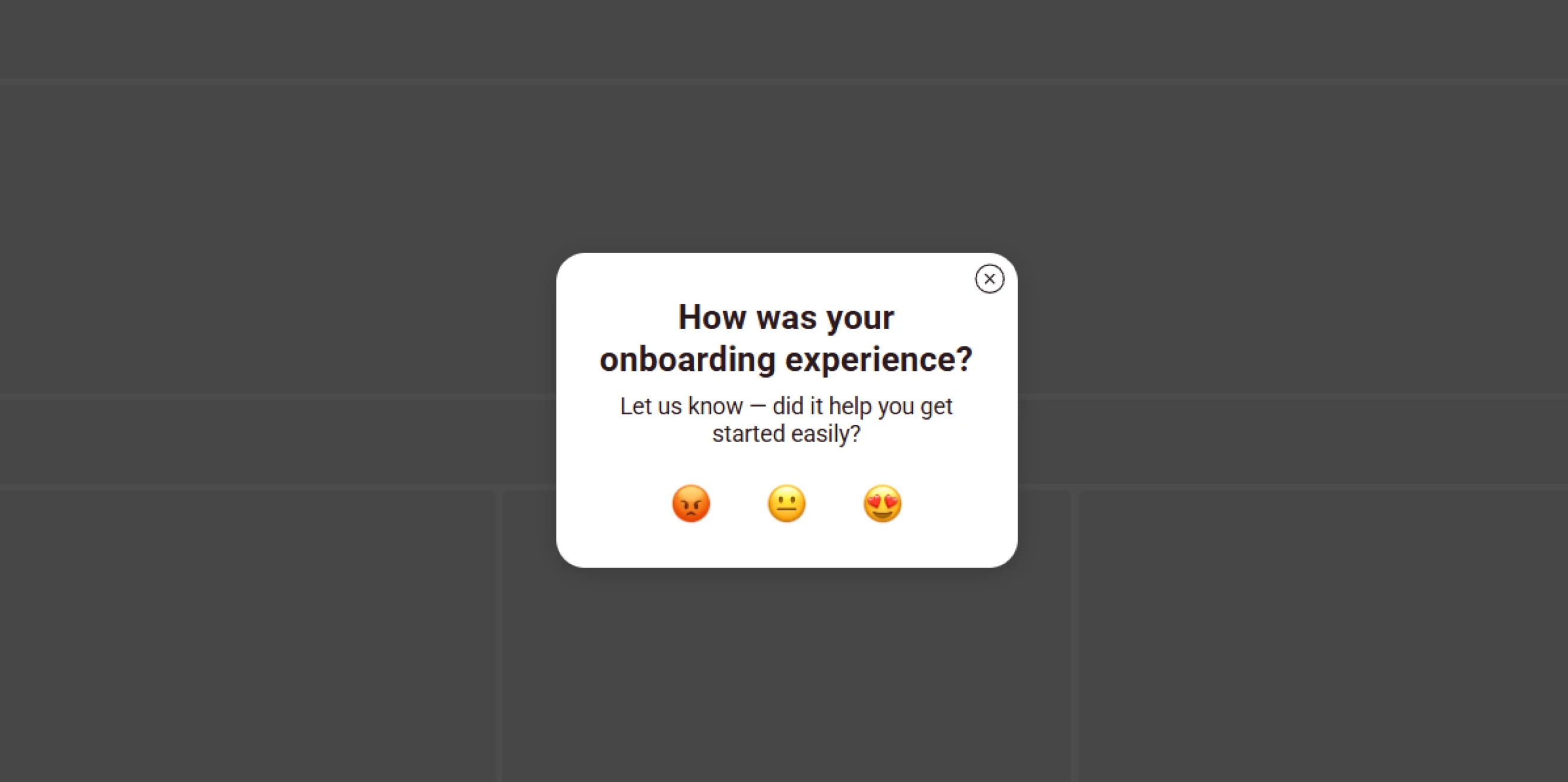
On-site follow-up shows the next campaign based on how a visitor interacted with a previous popup. For example, you can show a reminder after someone closes an offer or present the next step after they complete a form.
Best for: Multi-step campaign sequences, follow-up reminders, post-signup offers, secondary offers, and campaigns based on previous popup interactions.
Start with the goal
The best popup type is the one that fits your goals, matches the visitor’s intent, appears at the right moment, and gives a clear reason to act. With Claspo, you can create popups from CRO-ready templates, customize them in a no-code builder, set advanced display rules, run A/B tests on autopilot, and track performance even on the free plan.