Elevate Your Platform with the Claspo Widget Builder

Gain an instant competitive edge by integrating the Claspo plugin into your CMS, CRM, CDP, or ESP. Have the best-in-class drag-and-drop widget builder ready in your toolkit and focus on refining your core features.

Gain an instant competitive edge by integrating the Claspo plugin into your CMS, CRM, CDP, or ESP. Have the best-in-class drag-and-drop widget builder ready in your toolkit and focus on refining your core features.

Used by

  • Reteno

    AI Messaging Platform

  • eSputnik

    Omnichannel CDP

  • Yespo

    Omnichannel CDP

Create high-converting popups in minutes by Claspo Popup Maker
Claspo Plugin

What Is the Claspo Plugin?

What Is the Claspo Plugin?

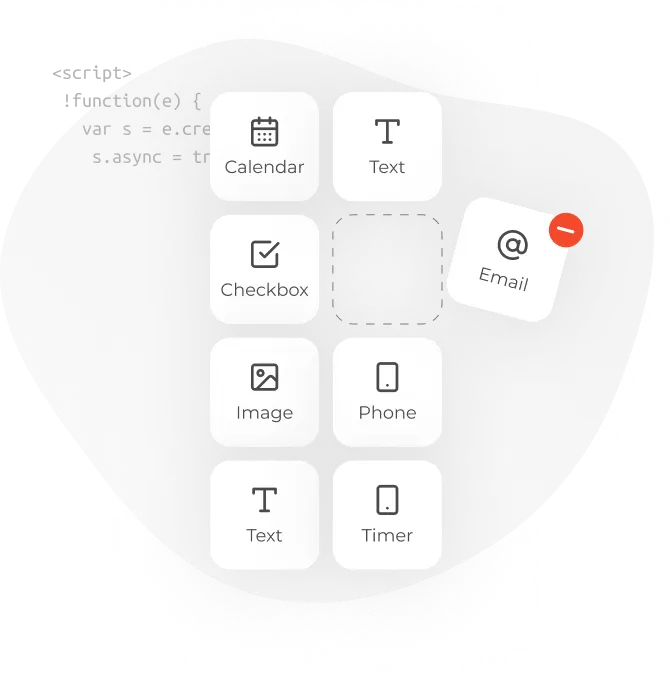
The Claspo plugin is an SDK embedded in your platform or application as a component that takes and returns JSON. Within the Claspo drag-and-drop widget builder, you can use existing components, modules, and notification types or create your own unique ones.
What You Get with the Claspo Plugin

What You Get with the Claspo Plugin

Claspo Plugin - 100% Customization

100% Customization

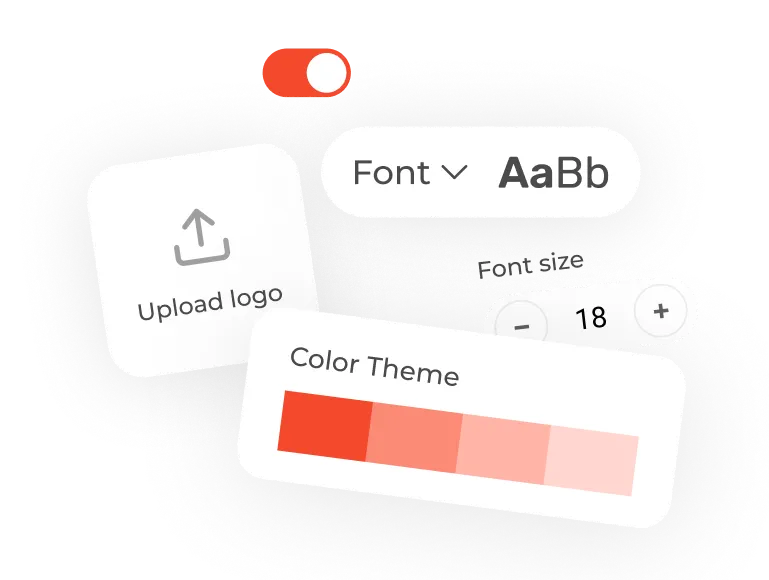
Using a template language makes it easy to change the code and modify the style, components, and functionality of the Claspo plugin to suit your platform’s branding, needs, and user workflow.

Full Access to the Most Powerful Editor

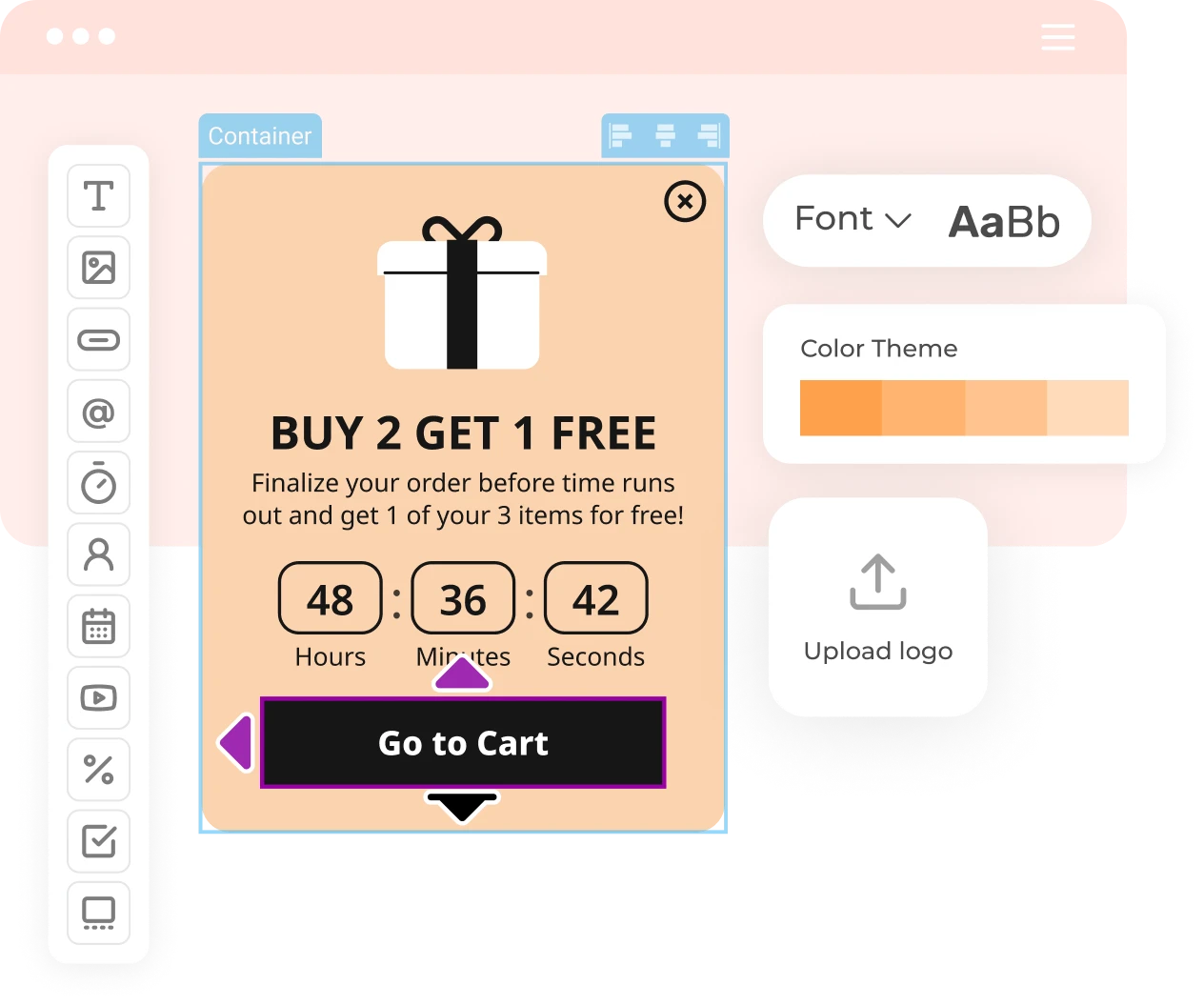
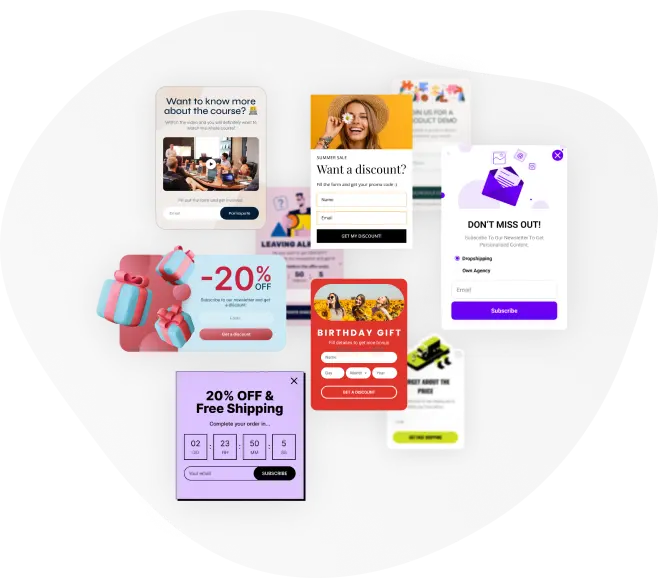
Enhance your platform’s capabilities with our intuitive drag-and-drop interface alongside the most extensive library featuring over 1000 widget templates for 36 use cases and a wide array of on-demand layouts.
Claspo Plugin - Full Access to the Most Powerful Editor
Claspo Plugin - Extended SDK Modifications

Extended SDK Modifications

Use the Claspo plugin beyond widget creation. You’ll have the power to fully modify our drag-and-drop editor and create your unique...

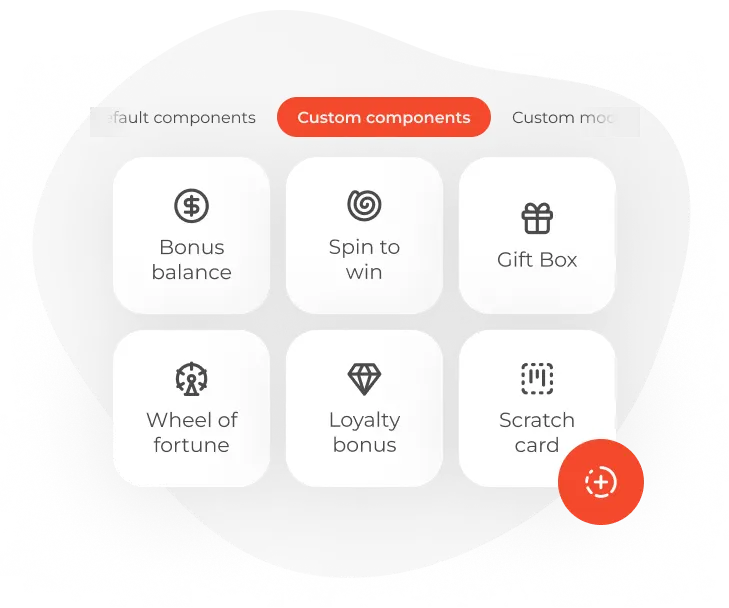
Components: email fields, wheels of fortunes, etc

Modules: product cards, product recommendations, video players, etc.

Notification types: in-app messages, mobile push notifications, etc.

How Does It Work?

How Does It Work?

01
01

Simple Integration

Claspo integrates effortlessly via JavaScript imports — find out more.

02
02

You Are in Control

You control the data, since we neither store nor have access to it

03
03

Customized Editor

Personalize the Claspo’s editor appearance to suit your app’s branding

Claspo Plugin FAQ

And even more use cases for any purpose

Yes. Migration comes at no extra cost with every paid Claspo plan. You’ll need a Claspo account with an active paid subscription, then simply contact our support team to request the service.

We can recreate supported popups, bars, embedded forms, multi-step flows, gamified widgets, and other campaign types. Depending on the original setup, this may include:

  • Design and layout

  • Copy and form fields

  • Offers, prizes, and promo codes

  • Widget flows and behavior

  • Targeting and display conditions

We review each widget first and confirm what can be recreated in Claspo before the migration begins.

The easiest option is to give our support team access to your current platform and share links to the pages where the widgets are live. This helps us see how each widget looks and works and check whether it can be fully recreated in Claspo. 

If you prefer, you can send a brief for each widget covering:

  • Its type and purpose

  • All widget copy

  • Font names and HEX color values

  • Size, layout, and component placement

  • Original images, icons, and logos

  • Prizes and promo codes for gamified widgets

  • All current display conditions

Please provide original visual assets in PNG, JPEG, or SVG format. We cannot always export source files from another platform.

Plan on about seven days after we receive all the required details and visual assets. A large number of widgets or more complex campaign logic may take longer. We’ll confirm what can be migrated before the work begins.

Yes. Your existing campaigns can keep running while we recreate them in Claspo. Once the new versions are ready, you can review them in your account and decide when to turn off the old campaigns and publish the new ones.

No. We recreate the supported widgets and their display settings in your Claspo account, but integrations must be connected by you. Once you have reviewed the popups and connected the services you need, you decide when to publish them.

Ready to See Claspo’s Plugin in Action?

Ready to See Claspo’s Plugin in Action?

Book a free demo call and discuss your requirements, integration options, and next steps.

Developer Guide

Developer Guide

The plugin can be easily customized to your requirements and integrated into any product.