Let interest come before the form
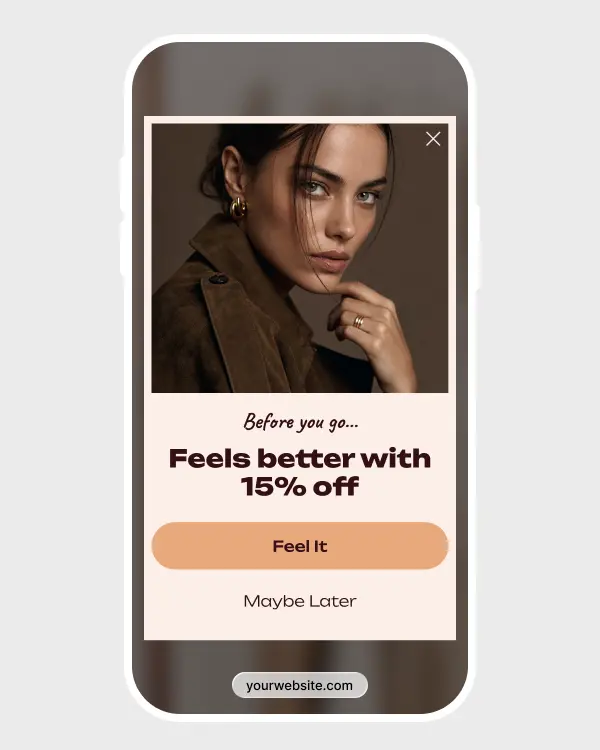
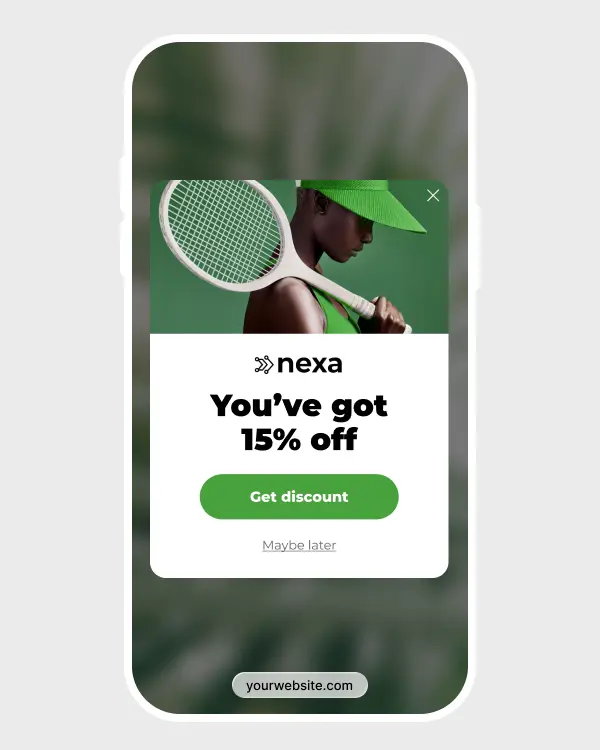
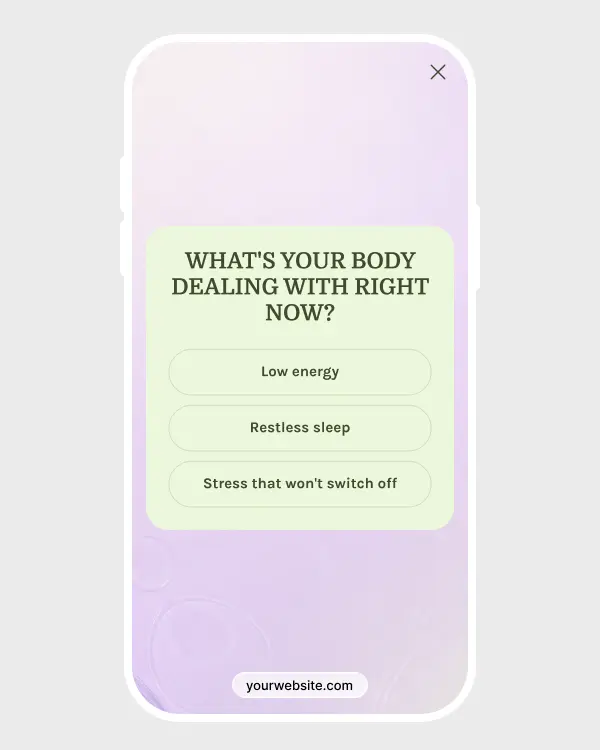
Start with a simple choice instead of an email field. Once visitors click to claim the offer, entering their email feels like the next step in something they already chose.

4.9%
avg. CR
for multi-step popups
4.9%
avg. CR
for multi-step popups
1.35×
higher avg. CR
than the email popup baseline
1.35×
higher avg. CR
than the email popup baseline
9.34%
avg. CR
among the top-25%
9.34%
avg. CR
among the top-25%
28%
avg. CR
among the top-10%
28%
avg. CR
among the top-10%
4.9%
avg. CR
for multi-step popups
9.34%
avg. CR
among the top-25%
1.35×
higher avg. CR
than the email popup baseline
28%
avg. CR
among the top-10%

Start with an easy yes
An email field can feel like work when it appears too soon. A simple choice gives visitors a low-effort first step and lets them decide whether the offer is worth pursuing.
Bring warmer visitors to the form
Only people who click to claim the offer move on to signup. By the time they see the email field, they have already shown interest in the reward and made a small commitment.


Keep the path to purchase moving
After signup, show the promo code straight away and add a clear CTA back to shopping. Visitors can claim the reward and use it while the offer is still fresh in their minds.
Key features
Key features

Choice
Choice
Use standard buttons to send interested visitors to the email form or let them decline the offer. Each button simply opens the relevant next step.
Use standard buttons to send interested visitors to the email form or let them decline the offer. Each button simply opens the relevant next step.

Signup step
Signup step
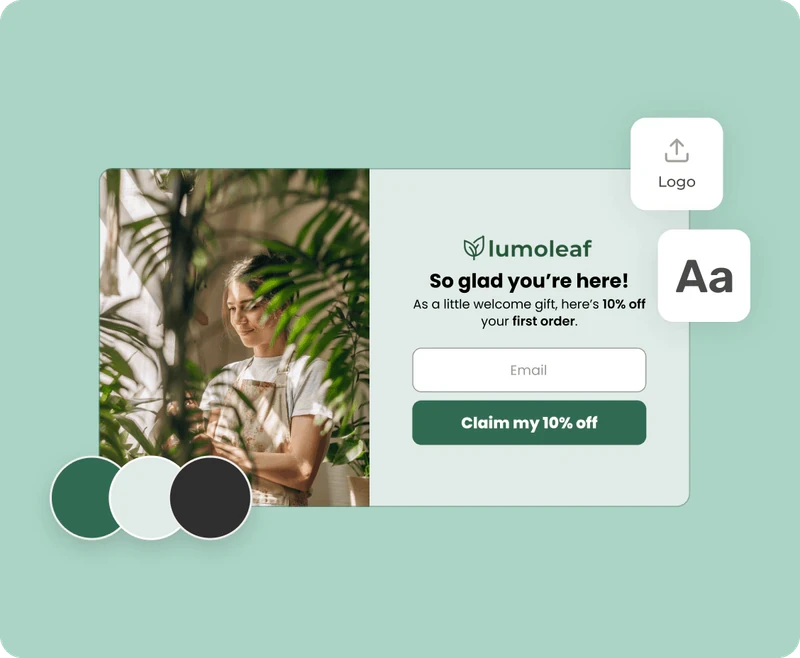
Place the email field and consent text on a separate screen after the visitor accepts the offer. The first screen presents the deal, while the next handles the subscription.
Place the email field and consent text on a separate screen after the visitor accepts the offer. The first screen presents the deal, while the next handles the subscription.

Instant reward
Instant reward
Put the discount on the last screen so visitors can copy it and keep shopping. No inbox check, no typing the code by hand.
Put the discount on the last screen so visitors can copy it and keep shopping. No inbox check, no typing the code by hand.
Choice
Use standard buttons to send interested visitors to the email form or let them decline the offer. Each button simply opens the relevant next step.
Signup step
Place the email field and consent text on a separate screen after the visitor accepts the offer. The first screen presents the deal, while the next handles the subscription.
Instant reward
Put the discount on the last screen so visitors can copy it and keep shopping. No inbox check, no typing the code by hand.
When to use for better results
When to use for better results

For first-visit offers
For first-visit offers
Instead of opening with an email field, first ask whether they want the discount. The lighter first click suits welcome campaigns, and only visitors who are interested move on to signup.

After browsing
After browsing
Give people a little time to browse before showing the offer. Trigger it after a few page views, some time on the site, or a product-page visit, when the discount already has some context.

For short campaigns
For short campaigns
Use the first screen to spotlight a seasonal deal, product launch, or limited-time offer. Visitors who want it can move on to the email step, while everyone else can dismiss it without seeing a form.
For first-visit offers
Instead of opening with an email field, first ask whether they want the discount. The lighter first click suits welcome campaigns, and only visitors who are interested move on to signup.
After browsing
Give people a little time to browse before showing the offer. Trigger it after a few page views, some time on the site, or a product-page visit, when the discount already has some context.
For short campaigns
Use the first screen to spotlight a seasonal deal, product launch, or limited-time offer. Visitors who want it can move on to the email step, while everyone else can dismiss it without seeing a form.
Connects with any of your tools
Connects with any of your tools





and more than 20+ tools to integrate
Explore gamified popup templates
Explore gamified popup templates
Start with Spin the Wheel, Pick a Gift, or Scratch Card, then customize the design, prizes, and display rules.
Start with Spin the Wheel, Pick a Gift, or Scratch Card, then customize the design, prizes, and display rules.
How to create a gamified popup
How to create a gamified popup
Convert more with proven CRO tactics
Convert more with proven CRO tactics
Convert more with proven CRO tactics
See how much revenue your current popups are leaving on the table. Get started in minutes and see results right after.
See how much revenue your current popups are leaving on the table. Get started in minutes and see results right after.