Top 10 Email Builders: In-Depth Reviews, Pricing & Honest Comparison


Summarize
The email template builder chosen by a particular team affects the speed of delivering campaigns, consistency of branding, and developer hours devoted to the design. There isn't an optimal solution for everyone – different tools suit different teams depending on their size, expertise, infrastructure, and budget.
Below is the list of ten reviewed products, including Stripo, Tabular, Chamaileon, Beefree, Unlayer, Topol.io, Sequenzy, Brevo, Dyspatch, and Elastic Email. For each tool, we describe its features, pricing, user opinions about its strengths and weaknesses, and the areas in which it truly excels.
1. Stripo
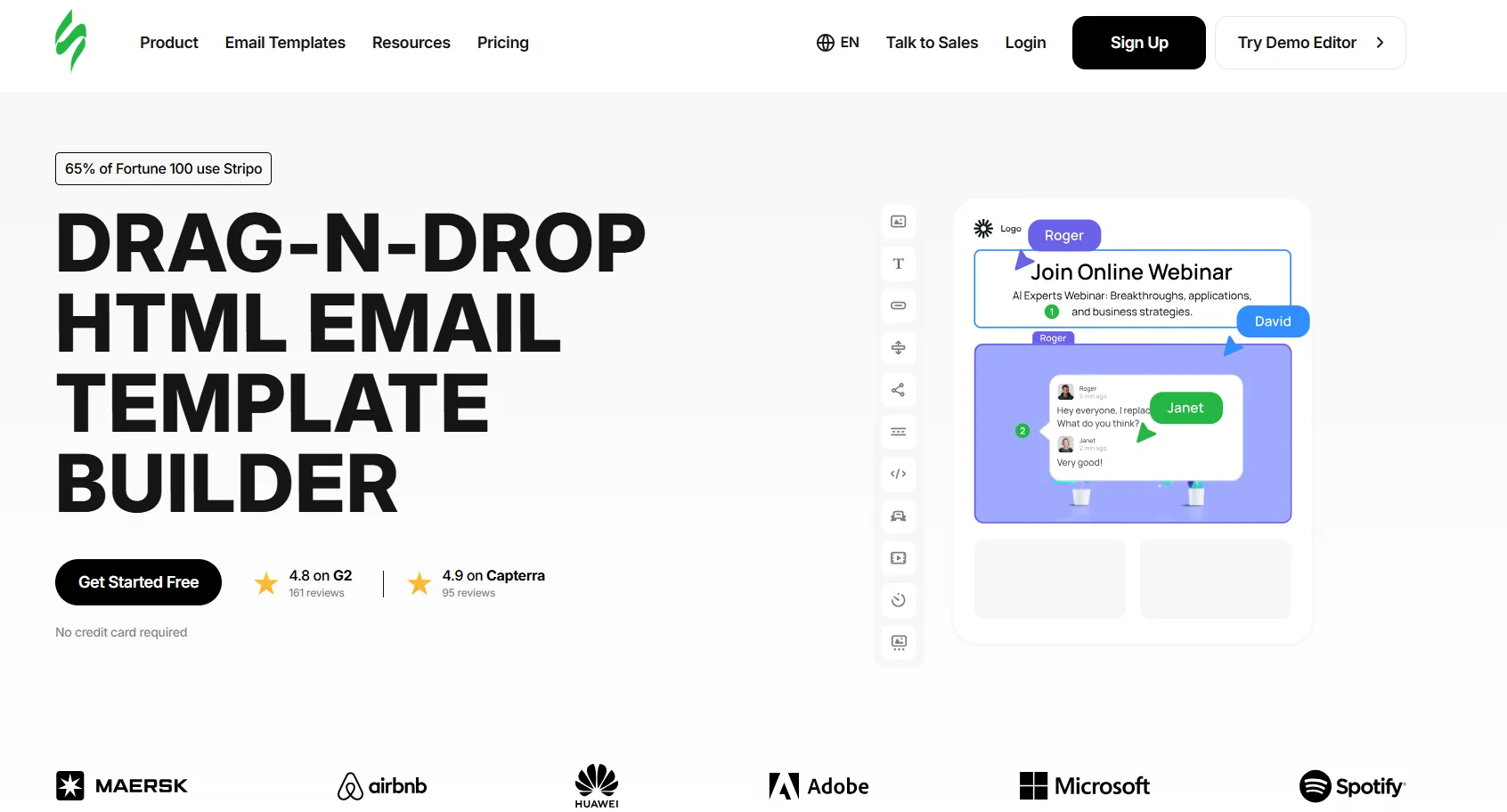
Stripo is a powerful email design software that serves more than 1.5 million satisfied users globally. Stripo represents a compromise between purely visual builders and developers' tools because marketers can use a drag-and-drop interface, while coders can instantly jump to HTML/CSS editing mode without sacrificing WYSIWYG view.
A frequently mentioned feature of Stripo is designing templates and exporting them in one click without copying HTML code. Stripo sends designed templates to more than 90 ESPs in one click, reducing the risk of making mistakes in an email development process.
Key features
Drag-and-drop editor with HTML/CSS code editor — make changes to either, changes appear immediately in both;
1,500+ responsive HTML email templates, including AMP and interactive versions;
Modules system: create reusable content blocks (headers, footers, product cards) that sync across multiple templates — update once, propagate everywhere;
AMP for Email support — Stripo was one of the first builders to implement AMP4Email, enabling in-email interactivity (carousels, accordions, forms, real-time content);
90+ native ESP integrations: Mailchimp, HubSpot, Salesforce Marketing Cloud, Klaviyo, SendGrid, Braze, ActiveCampaign, and dozens more;
AI-powered features on paid plans: content generation, subject line suggestions, image tools;
Built-in email testing via Email on Acid integration — 90+ client/device combinations;
Real-time collaboration (Medium plan and above), version history, role-based access;
Brand Kit: centralised font, colour, and logo settings applied across all templates;
Stripo Plugin: white labelable email builder plugin for embedding into other products.
Pricing
Stripo offers a free plan plus three paid tiers: Basic (~$20/mo), Medium (~$45/mo), and Pro (~$95/mo), billed annually — with a custom Prime plan for large enterprises. Additional team seats cost $7 per person/month on top of the base plan.
Pros
Best ESP integration list of its kind – covers more than 90 platforms free of charge;
AMP4Email works out-of-the-box: interactive email capabilities (carousels, image hovers, live products information) without any coding required;
Modular structure actually saves development time for big teams with multiple campaigns to run – change one thing and update everything;
Adequate functionality even in the free version for use by freelance marketers on their own;
Customizable via built-in code editor which makes it possible to tweak what can be created visually;
Very good feedback on support responsiveness and expertise from users at G2, Capterra, and GetApp.
Cons
Not a complete ESP suite: Stripo creates email templates but doesn’t send them — organizations will require a different platform for sending emails;
Exported ESP templates limited to free plan — users on the free plan can only export HTML or use Zapier/webhook;
Inbox previews (using Email on Acid) are available at additional cost — free plan receives 5 test emails to one email address;
Dark mode preview not currently available on the free plan (introduction slated for mid-2026);
Email template sharing feature not available on the free plan.
Support quality
Free plan: email support only, no live chat. Basic plan and above: chat support during business hours. Pro plan: priority chat. Multiple verified reviewers on G2 and Capterra single out the support team as a differentiator — 'hands down the best customer service I have dealt with in a long time' (Capterra, verified review, 2025). Response times on paid plans are generally under a few hours for standard issues.
💡 Why teams choose it: Teams managing multiple campaigns across multiple ESPs — the Modules system and 90+ native integrations remove most of the copy-paste and reformatting that makes multi-platform email production slow. Agencies and marketing departments that need AMP without a developer find Stripo the most accessible option in this list.
2. Tabular
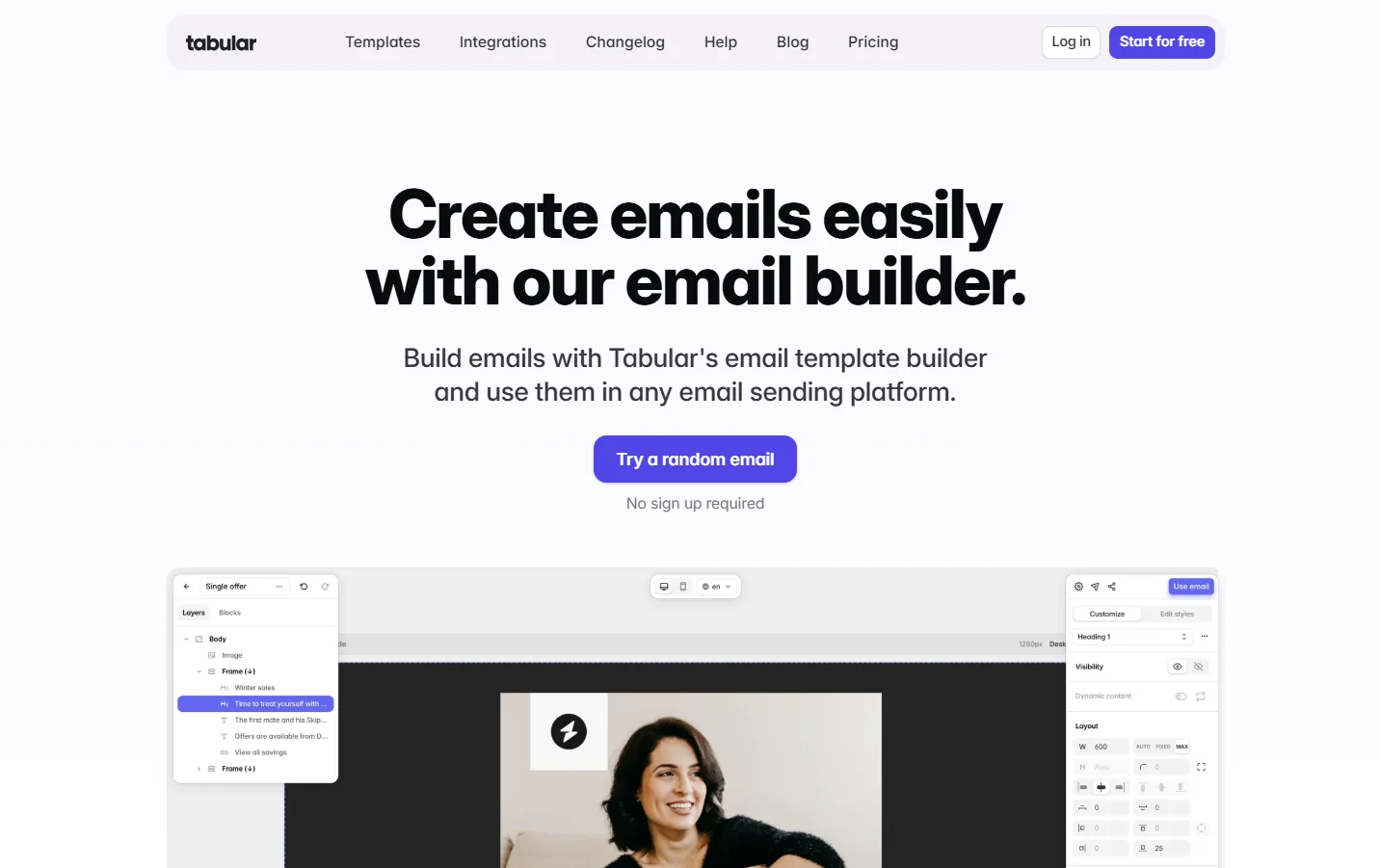
The email builder that promises cleanest HTML code is Tabular. This email builder comes on the top for its outstanding performance in technical aspects including CSS styling, Outlook hacks, and cross-client renderings from several technical evaluations by unbiased experts.
The user interface resembles Figma and Canva, which provides a very modern look with a canvas-like interface, unlike the more traditional user interface offered by most other email builders. Although a relatively new platform, Tabular offers a very well-developed editing tool.
Key features
No-code drag-and-drop email builder with a design canvas UI;
Goes to table-based HTML with specific MSO styling for Outlook compatibility;
Total control of responsive design — two separate mobile and desktop templates without media queries;
Dynamic content personalization with ESP variables;
Block library within the team — save blocks for use by anyone in the team;
Teamspaces — create secret and shared teamspace;
Test your email template in more than 50 different email clients, send using various platforms through API or export;
Image delivery with a transparent CDN — 20 GB per month in the free version.
Pricing
Tabular offers a perpetual free package (one user, ten templates, four exports per month) and subscription packages starting at about $20 per month, which include extra templates, exports, and one collaborator seat. There’s an Organisations level with custom pricing for unlimited users and advanced teamspaces.
Pros
Best HTML markup of any visual tool tested in 2025 expert reviews — least inline clutter, accurate MSO workarounds;
Canvas-like interface has the easiest-to-acquire learning curve of any program in this category;
Free version is functional: the complete design engine, no editor-specific feature gating;
Transparent pricing policy — no hidden seat licensing fees or additional fees for specific features;
Developer team actively updates the application according to user feedback.
Cons
Template library is smaller (~37 categorised templates) vs Stripo (1,500+) or Beefree (2,000+);
Newer platform: collaboration is functional (contextual commenting, shareable demo pages, roles) but shallower than Chamaileon's — no approval workflows, audit logs, or version-history rollbacks;
Not suitable as an all-in-one ESP — design only, no sending infrastructure;
Less name recognition and community resources compared to Beefree or Stripo.
Support quality
Support through email, community-driven. The founders are said to listen actively to users' opinions, as some G2 user reviews claim the team 'actively listens to customers and acts on feedback.' There's no telephonic support.
💡 Why teams choose it: Programmers and marketers with coding expertise, concerned with the quality of the HTML and cross-client functionality, especially when incorporating emails into custom systems or having tight restrictions on Outlook compatibility. Excellent choice for freelancers needing a free version without any branding.
3. Chamaileon
Chamaileon is a no-code platform that facilitates email building while prioritizing centralized brand control and collaboration. Chamaileon works with all ESPs – it exports templates to any ESP. Chamaileon is meant for teams in midmarket and enterprise companies that require more advanced workflow tools and access permissions.
Key features
No-code drag-and-drop editor that produces Litmus/Email on Acid tested HTML;
Live editing capabilities to work collaboratively without any changes needing to be manually synced;
Modular Design System using reusable on-brand elements; first brand setup will take less than two weeks;
Role-based permission control to allow different permissions per project and reviewers;
Built-in asset management to organise images, folders, and components;
Integration with email service providers including Mailchimp, Klaviyo, Salesforce Pardot, Campaign Monitor, and others;
Import of HTML and editing features for importing complete templates;
Audit logs.
Pricing
Chamaileon does not publish pricing publicly — contacting sales directly is the only way to get a quote. The only available reference is a G2 listing indicating that prices start at $400/month. There is no free plan, only a short free trial.
Pros
Real-time collaboration is seen to be very mature for this particular service and perfectly suited for big teams of email correspondents worldwide.
Regulatory compliance — audit log availability, permissions management, approval processes, etc.
HTML import is genuinely useful for agencies: paste a client's existing coded template into Chamaileon, and the parser converts it into fully editable blocks while standardizing the markup for responsiveness — no rebuilding from scratch before onboarding a new client.
Cons
Not free version – cannot be evaluated without signing up for trial;
High pricing, which according to all available information is much higher compared to other similar products ($400+ per month minimum);
Slow loading speed, difficult navigation when looking for previous templates;
Limited template collection (about 150 templates total, 9 of them being free) in comparison to Stripo and Beefree;
Overall platform is more complicated compared to alternative tools.
Support quality
Has a good reputation overall. There are users on Capterra who point to the support level as a key differentiator from other vendors: 'In case I would compare three similar products which have the same features, I would choose Chamaileon thanks to the amazing support service.' Phone support not available; account-specific representative with enterprise subscriptions.
💡 Why teams choose it: Designed for big companies and agencies requiring auditable email creation processes, with real-time collaboration capabilities. Not meant for sole proprietors, startups, or under-funded organizations.
4. Beefree
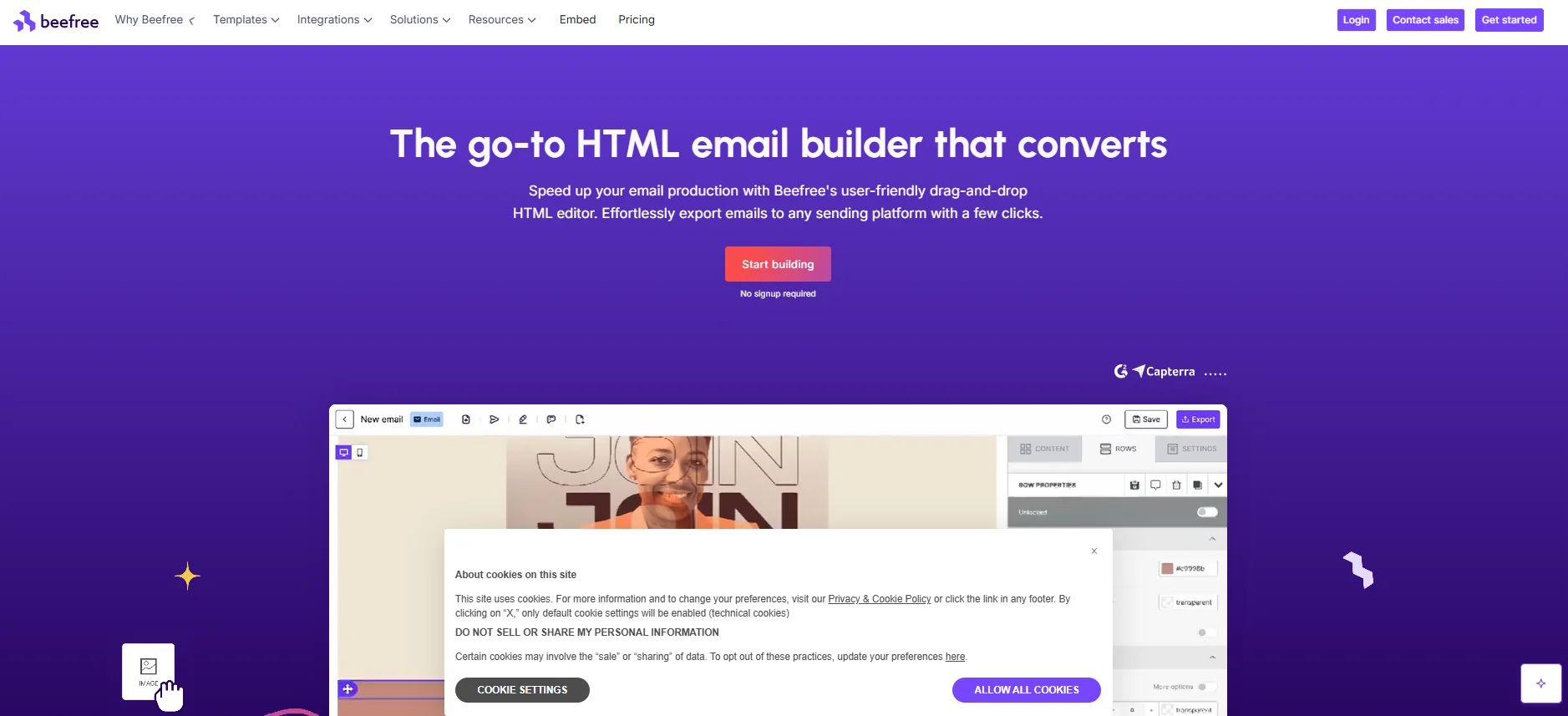
The software under review is Beefree. The former name of the application is BEE Pro; it is one of the solutions from Growens Group. Three main advantages of the system should be highlighted. They include the vast number of templates (more than 2,000), high-quality work of the WYSIWYG editor, and a well-developed set of functions for team cooperation.
Rice University managed to reduce the time needed for email creation from 6 hours to 45 minutes after implementing Beefree (Beefree Case Study, 2024). According to Madison Taylor Marketing, email creation was shortened by 66%. This statistic clearly highlights the essence of the Beefree business model - speed.
Key features
Drag-and-drop editor for emails as well as landing pages with zero coding skills needed;
Over 2,000+ pre-made HTML templates that are free and paid, which are responsive;
Mobile design tab: separate preview and edit modes for the desktop and mobile version;
Brand settings: ability to lock fonts, colors, and logos so that branding is consistent across all team members;
Roles: Owner, Admin, Manager, Editor, Contributor, and Viewer;
Approval process: embedded (for the Business plan and above);
Workspaces: multi-workspace capability (for the Business and Enterprise plans);
Seamless export to other platforms like HubSpot, Mailchimp, Salesforce, Klaviyo, etc.;
Content suggestions by artificial intelligence;
Rollbacks and version control.
Pricing
The free account at Beefree offers a maximum of 6 exports per month to ESPs and comes with BEE branding on the footer. The minimum price begins at $25 per month for the Starter plan while Business is priced at approximately $134 per month.
Pros
The largest collection of free templates on this list — more than 2,000 templates that cover nearly all industries and campaigns;
Speed of editor: professional marketers universally agree that it is the fastest visual editor available for iterative processes;
Collaboration tools on an affordable subscription plan (Professional tier) without any enterprise-level prices;
The free version is functional enough for occasional users — no limitations on usage time but branding and exporting are limited;
BEE Plugin provides developers with a white label editor SDK if they wish to integrate design capabilities into their platform.
Cons
Free plan comes with constant BEE branding on the email footer – not good for professional client communication.
There's no integrated analytics dashboard; analytics require the sending Email Service Provider (ESP) or an analytics tool.
Recent changes in pricing have been noted in the reviews, stating that 'pricing has skyrocketed, and the cost for image hosting is outrageous at this point' (verified GetApp review).
The row-based grid layout may be too restrictive for designs with non-standard object alignment.
Does not support email delivery; Beefree is a design platform.
Support quality
Support through chat and email for paid plans. Free users can avail themselves of the knowledge base and forums. They are active on G2 and Capterra and respond to their reviews. Several long-time users (4 to 7 years) rate the support service favorably among 2025 reviews.
💡 Why teams choose it: Suitable for marketing departments and design agencies that require access to extensive templates, rapid prototyping, and collaboration features, particularly those dealing with multiple brands. It's also ideal for non-designers looking to send out professional emails efficiently. The free version suffices for freelance work done occasionally, but the BEE logo is an issue.
5. Unlayer
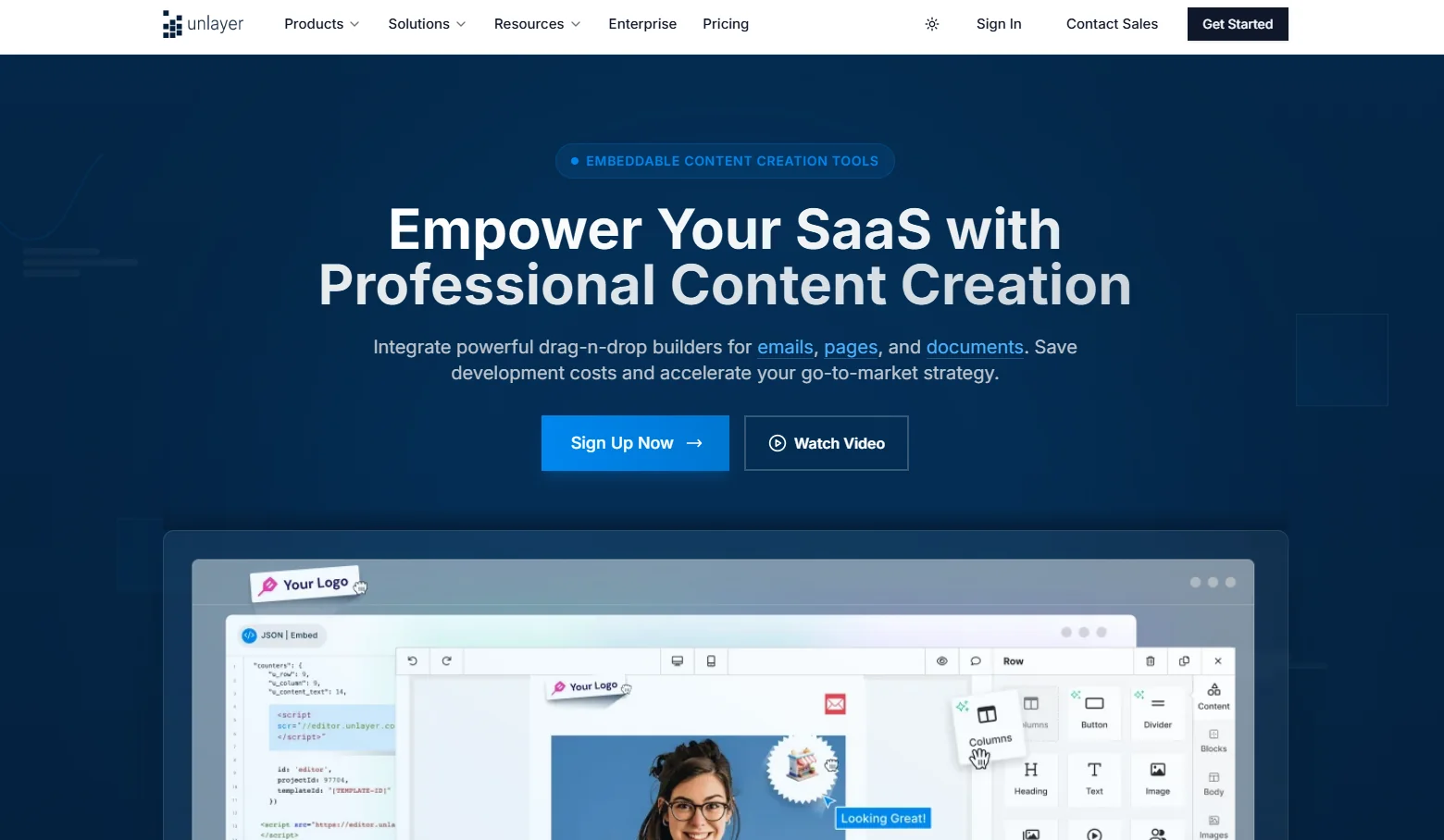
Unlayer is a 4-in-1 web app for creating content including emails, landing pages, pop-ups, and document building. The key selling point is its ability to be embedded using the Unlayer SDK through React, Angular, Vue, or pure JS so that the SaaS application receives a white-labeled email editor without requiring much engineering work.
While the standalone product Unlayer Studio caters to marketing teams, the other product, Unlayer Embed, focuses on helping SaaS companies provide editing functionality to their users. It sees usage by more than 100,000 users per day, with over 1,000 templates ready-made (Stripo review of Unlayer, 2025).
Key features
Email editor, landing page editor, popup editor and document editor using drag-and-drop all from one system;
SDK for embedding (JavaScript, React, Angular and Vue);
White-labeling options: customize CSS and add or remove any feature, theming;
Over 1000 templates ready-to-use;
Dynamically generated content by merging and adding conditional logic to your emails;
Custom blocks and tools that developers can integrate their own content types into the editor;
SOC 2 certification and data encryption in case the software is used in corporate setting;
14 days free trial for premium accounts only;
API-based product: control everything through API.
Pricing
The embeddable SDK is priced separately and significantly higher: Launch at $250/month, Scale at $750/month, and Optimize at $2,000/month — reflecting the value of eliminating custom editor development.
Pros
4-in-1 platform: email + landing page + popup + document builders in one; subscription, unlike competitors that charge separately;
Embeddable SDK with SOC 2 compliance — the most developer-ready option in this list for SaaS integration;
Free plan is permanent, not time-limited; suitable for MVPs and early-stage validation;
14-day free trial on paid SDK plans — enough time to test real integration before committing;
Custom block system extends the editor far beyond its default capabilities.
Cons
SDK/embed pricing ($250–$2,000+/month) is significantly higher than some alternatives;
Some users report that new pricing tiers reduced features without proportional cost benefit: 'The new plans did not offer significantly more benefits compared to the higher cost' (G2 verified review);
Initial setup for SDK integration is more complex than drop-in alternatives — requires developer familiarity with the API;
Not an email sending platform — no campaign management or analytics.
Support quality
Support team committed to providing enterprise-level SLAs in the more expensive plans. Very detailed documentation, which includes integration instructions and template examples. Community and knowledge base for self-serve needs. Chat support in paid plans.
💡 Why teams choose it: SaaS companies organizations looking to provide email designing capabilities to their users, without having to create an entire email editor themselves. Also useful for teams looking for a single platform that can handle emails, landing pages, and documents, without having to deal with multiple vendors. Does not fit well for teams looking for an affordable email building platform.
6. Topol.io
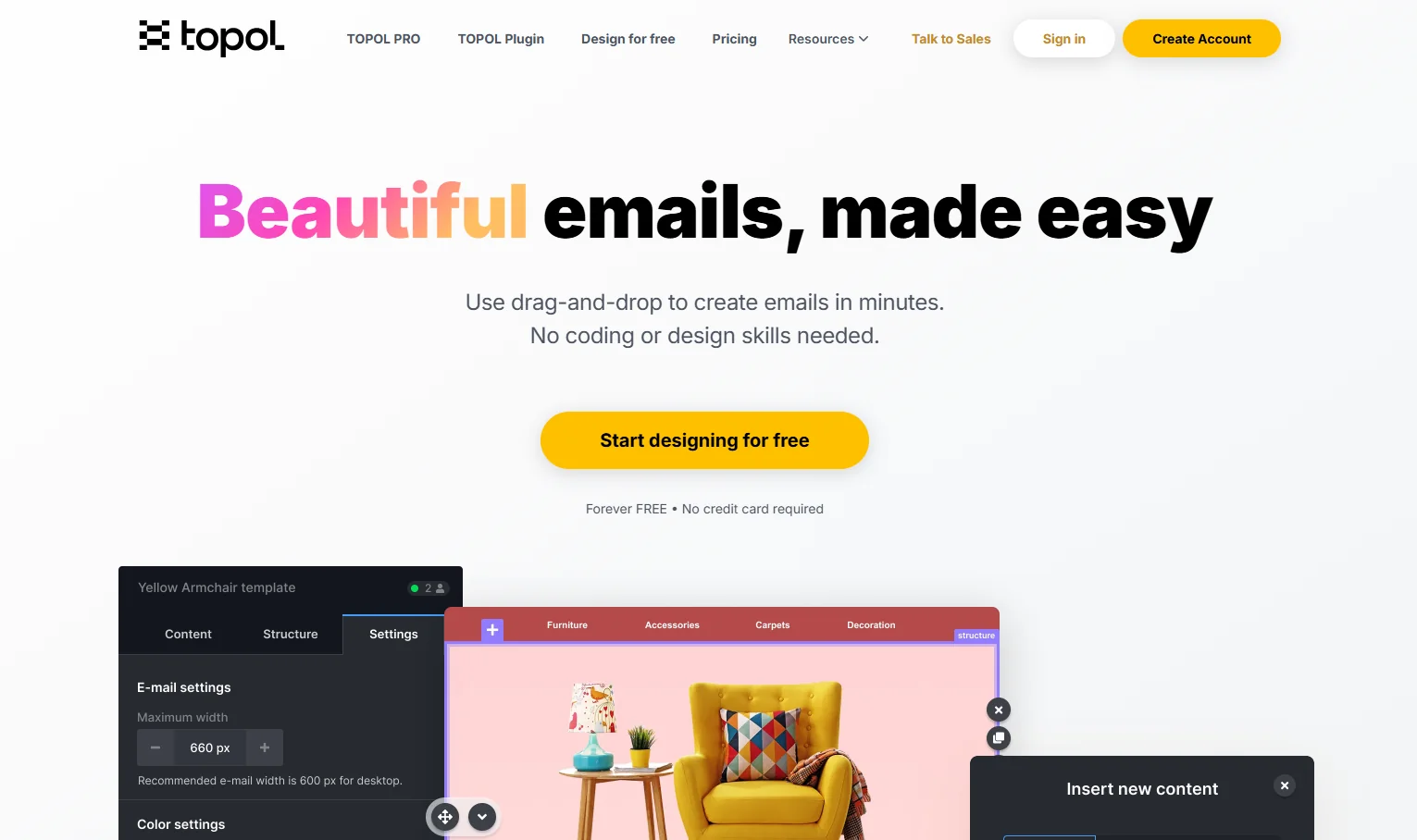
Topol.io is an email builder company established in 2017 in the Czech Republic. It provides users with an easy drag-and-drop editor, emphasizing ease-of-use; it is reported that the time taken to convert a template to production HTML is less than ten minutes, even by non-designers.
Topol provides two services: Topol PRO for individual and team use, and Topol Plugin for software developers looking to integrate the editor within their SaaS offering.
Key features
Drag and drop editor with no need to code;
More than 150 responsive email templates that work on most email clients, including Outlook;
Library of royalty-free images (via Pexels) in editor;
Image editing tools for cropping, resizing, and changing color;
Custom blocks that can be reused by your entire team;
Merge tags for personalizing emails;
Mailchimp, Hubspot, SendGrid, Campaign Monitor, Constant Contact integrations available with a single click;
Topol plugin - editor for software as a service, fully supporting TypeScript, callbacks, and iframe compliant with GDPR.
Pricing
Topol PRO starts at $15/month (billed monthly) or $10/month annually; the Team plan is $20/month and adds collaborative editing.
Pros
The easiest user experience in an editor among the editors listed, users unanimously report that they can get started within 10 minutes;
Extremely cheap compared to others with similar feature sets when purchased independently;
The Plugin pricing model depends on the number of users, meaning that the cost goes up depending on usage and not number of seats;
The Plugin has TypeScript capabilities and event callbacks which enable it to be used for engineering driven integrations.
Cons
Fewer templates in the library than Stripo or Beefree (150+);
Customization options are not as extensive as those in Tabular or Chamaileon; users reported limitations in complex design;
Phone support is not available; chat or ticket system only;
No analytics; tracking via sending ESP;
Free version of the plugin lasts only 14 days.
Support quality
Chat and ticket-based support. Topol's team has been noted for scheduling technical calls to resolve integration issues (G2, Capterra). No phone support. Knowledge base available.
💡 Why teams choose it: Great fit for marketing departments and agencies looking for a quick, easy, and hassle-free email composition process that doesn’t involve complex learning curves. Another good choice for SaaS providers looking for an embeddable editor with user-based billing.
7. Sequenzy
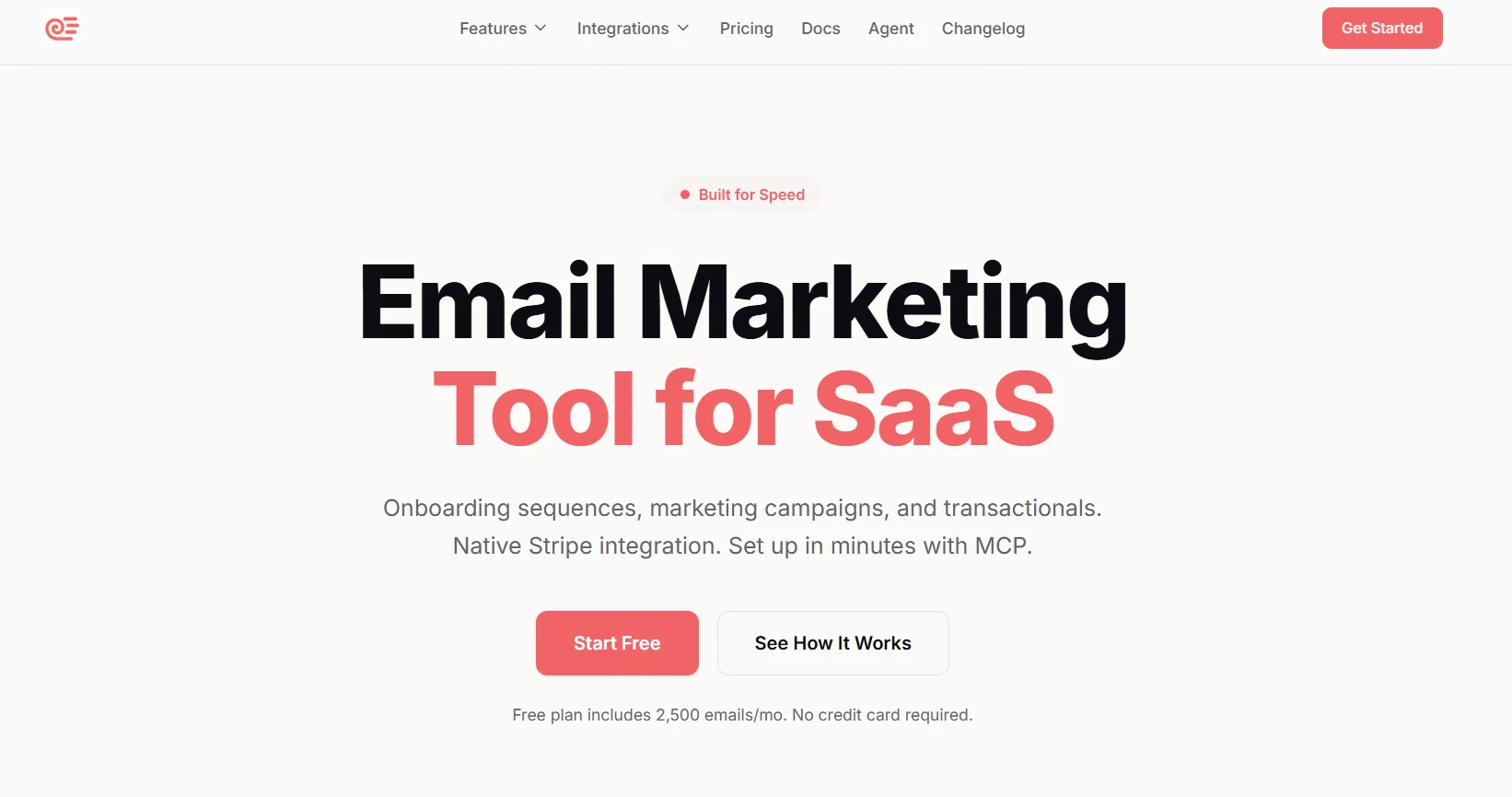
Sequenzy is not a conventional email template builder similar to Stripo and Beefree; rather, it is an email marketing and automation solution crafted uniquely for SaaS businesses. The unique selling point here is AI-generated email sequences where one simply states the goal in text form, and Sequenzy generates full-fledged email automation solutions with subjects, copy, timing, and conditions for the sequence.
What sets this apart is the fact that this AI takes into consideration not only the goal but also the product details gathered from the company's website at signup. This means that the AI generates email sequences with real-life information on features and pricing rather than a generic template-based approach. This may be useful for SaaS startups seeking quick and easy email sequences such as dunning and onboarding.
Key features
AI sequence composer: set up a task, get back a fully programmed sequence with timing, conditions, and email copy;
Visual drag-and-drop editor for transactional and marketing emails;
Integration with Stripe, Paddle, and Lemon Squeezy: tracks subscription status, monthly recurring revenue, churn cues, and billing events as email triggers;
Send Time Optimization (STO): determines each contact’s optimal send time based on engagement history and sends email then;
Comprehensive workflow builder: supports triggers, delays, conditions, and branching — all without writing any code;
Both transactional and marketing emails managed via one service — no need to divide your product into two;
Unlimited email contacts across all plans; pricing depends solely on email volume;
REST API, webhooks, and SDKs in TypeScript, Python, Go, PHP, and Java;
MCP server — compatible with AI coding platforms (Claude, Cursor, Windsurf).
Pricing
Sequenzy offers a permanent free tier and paid plans at $19/month for 15,000 emails — all with unlimited contacts and every feature included, no exceptions.
Pros
AI-powered sequence generation is the most effective feature on this list for SaaS-specific workflows: from idea to real-time automation in about 10 minutes;
Stripe/Paddle/Lemon Squeezy integration covers the entire subscription lifecycle, including payment failure recovery, MRR tracking, and churn signals;
Volume-based pricing remains predictable as contact lists grow — there's no per-seat or per-contact fee;
All features are available on all plans, including the free one — there are no artificial feature caps.
Cons
No AMP email support — interactive in-email forms, surveys, and gamification are not available;
Only supports email marketing campaign — doesn't support SMS marketing or multi-channel marketing campaigns;
Doesn't have any eCommerce integrations like Shopify, Magento, WooCommerce — Only suitable for SaaS businesses;
Not as many templates as compared to Stripo, Beefree, Topol;
A relatively new platform — not enough documentation or integration with other services;
Doesn't have a landing page builder.
Support quality
Founder chat support through chat. Sequenzy openly states that its platform lets you chat directly with the creator of the product, which is typical among early-stage startups and popular among users who demand prompt and well-informed responses. There are no service-level agreements for tier-based customer support.
💡 Why teams choose it: SaaS founders and product-led growth teams who require automatic email sequences for onboarding, converting trials, and recovering payments while letting AI craft the first copy. Ideal for SaaS but not appropriate for eCommerce businesses, multiple channels, or AMP emails.
8. Brevo
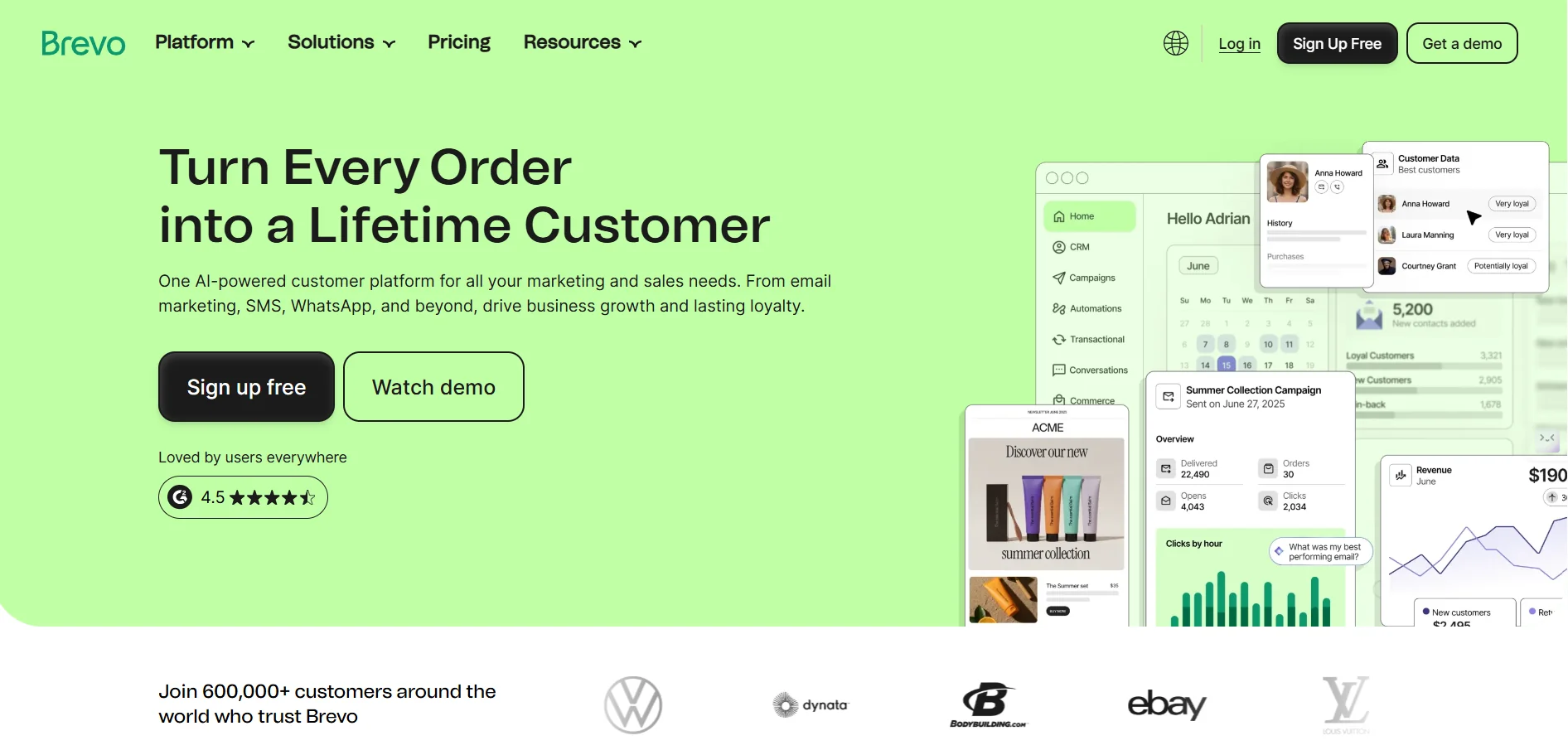
Brevo (formerly Sendinblue) is not merely an email builder, but a comprehensive marketing solution, including email, SMS, WhatsApp, live chat, push notifications, CRM, landing pages, and marketing automation. More than half a million companies operate Brevo across the world (Omnisend Brevo review, 2025). What sets Brevo apart from other solutions in its price plan — it charges users based on their monthly email sending, rather than the number of contacts in the list.
As for the email builder, it features a typical drag-and-drop email building tool with more than 40 responsive templates, live preview on mobile devices, and AI-based content creation called Aura (released in May 2025).
Key features
Drag-and-drop email builder with over 40 responsive templates and real-time mobile preview;
Aura AI: a marketing automation assistant available in the dashboard and email builder, offering copy suggestions, send-time optimization, and segmentation assistance;
Multi-channel campaigns: integrate email, SMS, WhatsApp, web push notifications, and live chat into a single workflow;
CRM included in all subscription levels: contact management, deal tracking, and lead scoring;
Advanced segmentation capabilities: based on email behavior, purchase history, website interaction, and user parameters;
A/B testing (Standard level and above);
Landing page builder (Standard level and above);
Transactional email via RESTful API and SMTP relay service (all premium subscriptions);
Dedicated IP address (optional);
GDPR compliance for email data processing; Email hosting in the European Union (optional).
Pricing
Brevo's free plan covers 300 emails/day; the Starter plan begins at $9/month (from 5,000 emails/month), Standard at $18/month adds landing pages and A/B testing, and Professional starts at $499/month for high-volume senders. Pricing scales by monthly email volume, not by contact count — a meaningful advantage for teams with large lists.
Pros
Best feature set available on the list; this is the only service that combines messaging across channels like emails, SMS, WhatsApp, CRM, and push notifications under one subscription;
Pricing based on volume of usage works great for organizations with large lists who need to send messages rarely;
No limits on the number of contacts allowed per subscription;
The free account actually allows automation and web tracking features which are rare at this pricing level;
Includes built-in Aura AI assistant.
Cons
Email template library (over 40) is significantly smaller than Stripo (over 1,500) or Beefree (over 2,000);
The daily sending limit of 300 emails on the free plan limits real-world testing;
Advanced landing pages require the Standard plan (minimum $18 per month) — they are not included in the Starter plan;
Customer support receives mixed reviews: most plans only offer email and chat, with no phone support until the Enterprise plan; response times are sometimes noted as slow;
The limit on the number of contacts for automation in the Starter plan (up to 2,000 contacts) reduces its usefulness for growing lists;
If email design complexity or template volume are a concern, Brevo's builder is functional but not specialized. Teams requiring deep design control should consider pairing Brevo with Stripo for design and export.
Support quality
Email and chat support are available on paid plans; phone support is not available on plans below Enterprise. Verified reviews often note slow response times, especially for complex technical questions. The knowledge base for self-help is comprehensive.
💡 Why teams choose it: Suitable for small and medium businesses and startups looking for a unified platform for multichannel marketing without enterprise pricing. It's especially suitable for teams that rarely send messages to large contact lists, or for those who require integrated CRM and SMS services in addition to email. It's not the best choice for teams that require an advanced email creation environment.
9. Dyspatch
Dyspatch is a robust platform for composing emails that targets companies with teams generating large volumes of transactional and marketing communications. The tool serves as a repository for templates that are created, approved, tested, and localized, especially those involving AMP for Email functionality.
It caters to teams in product development, marketing, CRM, and loyalty programs that require the composition of sophisticated emails without any developers at the content level. One benefit attributed to the platform is the reduction in time-to-market of localized emails by up to 250% (Dyspatch website, 2025).
Key features
Drag-and-drop email builder using modular design – reusable and brand-compliant components with security features;
AMP email applications library – interactive components such as feedback forms, carousels, accordions, surveys, and product data in real-time without coding AMP emails;
Litmus integrated testing for all users – preview in all email clients, dark mode, and mobile devices in Dyspatch;
Email building approval flows with annotations and reviewers assigned;
Localization for email templates – easy multilingual process and automatic export;
Scribe AI – AI-generated copywriting and editing;
Blueprints – reusable email architectures for common use cases;
ESP agnostic export – export to all platforms regardless of the ESP being used, from Salesforce to custom solutions;
Programmatic template management API.
Pricing
Price information is not publicly displayed; the cost will be determined directly when negotiating with the sales team. This solution is ideal for organizations that send large volumes of transactional emails.
Pros
Litmus integration on all plans is an excellent value proposition for clients;
AMP library for Email allows for interactive templates out of the box without custom code and it is the easiest-to-implement AMP solution in this list;
Localisation workflow is included in the product and saves time and money on translation/testing of templates in multiple languages;
Approval workflow with annotations decreases the number of email mistakes made by the team in volume scenarios;
Guardrails lock the logo/footer/brand elements to ensure consistency.
Cons
No free plan — evaluation requires booking a demo or committing to a paid plan;
Primarily suited to enterprise organisations; smaller teams are likely over-served by its workflow complexity;
G2 profile was inactive for over a year, suggesting lower organic review volume than competitors — harder to assess recent user sentiment;
DML (Dyspatch Markup Language) generates clean output but adds a layer of proprietary abstraction — migrating templates to another platform requires conversion.
Support quality
Email and help desk support. A knowledge base and FAQs are available. The Enterprise level includes priority support. The company is known for its excellent support during the implementation phase. Live chat is not included in the basic package.
💡 Why teams choose it: For enterprise marketing, CRM, and product teams handling high volumes of transactional and marketing emails, especially those requiring interactive AMP content and/or multilingual template creation. The Litmus integration alone may justify the cost for teams currently paying for Litmus separately. Not suitable for smaller teams or organizations with limited budgets.
10. Elastic Email
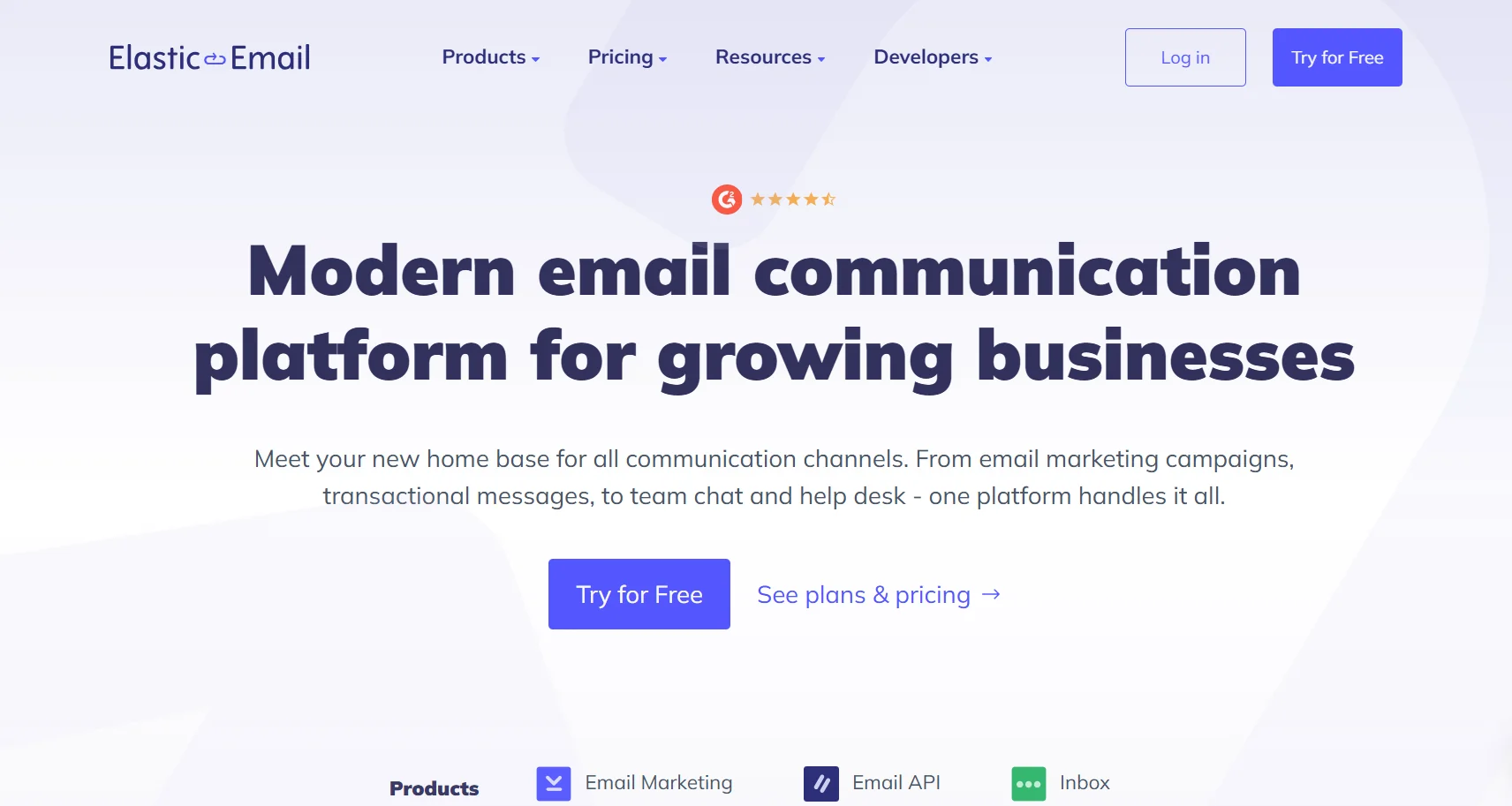
Elastic Email is primarily an email delivery platform — its email API and SMTP relay are the core infrastructure products used by developers to send transactional and bulk emails. Email marketing features (a drag-and-drop builder, campaigns, automation, and landing pages) are built on top of this delivery infrastructure.
Its positioning is clearly focused on accessibility and scalability: the platform scales from startup emails to enterprise-grade bulk emails without the need to switch providers. The company serves thousands of customers in over 180 countries (FluentSMTP review, 2025).
Key features
Drag-and-drop email editor with AI-assisted content generation;
116 pre-designed email templates available on all plans, including free;
Landing page builder with 26 pre-made templates;
Sign-up forms and pop-ups for list growth;
Email automation builder with trigger-based workflows;
A/B testing on subject lines and content;
Contact management: segmentation, tagging, bounce management, and list cleaning;
RESTful API and SMTP relay for developer integration;
Real-time analytics: opens, clicks, bounces, unsubscribes;
Creator Suite (launched 2025): specialised workflow tools for content creators and digital product sellers.
Pricing
The Email Marketing tier has a limited free plan and a Starter at $29/month, with custom rDNS reserved for Pro. The Email API is priced separately, starting at $19/month for 50,000 emails, independent of the marketing plans.
Pros
Lowest starting price for a combined email marketing and transactional email platform on this list;
The API and SMTP relay are industry-standard, with users reporting high deliverability, smooth operation, and clear documentation;
116 templates are available in the free plan — a rarity; most platforms lock access to templates beyond paid tiers;
Volume-based API pricing means costs scale proportionally to actual usage — there's no fixed fee;
24/7 live chat and email support is included with all plans.
Cons
Email template editor is noted for being "basic" and "limiting" — offers less layout blocks and customization compared to Stripo, Beefree, and Tabular;
The number of available triggers is rather low: currently, there are just four types of triggers (opened, status changes, and simple conditions);
Supports answer time may vary: although round-the-clock support is claimed, some review mentions that the resolution may take too long or that answers will be vague for complicated questions;
The landing page builder is also very limited by features — basic customization only;
Advanced functions (automation, webhooks) cannot be used without a Pro account — the Starter plan misses essential automation features;
Some customers have problems with deliverability when dealing with large lists.
Support quality
24/7 chat and email support on all plans. Response speed is mixed in verified reviews: some users report fast, helpful responses; others describe slow resolution, particularly for technical issues involving deliverability or SMTP configuration.
💡 Why teams choose it: Developers and technical marketers who need reliable, affordable transactional email delivery alongside basic campaign tools. Also suitable for budget-constrained teams whose primary need is bulk sending with acceptable campaign management, rather than a polished design experience. Teams that need advanced email design should pair Elastic Email's API with a dedicated builder.
Quick comparison: All 10 email builders at a glance
Tool | Free Plan | Paid from | ESP integrations | Sending included | AMP support | Best for |
Stripo | ✓ | ~$25/mo | 90+ | ✗ | ✓ | Teams, all-rounder |
Tabular | ✓ | ~$20/mo | Yes | ✗ | ✗ | Code quality, devs |
Chamaileon | ✗ (trial) | ~$400/mo | Many | ✗ | ✗ | Enterprise teams |
Beefree | ✓ | ~$25/mo | Yes | ✗ | ✗ | Speed, templates |
Unlayer | ✓ | ~$250/mo | Yes | ✗ | ✗ | SaaS embed |
Topol.io | ✓ | ~$10/mo | Yes | ✗ | ✗ | Simplicity, SaaS |
Sequenzy | ✓ | ~$19/mo | N/A (all-in-one) | ✓ | ✗ | SaaS sequences |
Brevo | ✓ | ~$9/mo | N/A (platform) | ✓ | ✗ | SMB, multi-channel |
Dyspatch | ✗ | Custom | Yes | ✗ | ✓ | Enterprise, AMP |
Elastic Email | ✓ | ~$29/mo | Via API/SMTP | ✓ | ✗ | API, bulk sending |
How to choose the right email builder
The following criteria help narrow the field based on real-world constraints.
Start with the sending question
When there is an existing system for sending (like Mailchimp, Hubspot, Klaviyo, Salesforce, etc.), using an independent designer (Stripo, Beefree, Tabular) is ideal because you can build the email within the designer and send it out directly through the ESP. When creating an entire new email ecosystem, all-in-one tools such as Brevo and Sequenzy will save much effort.
Team size and collaboration requirements
Individual marketer/freelancer: Stripo Free, Topol.io PRO, Beefree Free, or Tabular Free – All offer a workable free plan;
Small business (2 to 10 people): Stripo Medium, Beefree Professional, or Brevo Standard;
Large business (over 10 people)/multi-brand agency: Beefree Business, Chamaileon (with an enterprise budget) or Stripo Pro (plus seats);
Enterprise-level business with legal needs: Chamaileon, Dyspatch, or Unlayer Enterprise.
Technical depth
Non-technical marketers: Topol.io, Beefree, Brevo — lowest learning curves in the group;
Teams that need AMP or advanced interactivity: Stripo or Dyspatch;
Developers embedding a builder in a product: Unlayer Embed, Topol Plugin, or Beefree Plugin;
Teams who care about code quality and Outlook compatibility: Tabular.
Budget reality check
Under $20/month: Stripo Basic, Topol.io PRO, Beefree Starter;
$20–$50/month: Stripo Medium, Topol.io Team, Brevo Standard;
$50–$150/month: Stripo Pro, Beefree Business, Elastic Email Pro;
$150+/month: Dyspatch Starter, Chamaileon (contact sales), Unlayer Launch.
The most common pitfall
The team usually selects a builder on the basis of its library of templates, but then finds that it’s the exporting process or ESP integration which is the actual limiting factor. Always make sure to conduct a trial of the whole process from designing the email all the way to checking the rendered version in leading email clients.