Capture emails and context for personalization
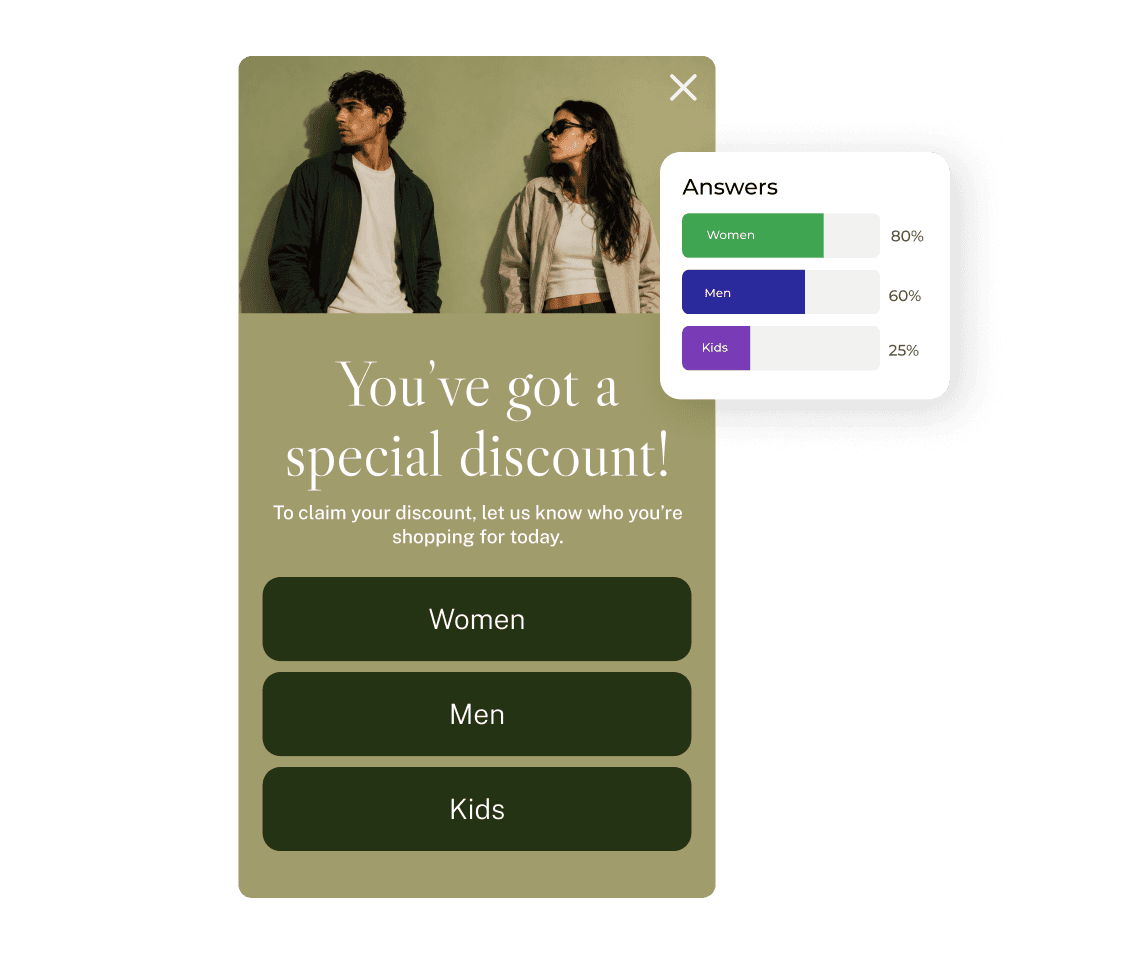
Each signup comes with useful details about what the visitor needs or prefers. You get a contact that is ready for segmentation and more relevant follow-up.
5%
avg. CR
for popups with Choice buttons
5%
avg. CR
for popups with Choice buttons
1.36×
higher avg. CR
than the 3.67% baseline
1.36×
higher avg. CR
than the 3.67% baseline
15.73%
avg. CR
among the top-25%
15.73%
avg. CR
among the top-25%
17.16%
avg. CR
among the top-10%
17.16%
avg. CR
among the top-10%
5%
avg. CR
for popups with Choice buttons
15.73%
avg. CR
among the top-25%
1.36×
higher avg. CR
than the 3.67% baseline
17.16%
avg. CR
among the top-10%

Segment visitors
Each signup comes with answers about the shopper’s needs and preferences. Instead of adding another anonymous contact to your list, you already have useful context for what to send next.
Keep every path relevant
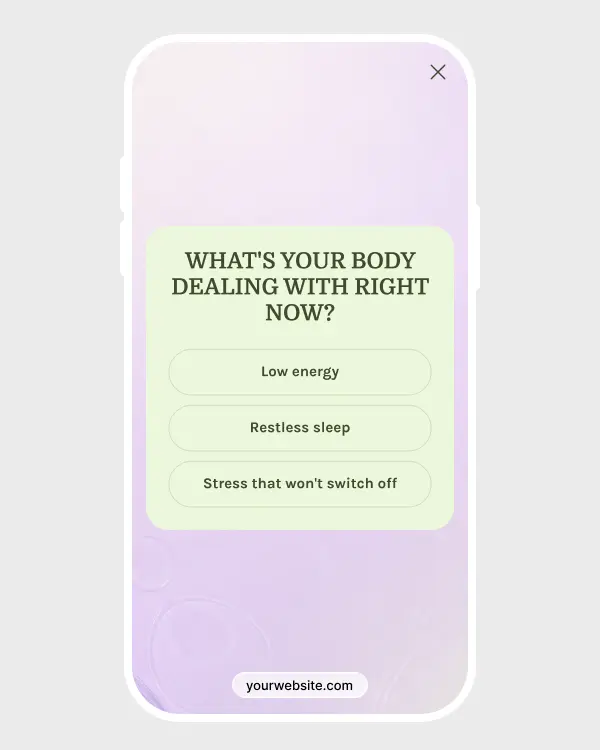
The next screen depends on what the visitor picked, so they don’t have to work through questions meant for someone else. The flow stays shorter, and the answers you collect are easier to use later.


Build better follow-up
Now you know what caught their attention. That makes it easier to send a welcome email, product suggestion, or offer that actually fits.
Key features
Key features

Choice buttons
Choice buttons
Use Choice components when the response needs to become part of the subscriber profile. Each click records a preference and can also decide which step opens next.
Use Choice components when the response needs to become part of the subscriber profile. Each click records a preference and can also decide which step opens next.

Separate paths
Separate paths
Connect each option to its own follow-up screen. You can change the question, copy, and visuals for every path instead of forcing everyone through the same sequence.
Connect each option to its own follow-up screen. You can change the question, copy, and visuals for every path instead of forcing everyone through the same sequence.

Email capture
Email capture
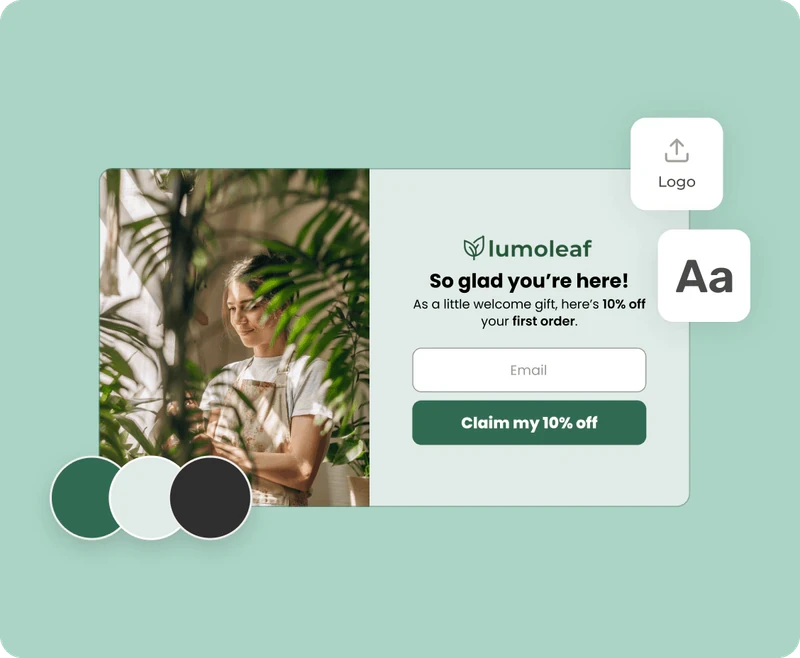
Place the signup form once visitors have shared enough context. The final screen can deliver a copyable promo code and send them back to shopping.
Place the signup form once visitors have shared enough context. The final screen can deliver a copyable promo code and send them back to shopping.
Choice buttons
Use Choice components when the response needs to become part of the subscriber profile. Each click records a preference and can also decide which step opens next.
Separate paths
Connect each option to its own follow-up screen. You can change the question, copy, and visuals for every path instead of forcing everyone through the same sequence.
Email capture
Place the signup form once visitors have shared enough context. The final screen can deliver a copyable promo code and send them back to shopping.
When to use for better results
When to use for better results

New visitors
New visitors
Show it to first-time shoppers who haven’t shared their preferences yet. A few quick questions can capture both their email and useful context for the welcome flow.

After browsing
After browsing
Wait until someone has viewed a few pages or spent some time on the site. By then, they have a clearer idea of what they need and can answer the questions more easily.

Product pages
Product pages
Place the popup where shoppers are already comparing options. Ask what they are looking for, then collect their email and deliver the offer once the short flow is complete.
New visitors
Show it to first-time shoppers who haven’t shared their preferences yet. A few quick questions can capture both their email and useful context for the welcome flow.
After browsing
Wait until someone has viewed a few pages or spent some time on the site. By then, they have a clearer idea of what they need and can answer the questions more easily.
Product pages
Place the popup where shoppers are already comparing options. Ask what they are looking for, then collect their email and deliver the offer once the short flow is complete.
Connects with any of your tools
Connects with any of your tools





and more than 20+ tools to integrate
Explore popup templates
Explore popup templates
Start with a ready-made template, then customize the design, offer, and display rules.
Start with a ready-made template, then customize the design, offer, and display rules.


How to create a popup
How to create a popup
Convert more with proven CRO tactics
Convert more with proven CRO tactics
Convert more with proven CRO tactics
See how much revenue your current popups are leaving on the table. Get started in minutes and see results right after.
See how much revenue your current popups are leaving on the table. Get started in minutes and see results right after.